Help Guide
IC Recorder
ICD-TX800
Checking the remaining recording time (Available Rec. Time)
You can display the remaining recording time in hours, minutes, and seconds.
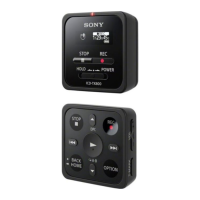
Operate the remote control and follow the steps below:
4-699-323-32(1) Copyright 2017 Sony Corporation
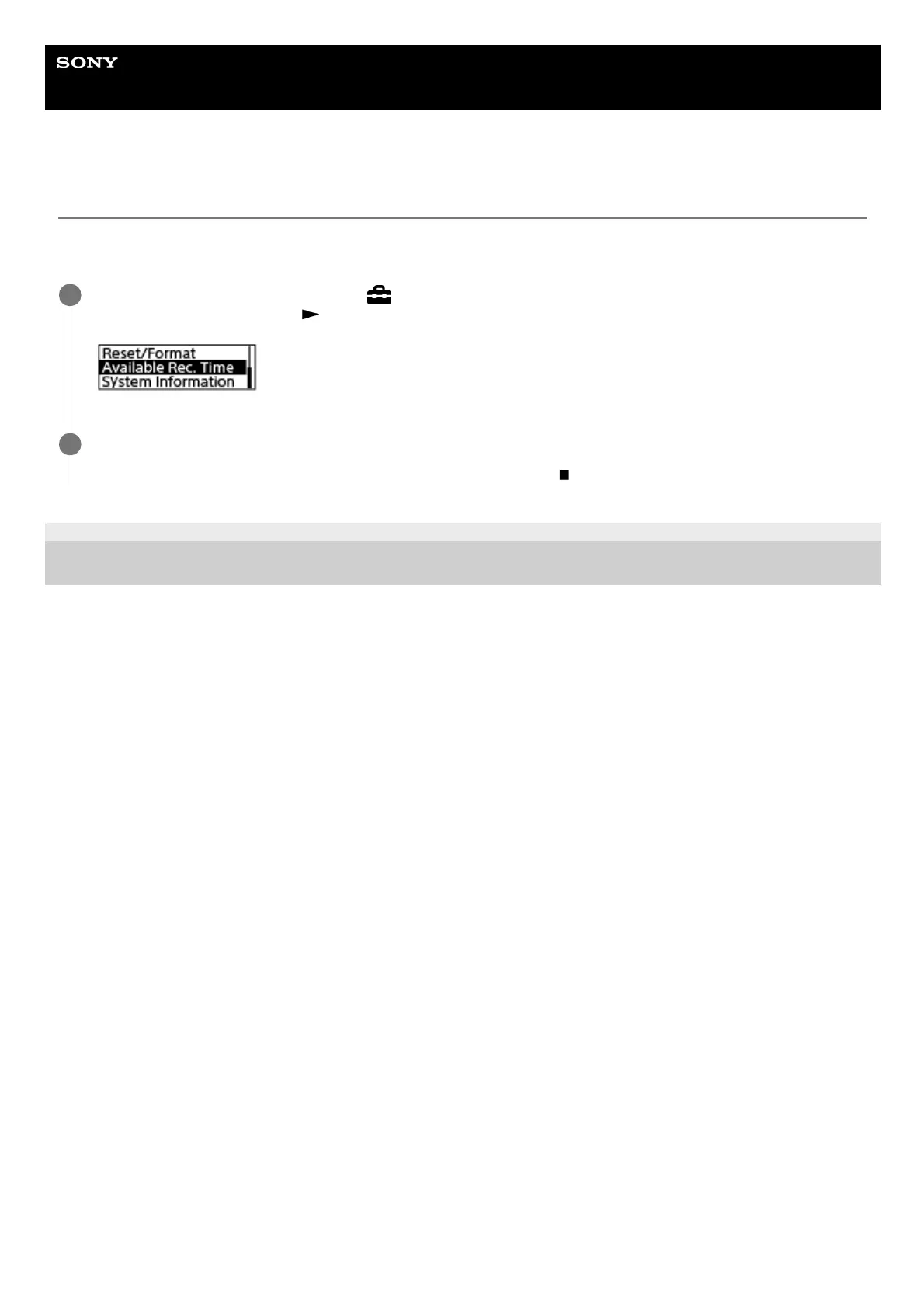
Operate the remote control to select “
Settings” - “Common Settings” - “Available Rec. Time” from the
HOME menu, and then press
.
1
Press and hold BACK/HOME to return to the HOME menu.
To return to the screen before you displayed the HOME menu, press
STOP.
2


 To Next Page