Help Guide
IC Recorder
ICD-TX800
Deleting all files in the searched folder or list
You can select a folder or list from the file search results and delete all of the contained files.
Operate the remote control and follow the steps below:
Note
You cannot delete a protected file. To delete a protected file, remove the protection from the file first, then delete the file. For
instructions on removing protection, see Protecting a file.
Hint
To cancel the deleting process, select “No” in step 5, and then press
.
Related Topic
Deleting a file
Deleting a folder
4-699-323-32(1) Copyright 2017 Sony Corporation
Operate the remote control to select “
Music” or “ Recorded Files” on the HOME menu, and then press
.
1
Press
or to select a file search category, and then press .
2
Press
or to select the folder or list containing the files you want to delete, and then press .
3
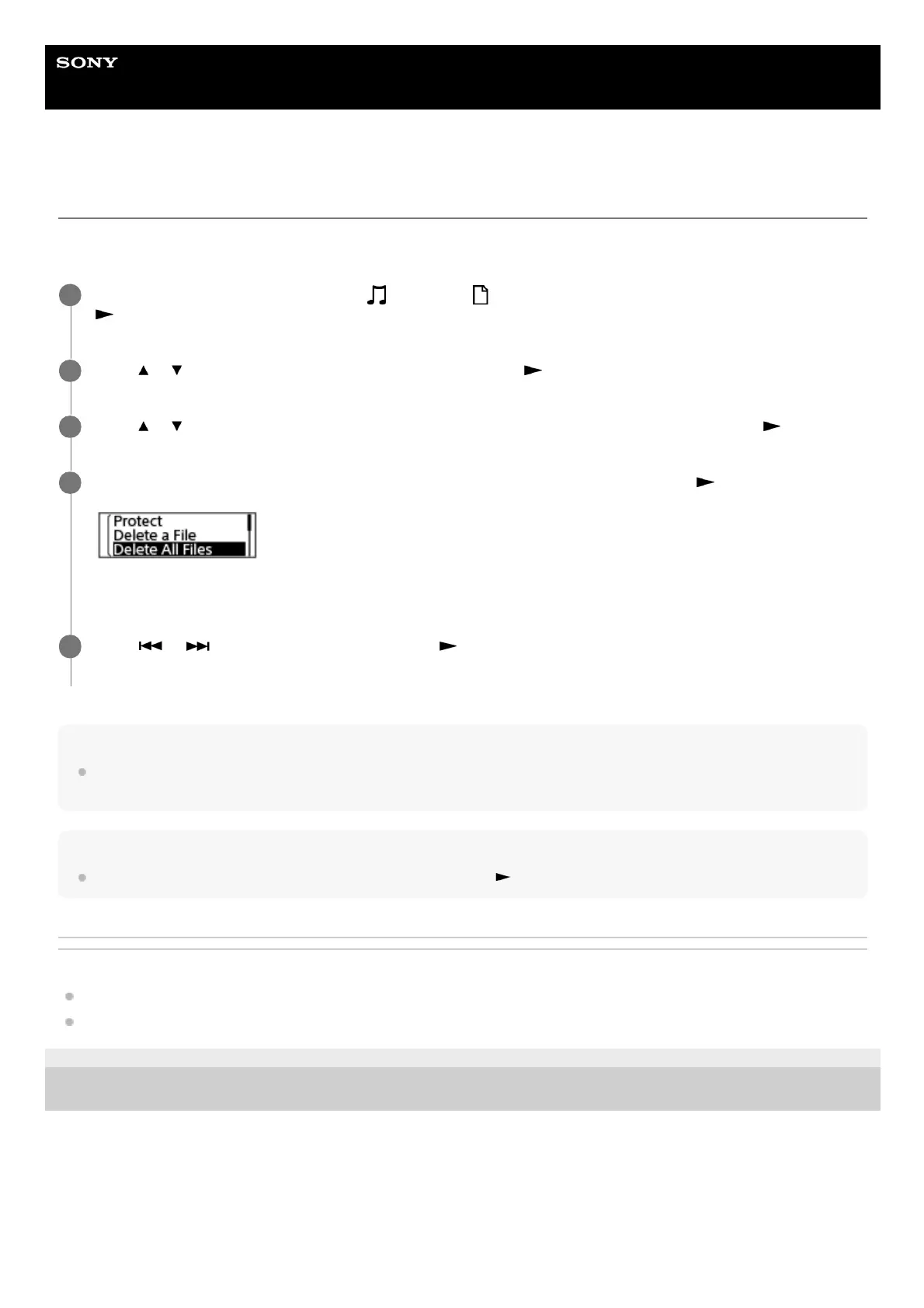
Select “Delete All Files” or “Delete All in List” on the OPTION menu, and then press
.
“Delete All Files in This Folder?” or “Delete All Files in This List?” appears on the display window.
4
Press
or to select “Yes,” and then press .
“Please Wait” appears on the display window and all files in the selected folder or list will be deleted.
5



 To Next Page