Help Guide
IC Recorder
ICD-TX800
Using the OPTION menu
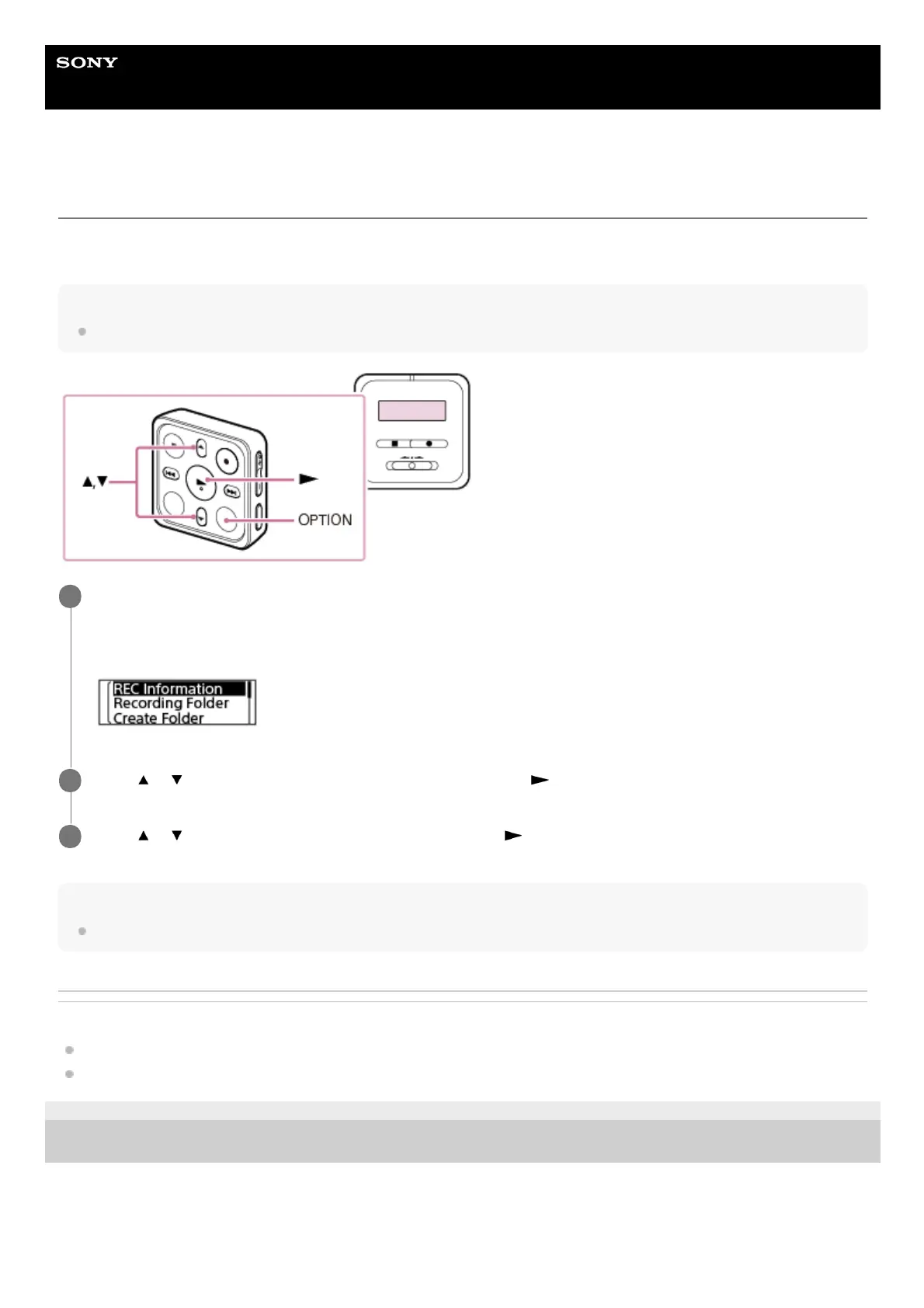
You can display the OPTION menu by pressing OPTION on the remote control. The OPTION menu items vary
depending on the selected function of your IC recorder.
Note
The OPTION menu may not appear, depending on the screen on the display window.
Hint
To return to the previous screen, press BACK/HOME while the OPTION menu is on the display window.
Related Topic
Using the HOME menu
List of the OPTION menu items
4-699-323-32(1) Copyright 2017 Sony Corporation
Operate the remote control to select the function you want to use on the HOME menu, and then press
OPTION.
The OPTION menu associated with the selected function appears.
1
Press
or to select the desired menu item, and then press .
2
Press
or to select the desired setting, and then press .
3



 To Next Page