Help Guide
IC Recorder
ICD-TX800
Protecting a file
To prevent a file from being accidentally deleted or edited, you can protect an important file. A protected file is regarded
as a read-only file that you cannot delete or edit.
Operate the remote control and follow the steps below:
Hint
To remove protection from a file, select the protected file, and then select “Do Not Protect” in step 2.
Related Topic
Selecting a file
4-699-323-32(1) Copyright 2017 Sony Corporation
Operate the remote control to select the file that you want to protect.
1
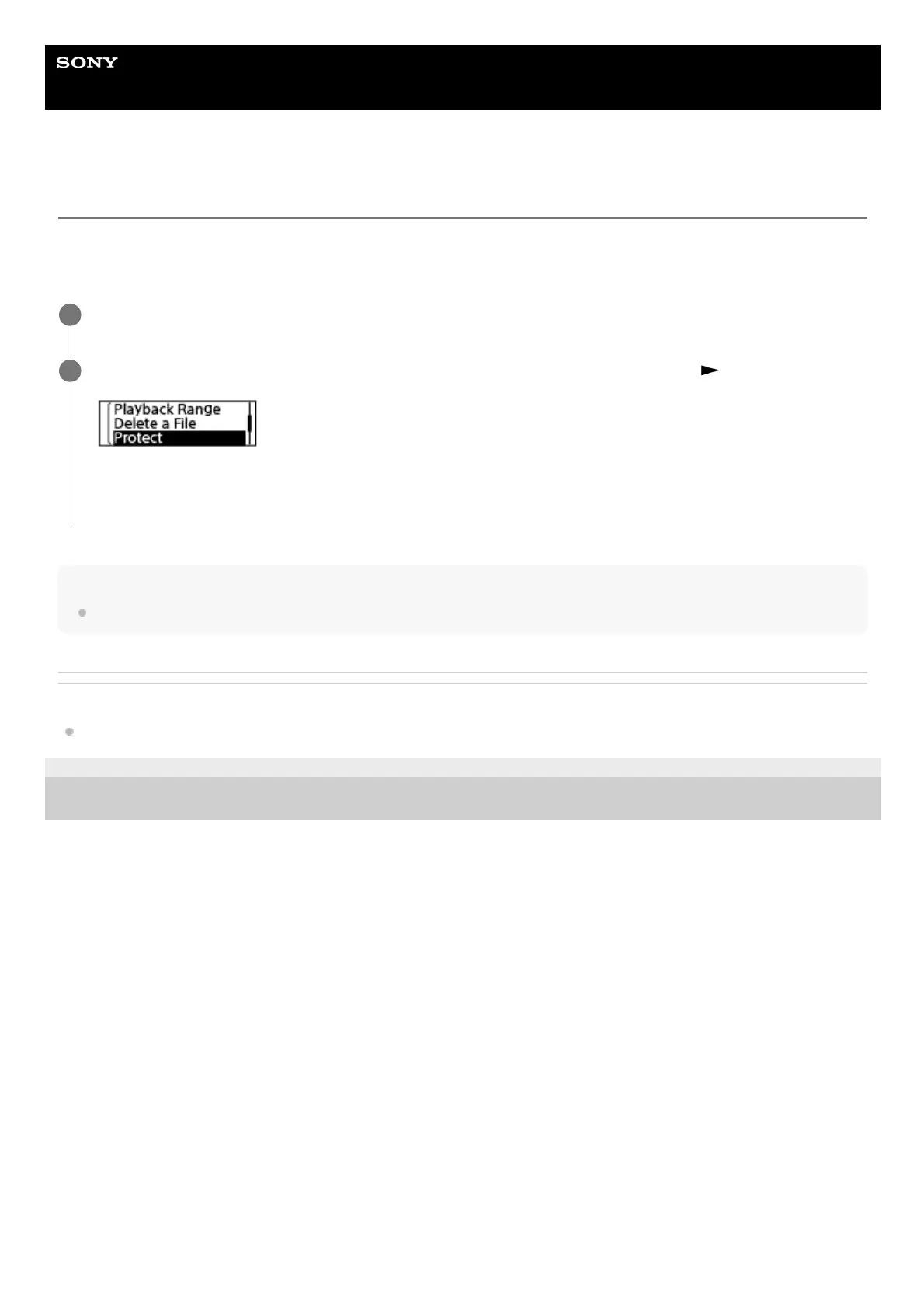
While playback is on standby, select “Protect” on the OPTION menu, and then press
.
“Please Wait” and then “Protected” appear on the display window and the file is protected.
On the file information screen for the protected file, “ON” appears under “File Protection:.”
2



 To Next Page