Help Guide
IC Recorder
ICD-TX800
Selecting the clock display format (Time Display)
You can select either the 12-Hour or 24-Hour format.
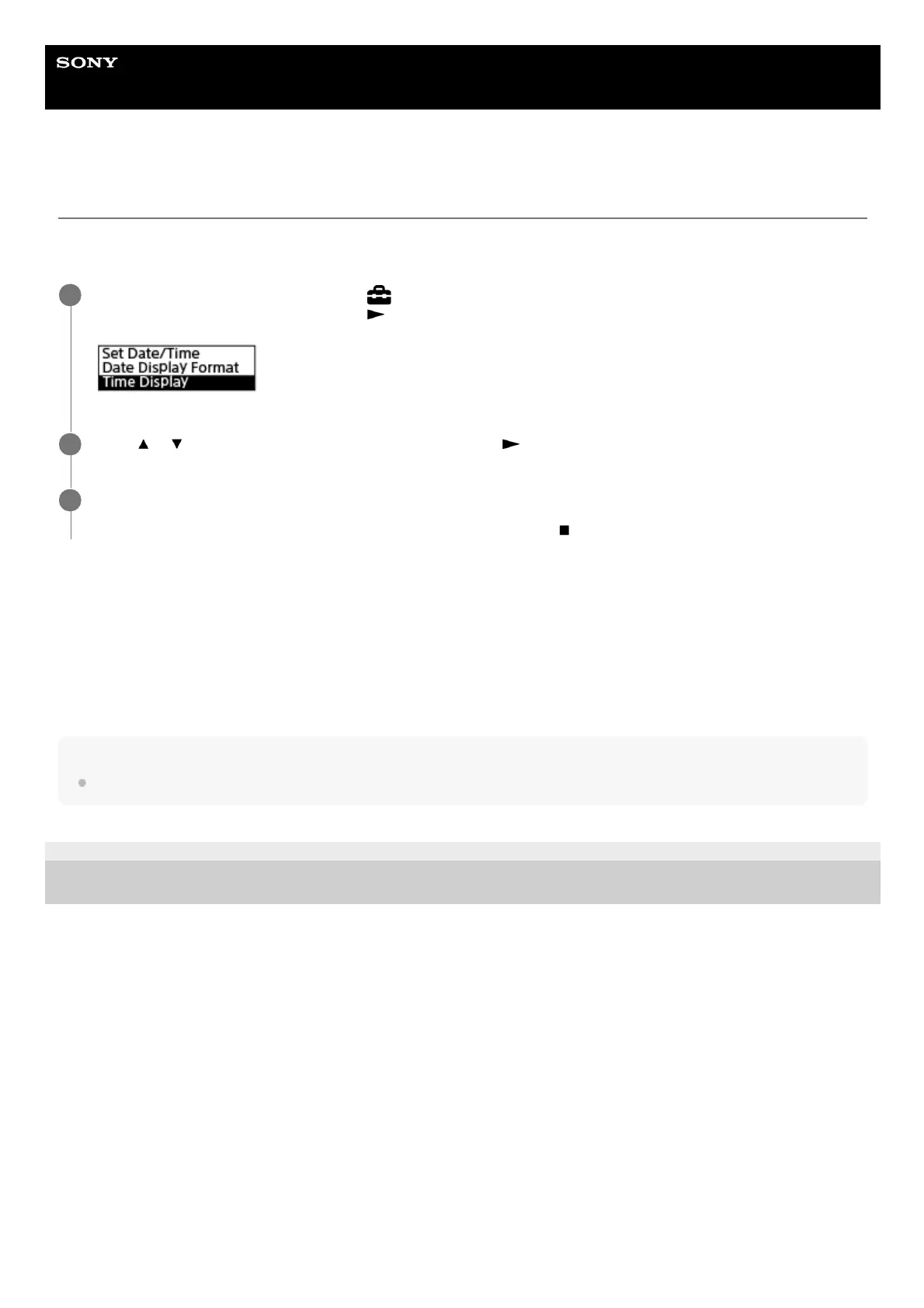
Operate the remote control and follow the steps below:
Description of menu items
You can select one of the following items:
12-Hour:
12:00AM = midnight, 12:00PM = noon
24-Hour:
00:00 = midnight, 12:00 = noon
Note
The default setting differs depending on the country or region of your purchase.
4-699-323-32(1) Copyright 2017 Sony Corporation
Operate the remote control to select “
Settings” - “Common Settings” - “Date&Time” - “Time Display”
from the HOME menu, and then press
.
1
Press
or to select the desired format, and then press .
2
Press and hold BACK/HOME to return to the HOME menu.
To return to the screen before you displayed the HOME menu, press
STOP.
3



 To Next Page