Help Guide
IC Recorder
ICD-TX800
Changing a folder name
You can change the name of the folders for storing the files you record with your IC recorder by selecting a folder name
from the template.
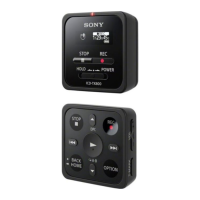
Operate the remote control and follow the steps below:
Note
You cannot change the name of folders in “
Music.”
Hint
A sequential number (01 to 10) is always added to every folder name as a suffix. If you select the folder name that already exists,
additional folders with the same name will be suffixed with a sequential number (02 to 10).
Related Topic
Changing a file name
4-699-323-32(1) Copyright 2017 Sony Corporation
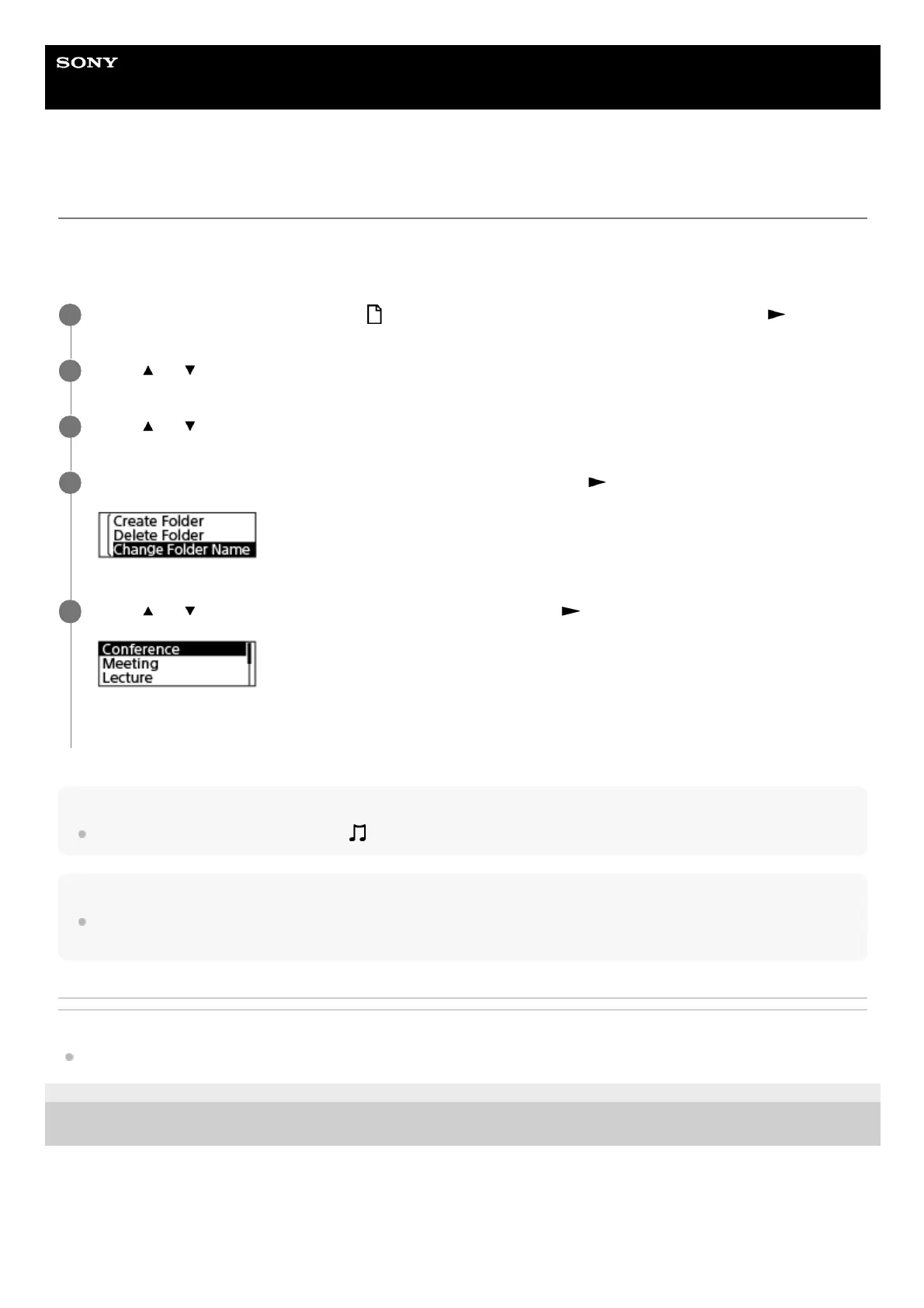
Operate the remote control to select “
Recorded Files” on the HOME menu, and then press .
1
Press
or to select “Folders.”
2
Press
or to select the folder which you want to rename.
3
Select “Change Folder Name” on the OPTION menu, and then press
.
4
Press
or to select the desired folder name, and then press .
“Please Wait” appears on the display window and the folder name will be changed.
5


 To Next Page