Help Guide
IC Recorder
ICD-TX800
Creating a folder
Recorded files are stored in “FOLDER01” under “
Recorded Files” by default. You can create a new folder and change
this default folder to it.
Operate the remote control and follow the steps below:
Note
You cannot create a folder in “
Music.”
4-699-323-32(1) Copyright 2017 Sony Corporation
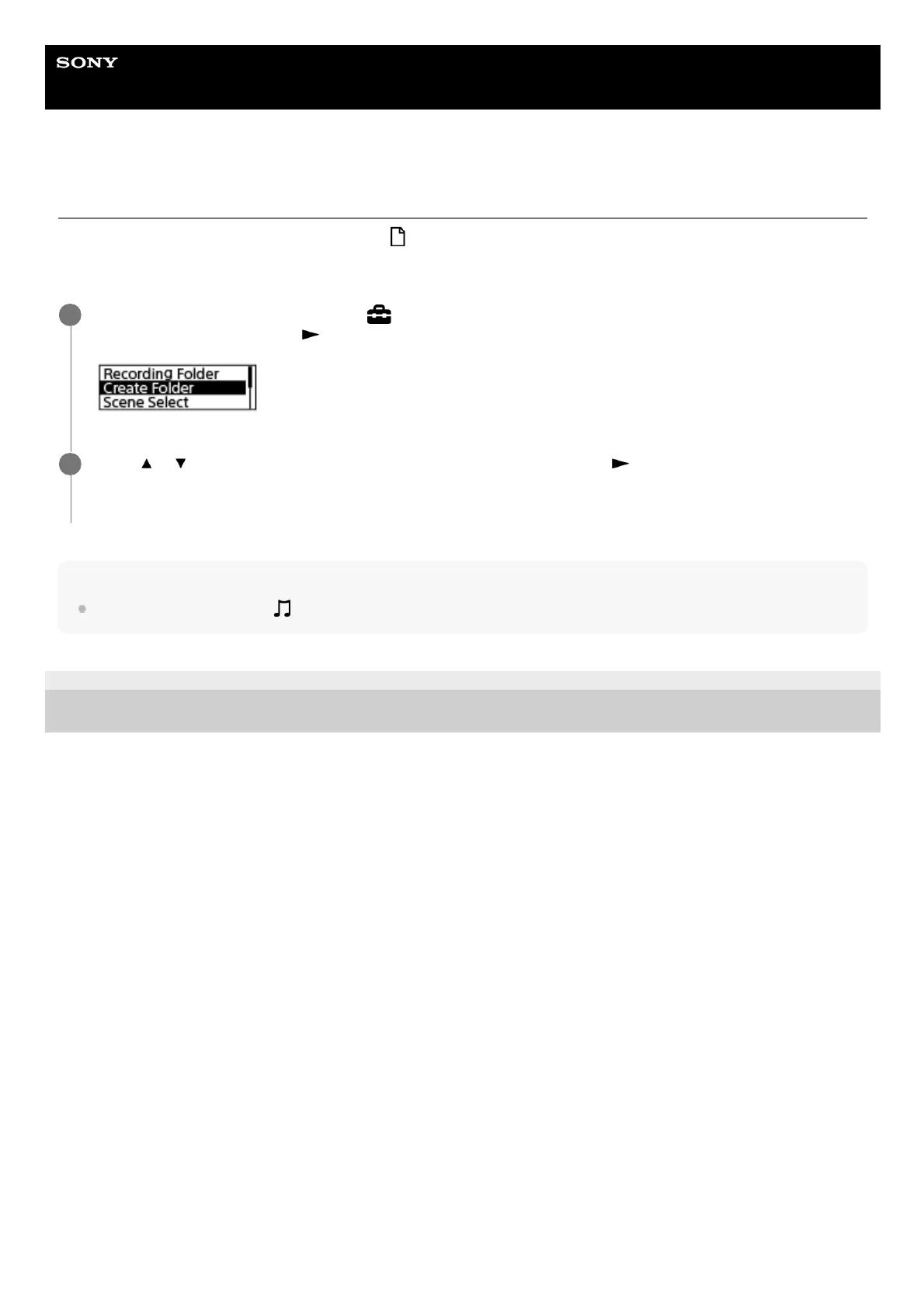
Operate the remote control to select “
Settings” - “Recording Settings” - “Create Folder” from the
HOME menu, and then press
.
1
Select
or to select a folder name from the template, and then press .
A new folder is created.
2



 To Next Page