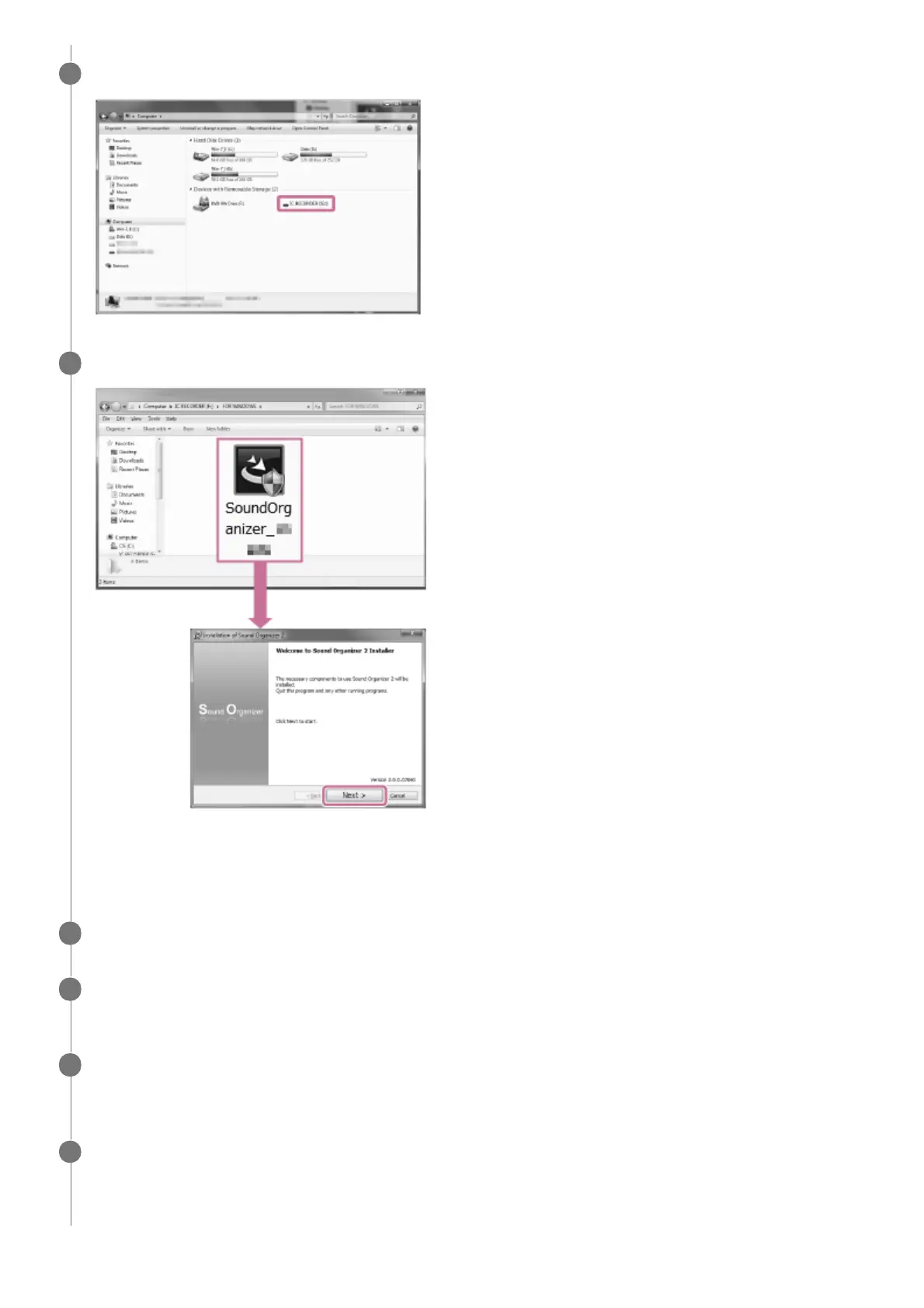
Double-click [IC RECORDER] - [FOR WINDOWS].
3
Double-click [SoundOrganizer_V2001] (or [SoundOrganizer_V2001.exe]).
Depending on the version of your operating system, the setup preparation process (file extraction) may start
automatically without showing any notice.
In such a case, follow the on-screen instructions.
4
When the [Welcome to Sound Organizer 2 Installer] window appears, click [Next].
5
Make sure that you accept the terms of the license agreement, select [I accept the terms in the license
agreement], and then click [Next].
6
When the [Setup Type] window appears, select [Standard] or [Custom], and then click [Next].
If you have selected [Custom], follow the on-screen instructions.
7
When the [Ready to Install the Program] window appears, click [Install].
Installation starts.
8



 To Next Page