Help Guide
IC Recorder
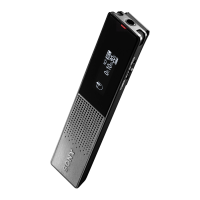
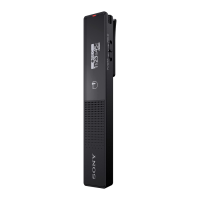
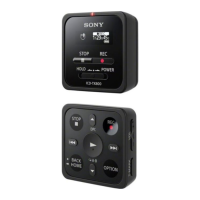
ICD-TX800
The IC recorder does not turn on or pressing any button on the IC recorder does not
work.
The built-in rechargeable battery in the IC recorder is running out of power. Charge the built-in rechargeable battery.
Your IC recorder is turned off.
Slide the HOLD•POWER switch to “POWER” and hold it until the display window turns on.
Your IC recorder is placed in the HOLD state.
Slide the HOLD•POWER switch to the center dot.
Related Topic
Turning on the IC recorder
Parts and controls
Releasing the IC recorder from the HOLD state
4-699-323-32(1) Copyright 2017 Sony Corporation


 To Next Page