Help Guide
IC Recorder
ICD-TX800
Changing the storage folder for recorded files
By default, the recorded files via the built-in microphones are stored in “FOLDER01” under “
Recorded Files.”
To change the default storage folder for recorded files, operate the remote control and follow the steps below:
Hint
For instructions on creating a new folder, see Creating a folder.
4-699-323-32(1) Copyright 2017 Sony Corporation
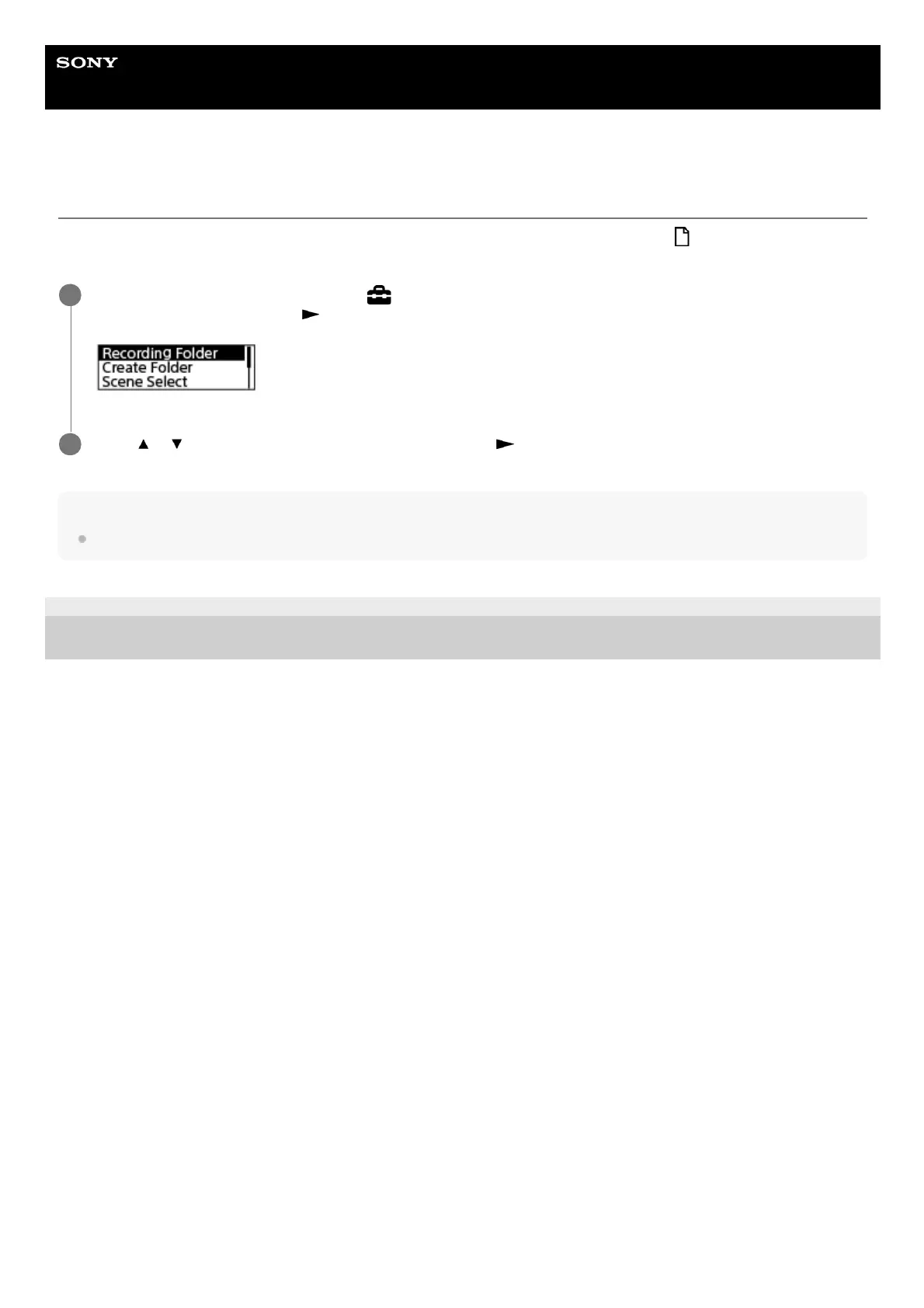
Operate the remote control to select “
Settings” - “Recording Settings” - “Recording Folder” from the
HOME menu, and then press
.
1
Press
or to select the desired folder, and then press .
2



 To Next Page