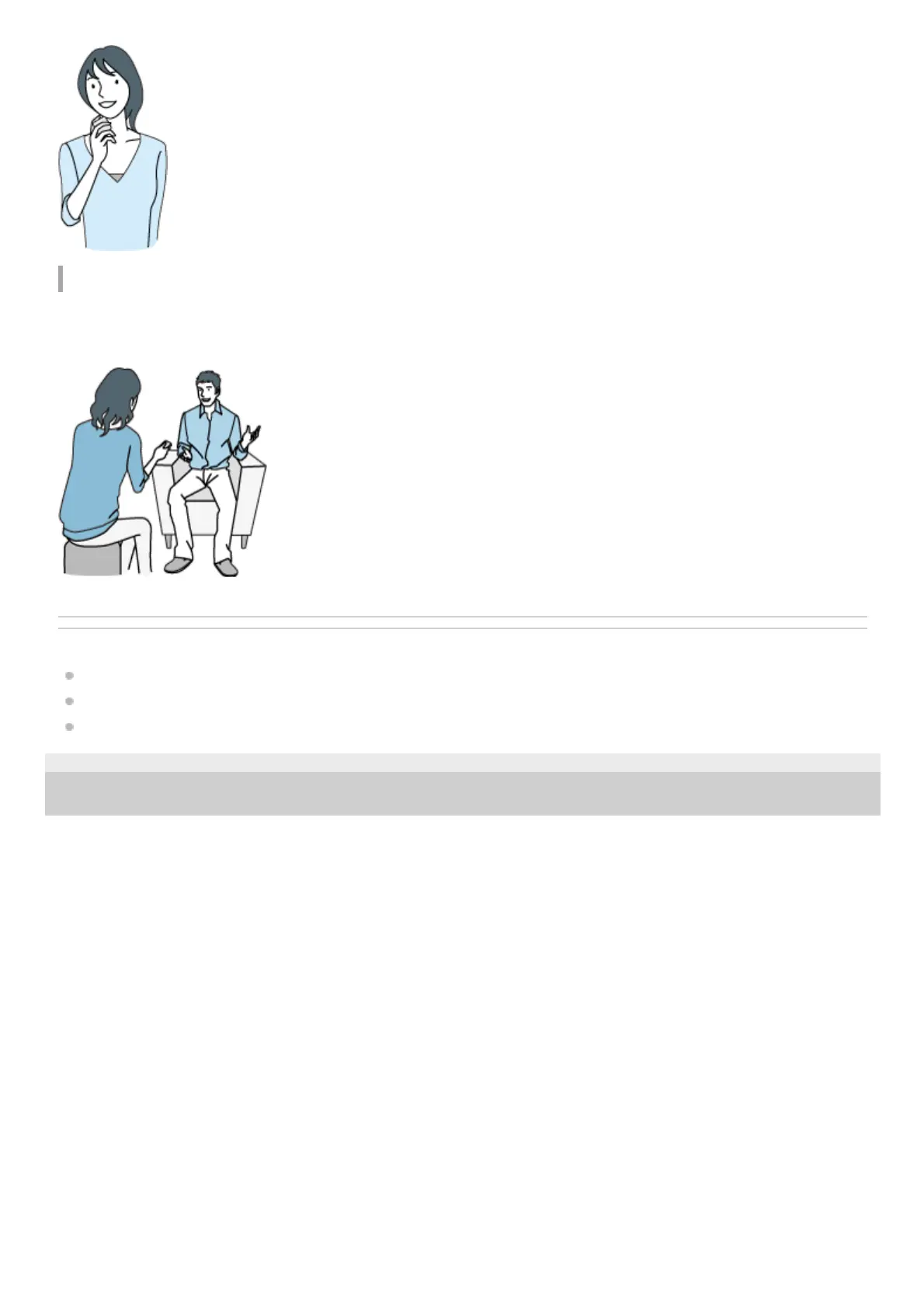
Recording an interview
Place your IC recorder so that the built-in microphones point in the direction of the interviewee.
For recording an interview, it is suitable to select “Auto Voice Rec” or “Interview” of the Scene Select function.
Related Topic
Selecting a recording scene for an individual situation
Reducing noise during recording (Recording Filter)
Selecting the sensitivity level of the microphones (Mic Sensitivity)
4-699-323-32(1) Copyright 2017 Sony Corporation



 To Next Page