Help Guide
IC Recorder
ICD-TX800
Getting ready to use REC Remote
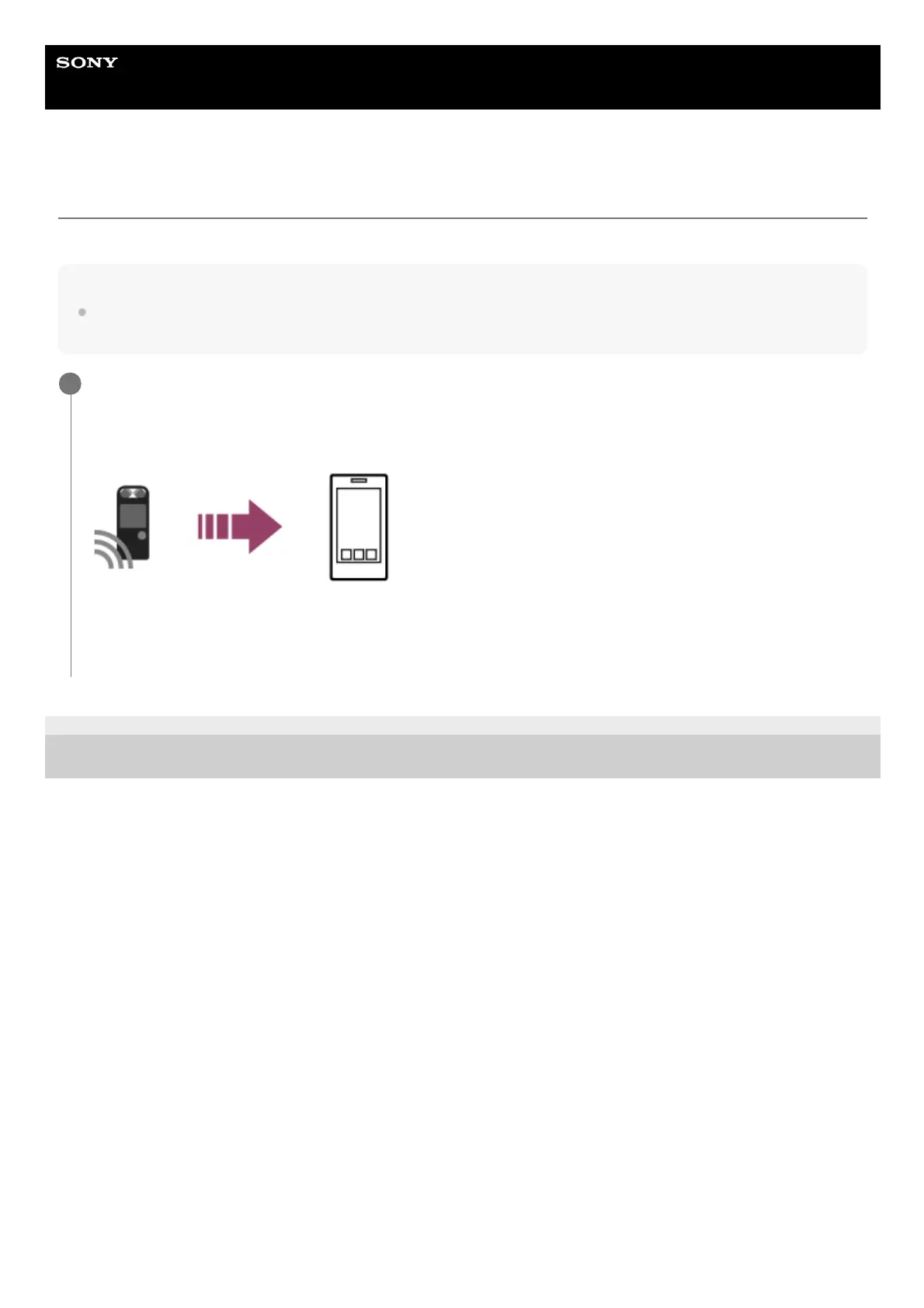
To use REC Remote, you need to install REC Remote on a smartphone.
Note
To connect your IC recorder and REC Remote via a wireless connection, you need the latest version of REC Remote. When the
smartphone already has REC Remote installed, update it to the latest version.
4-699-323-32(1) Copyright 2017 Sony Corporation
Install REC Remote on the smartphone.
When you start REC Remote for the first time after installation, a screen appears asking you to accept the terms
and conditions.
Thoroughly read the terms and conditions and tap “Agree and start.”
1
Search Google Play or App Store for “REC Remote.”
1.
Follow the on-screen instructions to install REC Remote on the smartphone.
2.



 To Next Page