- 14 -
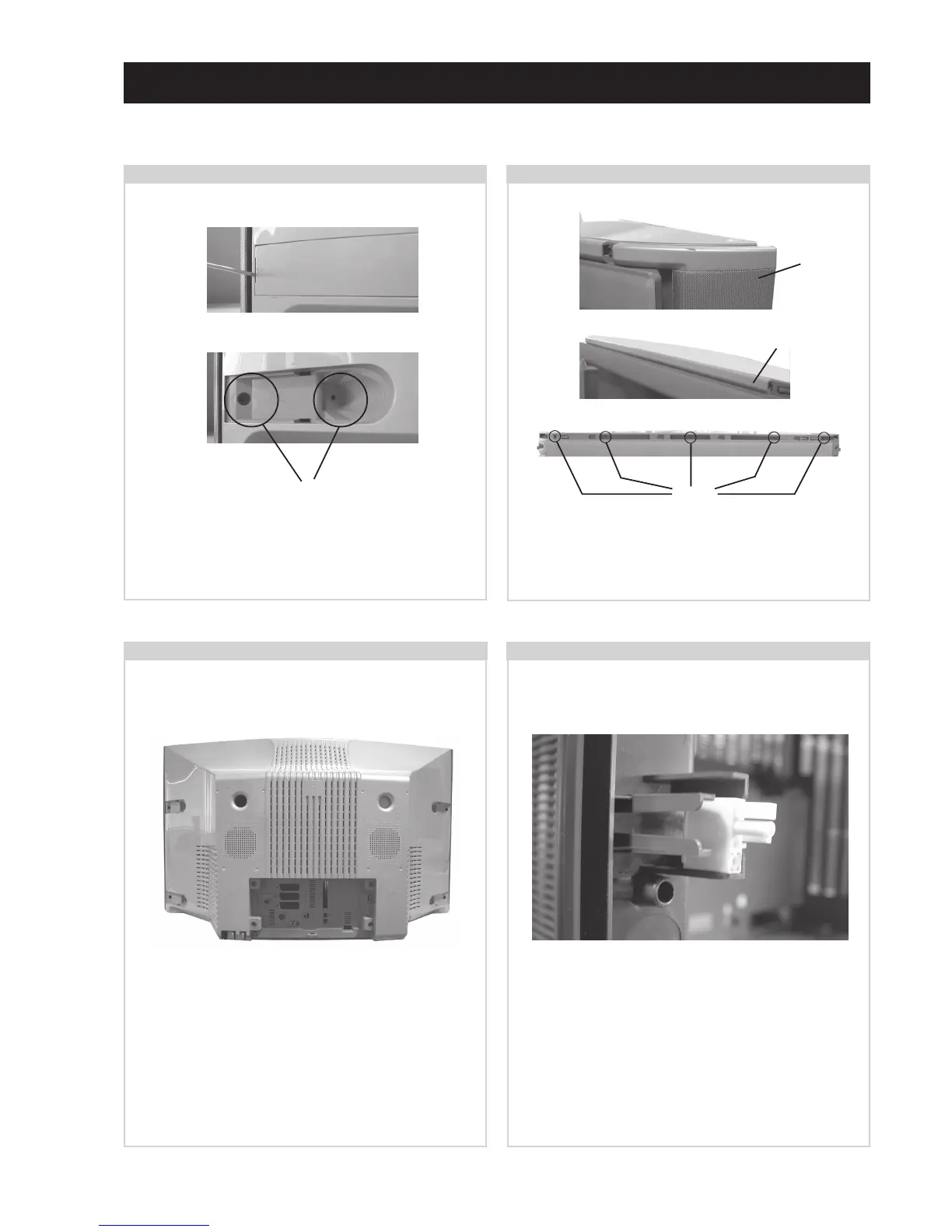
Using a narrow blade screwdriver lever off the 4 screw
covers from the rear of the set. Remove the 12 speaker grill
and rear cover fixing screws. (See 2-3.)
SECTION 2 DISASSEMBLY
2-1. Rear Cover Removal (Step 1)
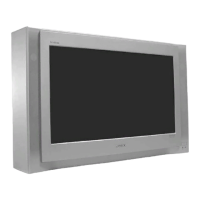
Remove the speaker grills by holding top and bottom and
sliding away from the set. Remove the ornamental plate
from the top front of the beznet by sliding to the right.
Remove the 5 screws indicated from the top front of the set.
2-2. Rear Cover Removal (Step 2)
Before completely removing the rear cover disconnect the
speaker connector which is located on the inside of the rear
cover.
2-3. Rear Cover Removal (Step 3) 2-4. Speaker Connector Disconnection
Screws
Speaker
Grill
Ornamental
Plate
Screws
Remove the rear cover by sliding backwards away from the
picture tube. Take care when removing the rear cover not to
damage the speaker cables [Disconnect the speaker
connector] as speakers are fitted inside the rear cover.
=>
=>
=>
=>
=>
=>
=>
=>
=>
=>
=>
=>





 To Next Page