13
Listening to tracks on the HDD
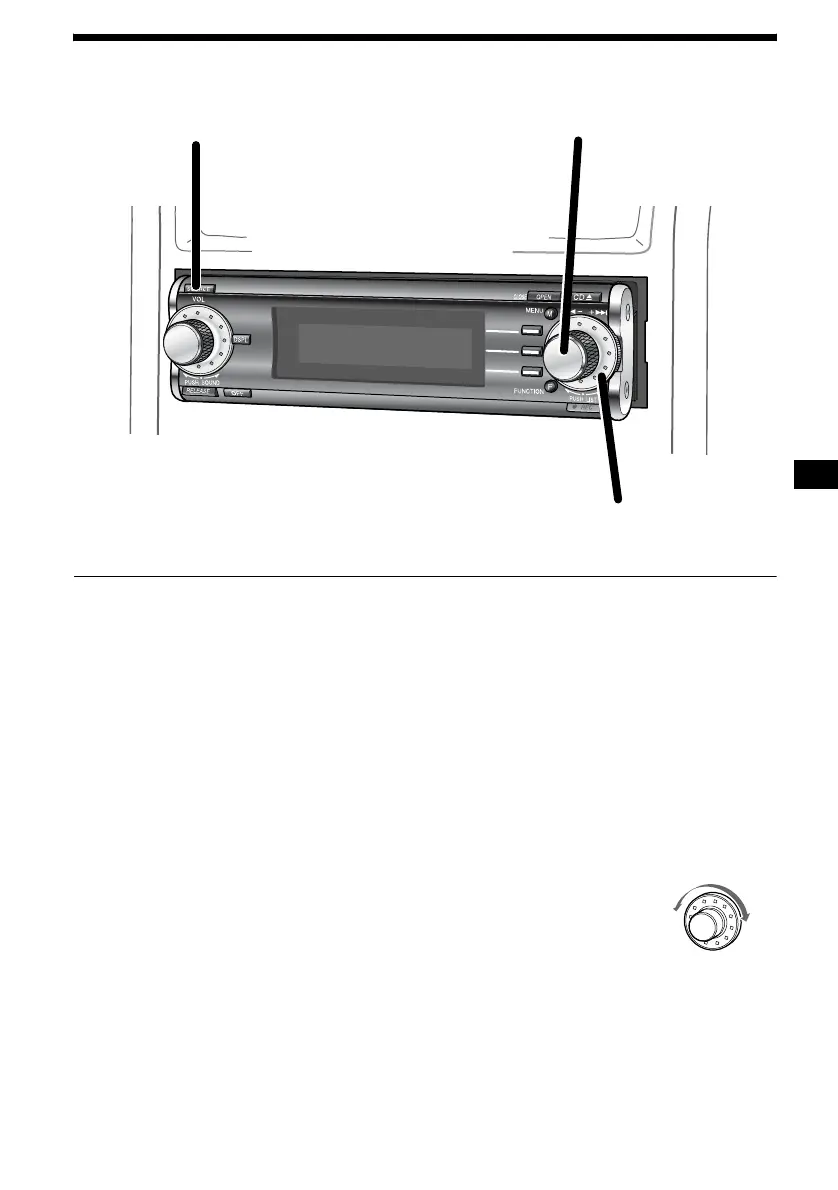
1 Press (SOURCE) repeatedly to select
“HDD.”
Playback starts automatically from the first
track in the last album recorded on the HDD.
Note
When you use the HDD for the first time, or when
there is nothing recorded on the HDD, you cannot
select “HDD” as the source. In this case, record a
CD onto the HDD.
2 Press the R dial to display the list.
Each time you press the R dial, the list display
changes as follows:
Album name list t Track name list t
normal playback display
3 Rotate the R dial to select the desired
track, then press the R dial.
Playback starts.
To adjust the volume level
Rotate the L dial.
To switch the display items
Press (DSPL).
To stop playback
Press (OFF).
To locate a specific point in a track
— Manual searching
Press (FUNCTION) repeatedly to display the
function menu “m” and “M.”
(F1) (m) : To search backward
(F2) (M) : To search forward
Press and hold (F1) or (F2).
Release when you have found the desired point.
To locate a specific track
— Automatic Music Sensor (AMS)
Rotate the R dial.
1
2
3
L: To locate a preceding track
or the beginning point of the
current track
R: To locate a succeeding track
L
R



 To Next Page