17
Function menu
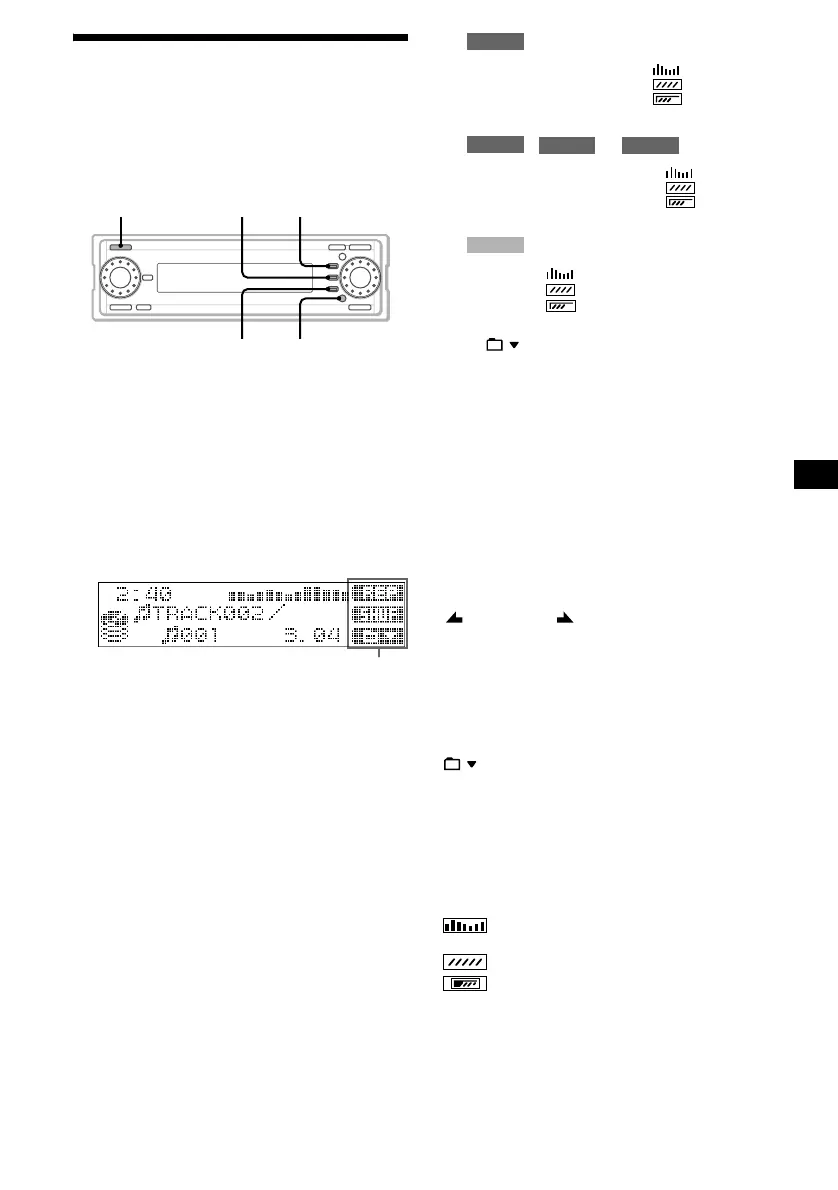
You can change the various settings or modes
easily with the function menu. Some specific
functions frequently used are assigned to the
function buttons (F1) to (F3) according to the
source selected.
To switch the function menu
1 Press (SOURCE) repeatedly to select
the source (CD, HDD, MEMORY STICK,
FM, MW, LW or AUX*).
* If “AUX” is not displayed when selecting the
source, set “AUX Skip” in “Setup” to “Off” (page
62).
2 Press (FUNCTION) repeatedly to
display the function menu.
3 Press (F1) to (F3) to adjust the
settings for the functions and modes.
Each time you press (FUNCTION), the
function menu changes as follows;
:
, or :
:
*1 Available only when you select “FM.”
*2 : available only when you select “HDD.”
CDDB/CD TEXT: available only when you are
playing back a CD TEXT disc.
CDDB: available only when you are playing
back an audio CD where multiple possible
matches of different title information are found
in the Gracenote CDDB
®
database.
The following items are displayed
depending on the situation
During radio reception or playback
AF: retunes a programme automatically.
TA: receives traffic announcements.
PTY: selects stations by the type of programme.
SEEK/SEEK : searches for radio stations
manually or automatically.
BAND: switches the radio band to FM, MW or
LW.
m/M: searches for a desired point in the
track.
REP: changes the repeat play mode.
SHUF: changes the shuffle play mode.
: changes the folder.
CDDB/CD TEXT: changes displayed title
information (CD TEXT or Gracenote CDDB
®
information) during CD TEXT disc playback
(see “Notes on Gracenote CDDB
®
” on page 21).
CDDB: changes displayed title information
during playback of an audio CD where multiple
possible matches of different title information are
found in the Gracenote CDDB
®
database.
: changes the SA pattern (Spectrum
analyser).
: changes the screen saver pattern.
: changes the display to “On” or “Off.”
SOURCE
FUNCTIONF3
F1F2
Function menu
continue to next page t
RADIO
F1: AF
>
SEEK
F2: TA t SEEK
.
t
F3: PTY BAND
*
1
HDD
CD
MEMORY STICK
F1: AF m
REP
F2: TA t M t SHUF t
F3:
*
2
AUX
F1: AF
F2: TA t
F3:



 To Next Page