18
During the menu setting operation
: to return to the previous display.
: to return to the normal display.
CANCEL: to cancel the item or the mode
selected.
ENTER: to confirm the item selected.
ALL: to select all items or cancel all selected
items.
CREATE: to create a new Folder/Album.
On the list display
: to return to the previous display.
B: to receive the station or start playback.
: to return to the normal display.
During the Name In operation
: to move the cursor to the left.
: to move the cursor to the right.
ENTER: to store the characters entered.
CLEAR: to erase a character entered.
CANCEL: to erase all characters entered.
During the REC setting operation
132K/105K: to change the recording bit rate.
HI-REC/× 1-REC: to select high-speed or normal
speed recording.
: to return to the normal display.
ALL: to confirm or cancel all selected items.
x: to stop recording.
CREATE: to create a new Folder/Album.
During the sound setting operation
: to return to the previous display.
: to return to the normal display.
INIT: to restore the default settings.
TUNE: to move to the tuning display.
LPF: to move to the low-pass filter display.
HPF: to move to the high-pass filter display.
Checking the information on
the contents selected
You can confirm the available HDD free space,
or the restrictions to Check-In/Out, etc.
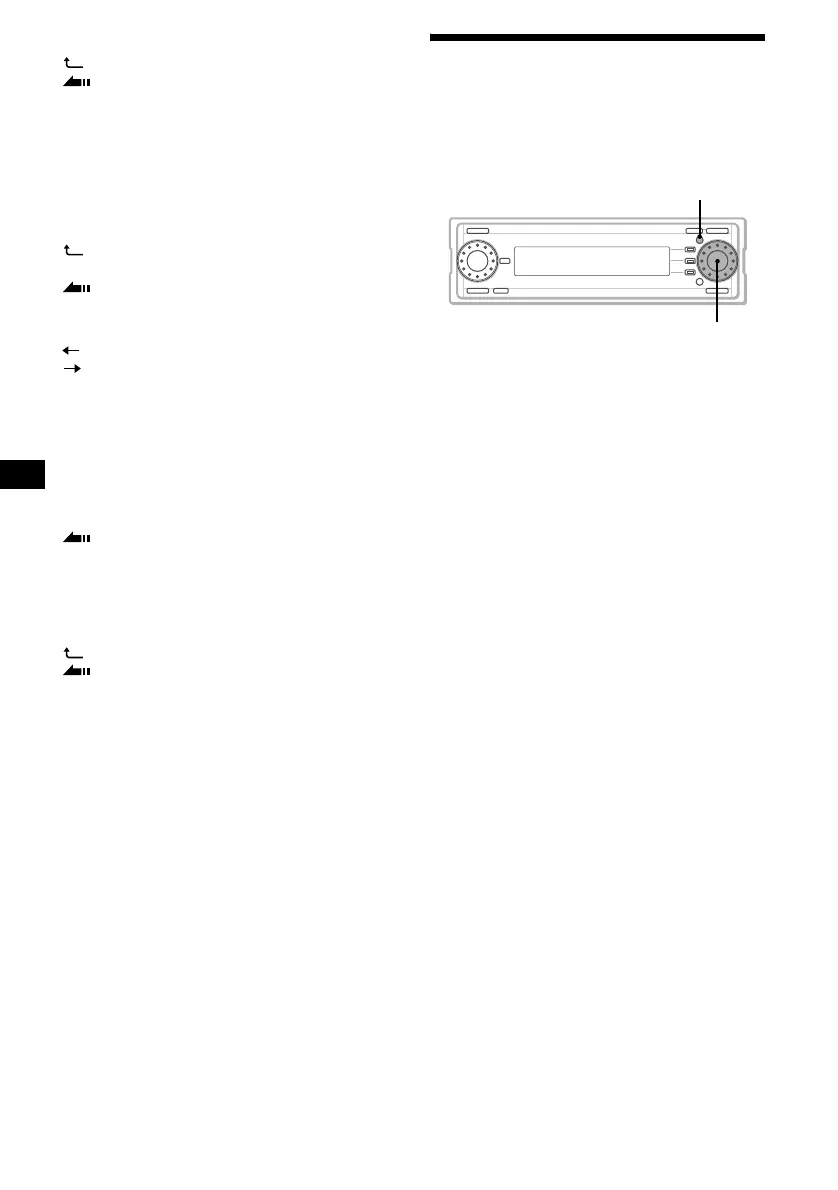
1 Press the R dial to display the desired
item list you want to check.
2 Rotate the R dial to select the item,
then press (MENU).
3 Rotate the R dial to select
“Information,” then press the R dial.
The information display appears.
The items listed below are displayed
according to the source selected:
– Remaining HDD free space
– The number of folders, albums and tracks
– Check-In/Out is available/not available
– Move-In/Out is available/not available
– Import is available/not available
– Playback time
– Recording bit rate (- - - kbps/Variable bit
rate)
– The date and time that the item has been
created
– The restriction for playback count
– The restriction for playback valid period
Notes
• The playing time of a track which has not been
played back may be displayed as “--.”
• In certain cases, the album name of the track which
has not been played back may not be displayed.
• There may be a discrepancy between the playing
time displayed and the actual playing time.
• When checking a CD with a complex MP3 structure,
only the contents (folders and files) in the folder
currently selected are displayed.
To display the content information of another folder,
select the corresponding folder accordingly.
MENU
R dial



 To Next Page