51
Sound effect
Sound list display
You can adjust the DSO, equaliser, bass, treble,
balance, fader, subwoofer volume and loudness.
To adjust the setting
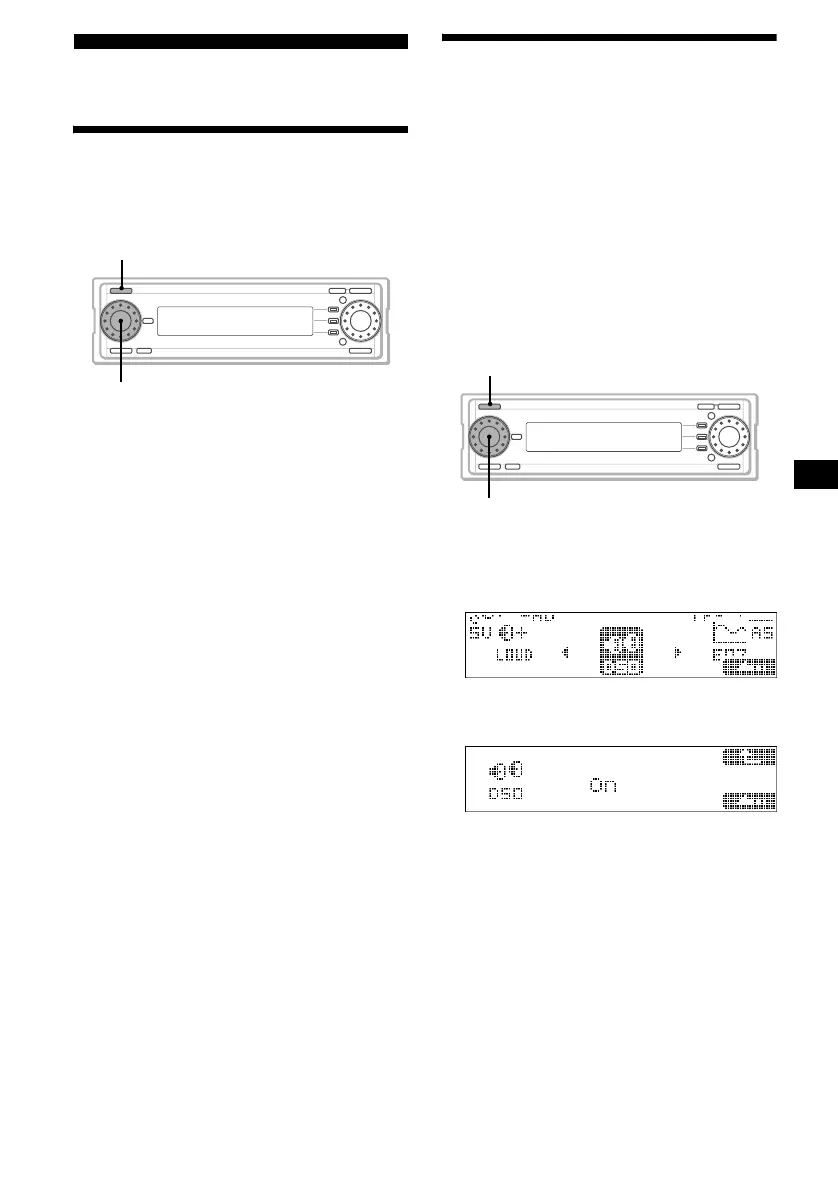
1 Press (SOURCE) to select a source.
2 Press the L dial.
The sound list display appears.
3 Rotate the L dial to select the item you
want to adjust, then press the L dial.
As you rotate the L dial, the item changes as
follows:
DSO y EQ7 y BAS (Bass) y
TRE (Treble) y BAL (Balance) y
FAD (Fader) y SUB (Subwoofer) y
LOUD (Loudness)
y DSO
4 Rotate the L dial to adjust the selected
item.
5 Press the L dial.
The normal display appears.
Setting the Dynamic
Soundstage Organizer
— DSO
If your speakers are installed into the lower part
of the doors, sound will come from below and
may not be clear.
The DSO (Dynamic Soundstage Organizer)
function creates a more ambient sound as if there
were speakers over the dashboard (virtual
speakers).
You can store the DSO setting for each source.*
* The same DSO setting is shared between MW/LW
stations.
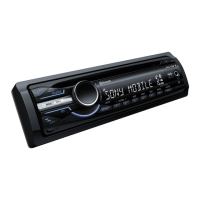
1 Press (SOURCE) to select a source.
2 Press the L dial.
The sound list display appears.
3 Rotate the L dial to select “DSO,” then
press the L dial.
4 Rotate the L dial to select “On,” then
press the L dial.
The normal display appears.
To cancel the DSO function
Select “Off” in step 4.
Tips
• Depending on the type of car interior or type of
music, DSO may not have a desirable effect.
• If FM broadcasts are difficult to hear, set DSO to
“Off.”
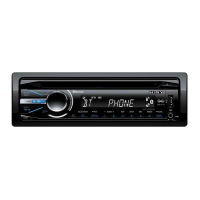
SOURCE
L dial
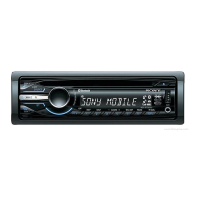
SOURCE
L dial


 To Next Page