11
Listening to the radio
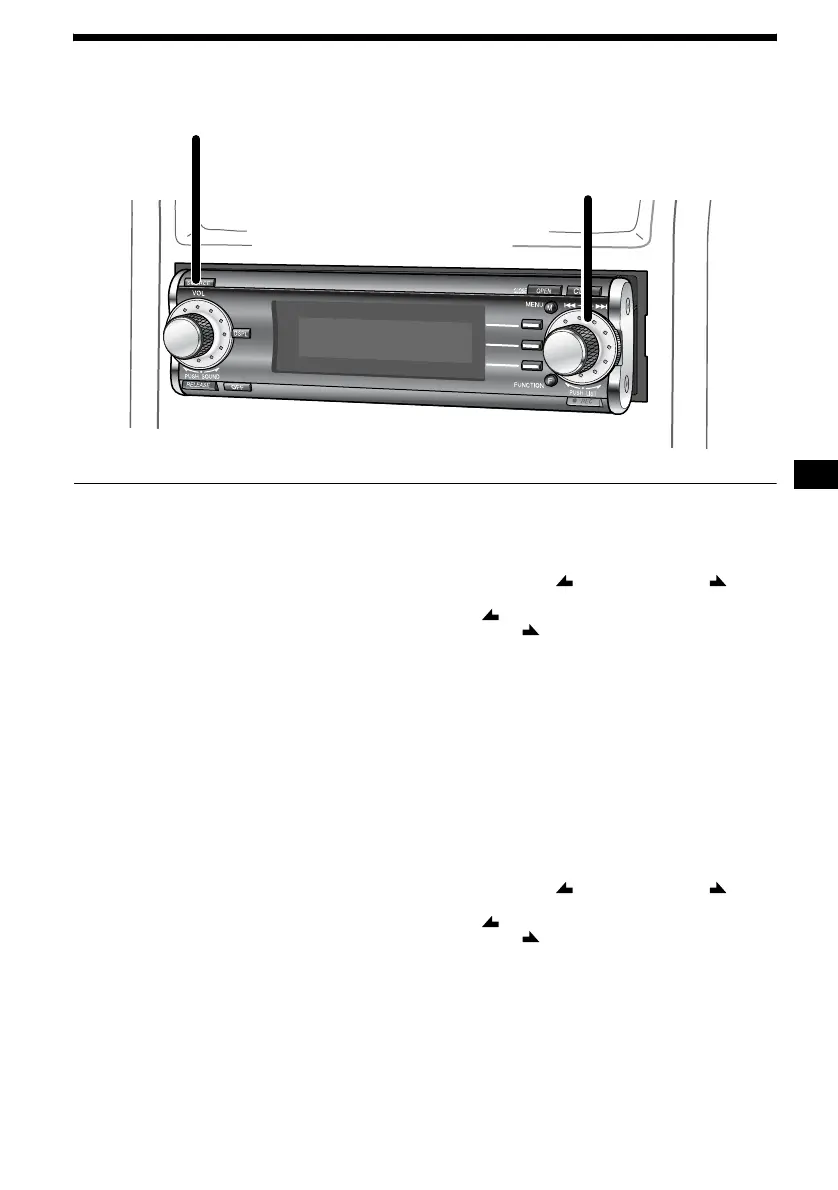
1 Press (SOURCE) to select “FM,”
“MW”* or “LW.”*
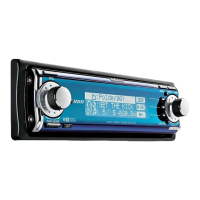
2 Rotate the R dial to select the desired
station.
You can select the station only when the
station is stored in the preset memory (page
25 or 27).
* When MW/LW reception has been cancelled,
“MW” /“LW” is not displayed while you are
selecting the source. To activate the MW/LW
reception, set “MW/LW Skip” to “Off” (page 57).
To adjust the volume level
Rotate the L dial.
To stop listening to the radio
Press (OFF).
To receive a station automatically
— Automatic tuning
Press (FUNCTION) repeatedly to display the
function menu “ SEEK” and “SEEK .”
(F1) ( SEEK) : To search for preceding stations
(F2) (SEEK ) : To search for succeeding
stations
Press (F1) or (F2).
Scanning stops when the unit receives a station.
Note
The default setting is “AF On” (the unit scans only
RDS station during FM reception).
If you want to receive a station other than RDS, set
“AF” to “AF Off” (see “RDS” on page 28).
To receive the desired frequency
— Manual tuning
Press (FUNCTION) repeatedly to display the
function menu “ SEEK” and “SEEK .”
(F1) ( SEEK) : To search for a lower frequency
(F2) (SEEK ) : To search for a higher frequency
Press and hold (F1) or (F2).
Release when the unit receives the desired
frequency.
1
2


 To Next Page