57
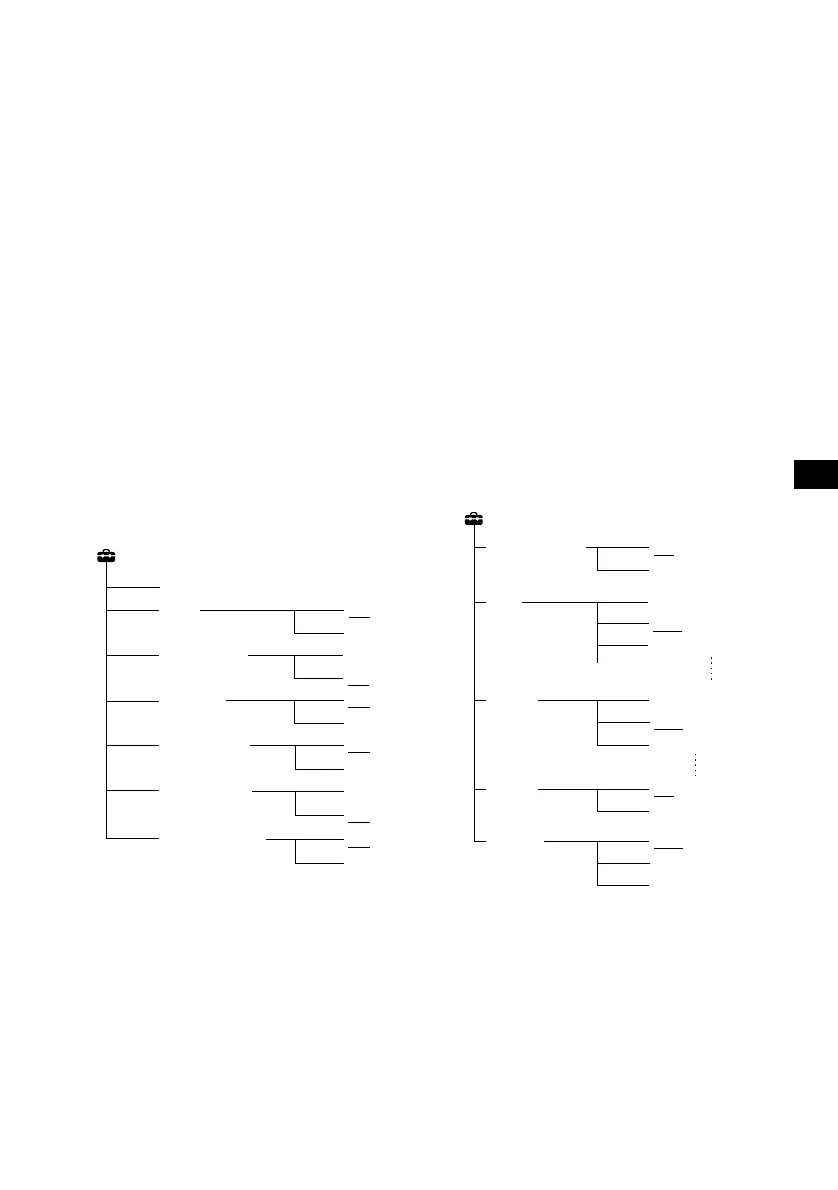
Setup
• Time set (page 9)
• Beep –to turn the beeps “On” or “Off.”
• MW/LW Skip –to turn the MW/LW source
display “On” or “Off.”
• AUX Skip (page 62) –to turn the AUX source
display “On” or “Off.”
• REC Continue –to set the REC Continue “On”
or “Off.”
– Select “On” to continue recording after
turning the ignition off, and turn off the unit*
automatically after recording is completed.
– Select “Off” to cancel REC Continue
recording.
• CD Auto Play –to turn the CD Auto playback
“On” or “Off.”
• CD TEXT Copy –records the CD TEXT
information as it is.
– Select “On” to store the original CD TEXT
information automatically while recording.
– Select “Off” to not store the CD TEXT
information while recording. (In some cases,
information storage may still occur
depending on the CD.)
* If your car has no ACC position on the ignition
switch, be sure to press (OFF) for 2 seconds to turn
off the unit.
Display
• Demonstration
– Select “On” to active the demonstration
display.
• S.A. (Spectrum Analyser) (page 61) –to change
the display pattern of the equaliser display:
13Band Vertical, 19Band Oblique, 3Band
Horizontal, Smooth, Wave, Desert, Heat Haze
– “Off”–to cancel displaying the SA pattern.
– “Auto”–to display SA pattern automatically.
• Screen Saver –Select the display pattern of
Screen Saver from the following choices:
Water Watch, Tile, Sound Wave, Aquarium,
Water Surface, Snow Fall, Tunnel, Convex
Lens, Fireworks, Infinity, Marbles, Space
Travel
– “Off”–to cancel displaying the Screen Saver.
– “Auto”–to display Screen Saver changing its
pattern automatically.
• Display –to turn the display “On” or “Off.”
• Dimmer –to change the brightness of the
display.
– Select “Auto” to dim the display only when
you turn the lights on.
– Select “On” to dim the display.
– Select “Off” to deactivate the Dimmer.
Setup
Time set
Beep
MW/LW Skip
CD TEXT Copy
Off
On
Off
On
REC Continue
AUX Skip
Off
On
On
Off
CD Auto Play
On
Off
Off
On
continue to next page t
S.A.
Screen
Saver
Dimmer
Display
Off
Auto
13 Band Vertical
Off
Auto
Water Watch
Display
On
Off
Auto
On
Off
Demonstration
On
Off



 To Next Page