59
Check In
• Check In –to Check-In contents to the HDD.
• Move In –to Move-In contents to the HDD.
• Import –to transfer the contents to the HDD.
Contents Edit
• Erase –to erase contents.
• Move –to move contents.
• Create –to create a new folder.
• Create –to create a new album or a new Play
List album.
• Format –to initialize an “MG Memory Stick” or
Network Walkman.
Information
Displays the current status of a CD, “MG
Memory Stick,” or the HDD (page 18).
Library
• Import –to import edited data (album name,
artist name, track name, Play List, structure of
folder/album) to the unit (page 60).
• Export –to export audio file information (album
name, artist name, track name, Play List,
structure of folder/album) to a “MG Memory
Stick” (page 60).
• CDDB Install –to install Gracenote CDDB
®
(CD data base) (page 61).
• CDDB Uninstall –to uninstall Gracenote
CDDB
®
(CD data base) (page 60).
• Version –to display the current version of
Gracenote CDDB
®
.
Version
Displays the current version of the software in
the unit.
Selecting the spectrum
analyser
The sound signal level is displayed on a spectrum
analyser. You can select a display for 7 patterns
or the automatic display mode where all the
patterns appear.
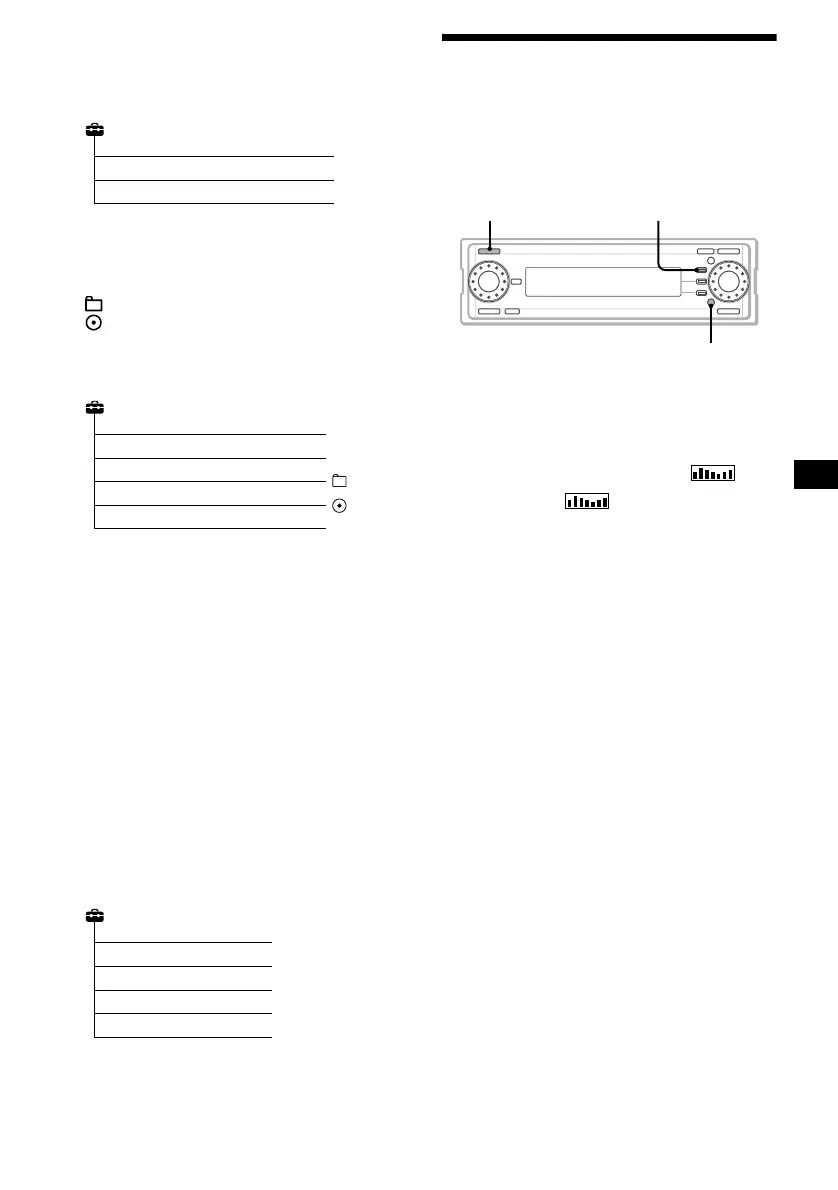
1 Press (SOURCE) repeatedly to select a
source (CD, HDD, MEMORY STICK,
FM, MW, LW or AUX.)
2 Press (FUNCTION) repeatedly to
display the function menu “ .”
3 Press (F1) ( ) repeatedly to
select the desired S.A. pattern.
Each time you press the (F1), the item
changes as follows.
Mode Off t 13Band Vertical t 19Band
Oblique t 3Band Horizontal t Smooth t
Wave t Desert t Heat Haze t Auto
Mode t Mode Off
To cancel the S.A. display
Select “Mode Off” in step 3.
Check In
Check In
Move In
Import
Contents Edit
Erase
Move
Format
Create
Create
Library
Import
Export
Version
CDDB Install
CDDB Uninstall
SOURCE
FUNCTION
F1



 To Next Page