44
Erasing data stored on the HDD
1 Press (SOURCE) repeatedly to select
“HDD.”
2 Press the R dial to display the folder
name list.
3 Rotate the R dial to select “DATA,”
then press the R dial.
4 Rotate the R dial to select the data by
the backed up date, then press
(MENU).
5 Rotate the R dial to select “Erase,”
then press the R dial.
The confirmation dialogue appears.
6 Rotate the R dial to select “OK,” then
press the R dial.
The selected item is erased.
To cancel erasing
Select “Cancel” in step 6.
Labelling an album
You can label an album in an “MG Memory
Stick” to create an easy access music library.
1 Press (SOURCE) repeatedly to select
“MEMORY STICK.”
2 Press (MENU).
The menu display appears.
3 Rotate the R dial to select “Name In,”
then press the R dial.
4 Rotate the R dial to select “Album,”
then press the R dial.
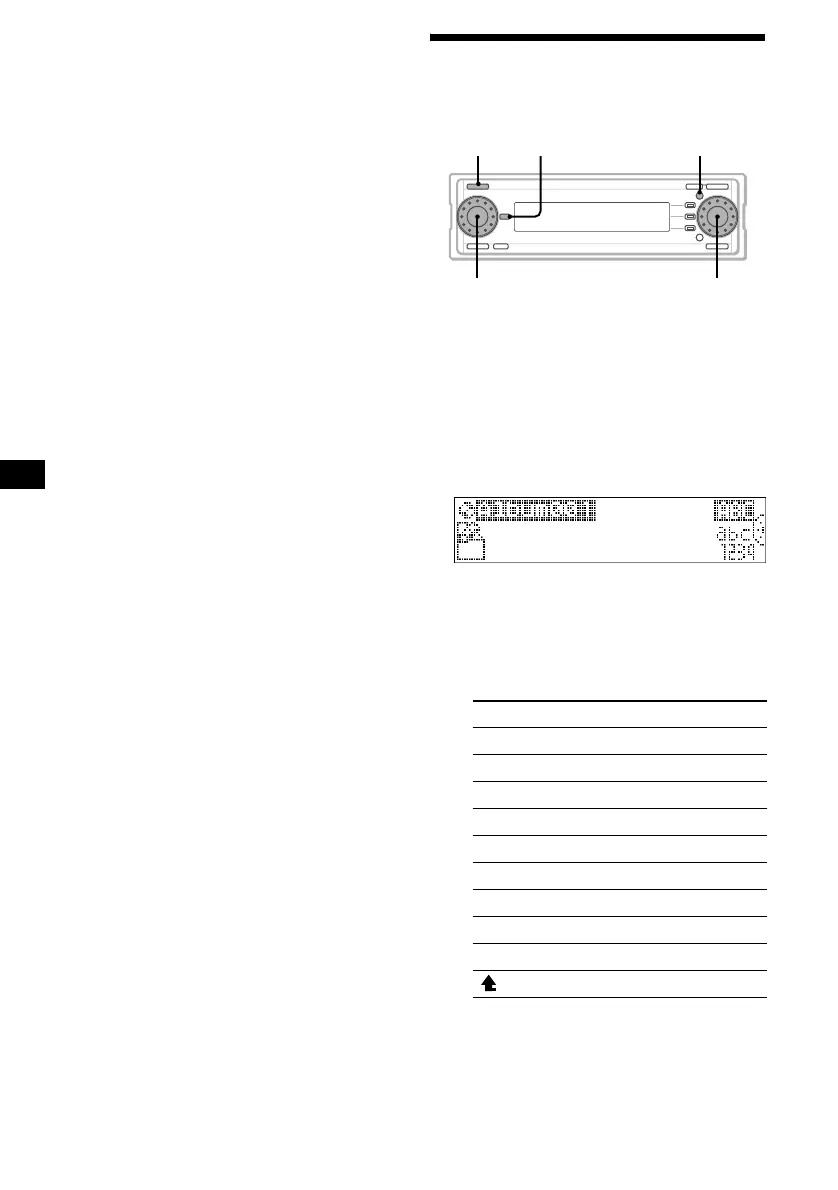
5 Enter characters.
1Rotate the R dial to select the
desired character type, then press
the R dial.
As you rotate the R dial, the item changes
as follows:
Item Explanation
ABC Alphabet (All caps)
abc Alphabet (Small caps)
1234 Numbers
! ? # Symbol
(OK) to store the characters entered
(<) to move the cursor to the left
(,) to move the cursor to the right
(CLR) to erase a character
(NG) to cancel name editing
( ) to return to the character menu
SOURCE MENUDSPL
R dial
L dial



 To Next Page