43
Storing data onto the HDD
— Backup
You can temporarily store any digital camera
data in a “Memory Stick” or voice data in an IC
recorder together to the HDD.
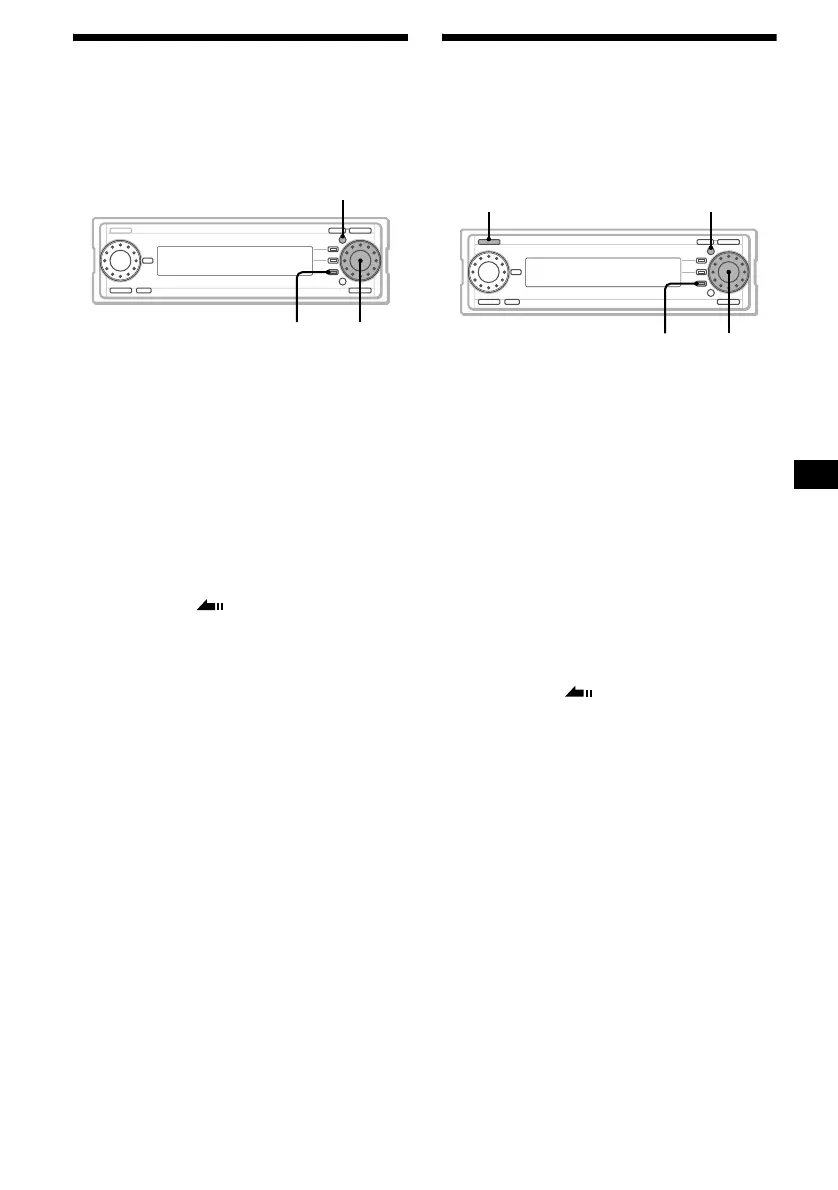
1 Display the source list (page 16).
2 Rotate the R dial to select “Memory
Stick,” then press the R dial.
3 Rotate the R dial to select a folder/file
to be backed up, then press (MENU).
4 Rotate the R dial to select “Backup,”
then press the R dial.
Backup starts.
The list display appears, when backup is
completed. Backed up data is stored in the
DATA folder.
5 Press (F3) ().
The normal display appears.
To cancel Backup
Press (F3) (CANCEL).
Notes
• Backed up data cannot be played back on this unit.
• Folders such as HIFI folders and CONTROL folders
in the “MG Memory Stick” cannot be backed up.
Restoring data into a
“Memory Stick”
— Restore
Returning stored data to the “Memory Stick” in
which the data originally existed.
1 Display the source list (page 16).
2 Rotate the R dial to select “HDD,” then
press the R dial.
3 Rotate the R dial to select “DATA,”
then press the R dial.
4 Rotate the R dial to select the backed
up folder/file, then press the R dial.
5 Rotate the R dial to select the data by
the backed up date, then press
(MENU).
6 Rotate the R dial to select “Restore,”
then press the R dial.
Restore starts. The normal display appears
when restore is completed.
7 Press (F3) ().
The normal display appears.
To cancel Restore
Press (F3) (CANCEL).
Notes
• If the same kind of data already exists in a “Memory
Stick,” the data cannot be restored.
• You cannot restore the data while the “Memory
Stick” is being played back.
• If you restore backed up folder/files whose names
are over 8 characters, the number of characters
decrease to 8.
MENU
F3
R dial
continue to next page t
SOURCE MENU
F3
R dial



 To Next Page