50
Erasing audio files in
Network Walkman
— Erase function
You can delete unwanted audio files to
effectively free space on Network Walkman.
1 Display the source list (page 16).
2 Rotate the R dial to select “Digital I/O,”
then press the R dial.
3 Press the R dial to display the track
name list.
4 Rotate the R dial to select the track
you want to erase, then press (MENU).
The menu display appears.
5 Rotate the R dial to select “Erase,”
then press the R dial.
The confirmation dialogue appears.
6 Rotate the R dial to select “OK,” then
press the R dial.
7 Press (F3) ().
The normal display appears.
To cancel erasing
Select “Cancel” in step 6.
Note
Once you erase the item, you cannot restore it. Make
sure the item you want to erase before erasing.
Formatting a Network
Walkman
You can initialize a Network Walkman of a
different format or in an unusual condition and
make it usable.
1 Display the source list (page 16).
2 Rotate the R dial to select “Digital I/O,”
then press (MENU).
3 Rotate the R dial to select “Format,”
then press the R dial.
The confirmation dialogue appears.
4 Rotate the R dial to select “OK,” then
press the R dial.
Formatting starts.
5 Press (F3) ().
The normal display appears.
To cancel formatting
Select “Cancel” in step 4.
Note
You cannot format Network Walkman MC-S50.
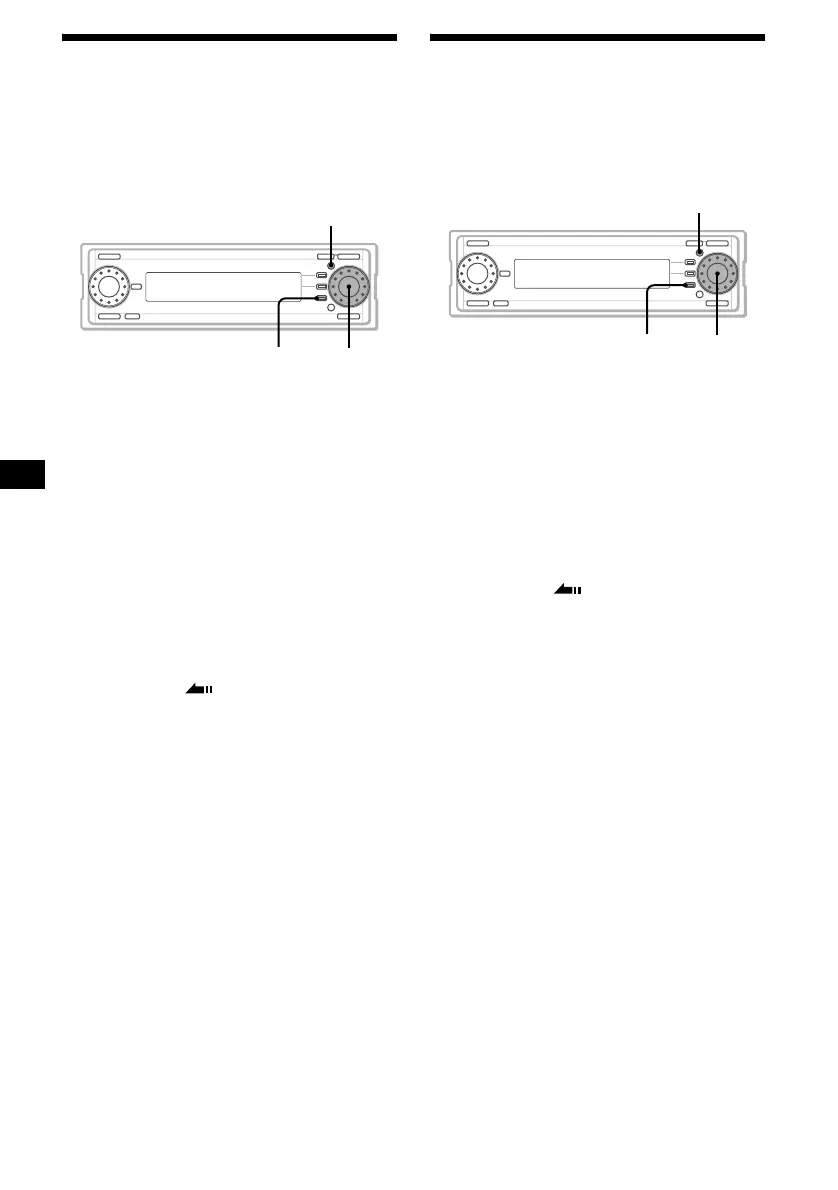
MENU
F3
R dial
MENU
F3
R dial



 To Next Page