54
Adjusting the fader
— FAD
To adjust the balance of front and rear
speakers
1 Press (SOURCE) to select a source.
2 Press the L dial.
The sound list display appears.
3 Rotate the L dial to select “FAD,” then
press the L dial.
4 Rotate the L dial to adjust the balance.
The balance is adjustable between F10-F1, 0,
R1-R10.
5 Press the L dial.
The normal display appears.
Adjusting the cut-off frequency for the
front/rear speakers
To match the characteristics of the installed
speaker system, you can select the cut-off
frequency of the speakers.
1 Press (SOURCE) to select a source.
2 Press the L dial.
The sound list display appears.
3 Rotate the L dial to select “FAD,” then
press the L dial.
4 Press (F2) (HPF).
5 Rotate the L dial to select the cut-off
frequency.
As you rotate the L dial, the frequency
changes as follows:
off (default setting) y 78Hz y 125Hz
6 Press the L dial.
The normal display appears.
continue to next page t
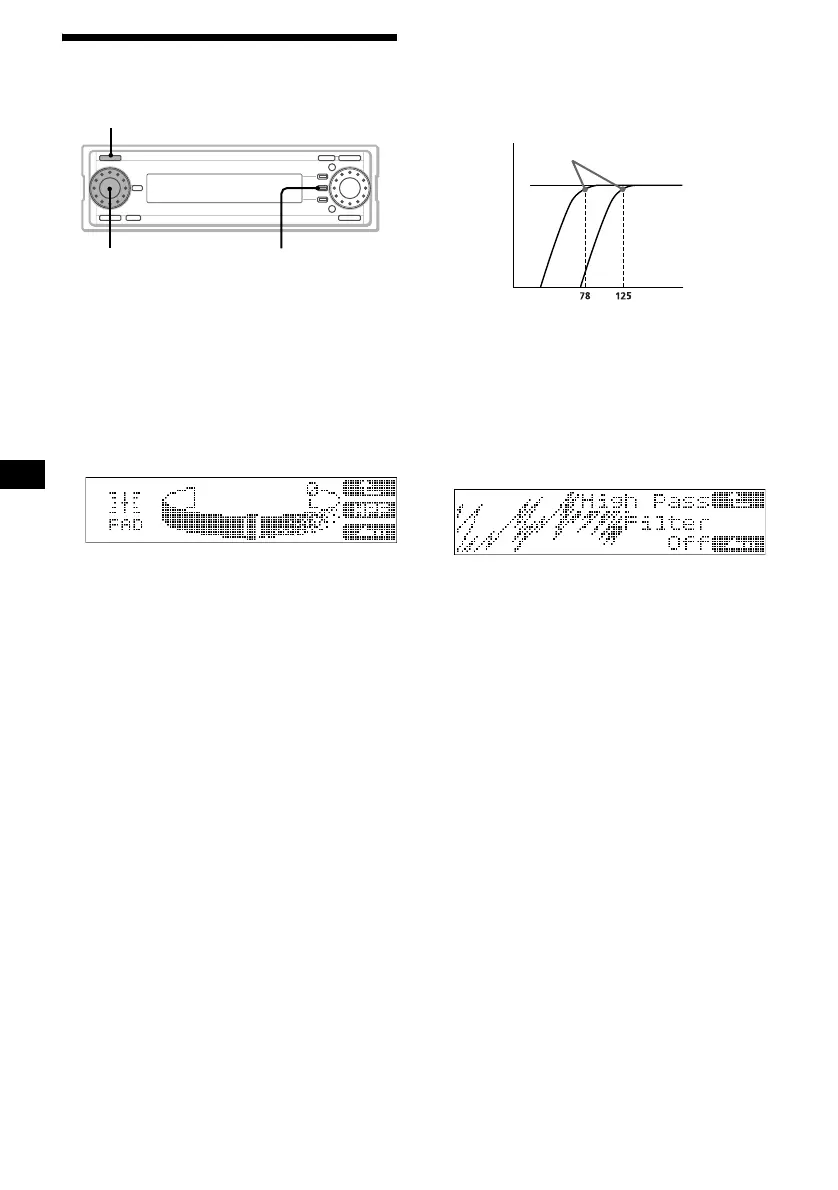
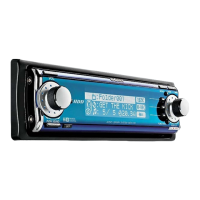
F2
SOURCE
L dial
Cut-off frequency
Frequency (Hz)
Level
off


 To Next Page