15
Menu display
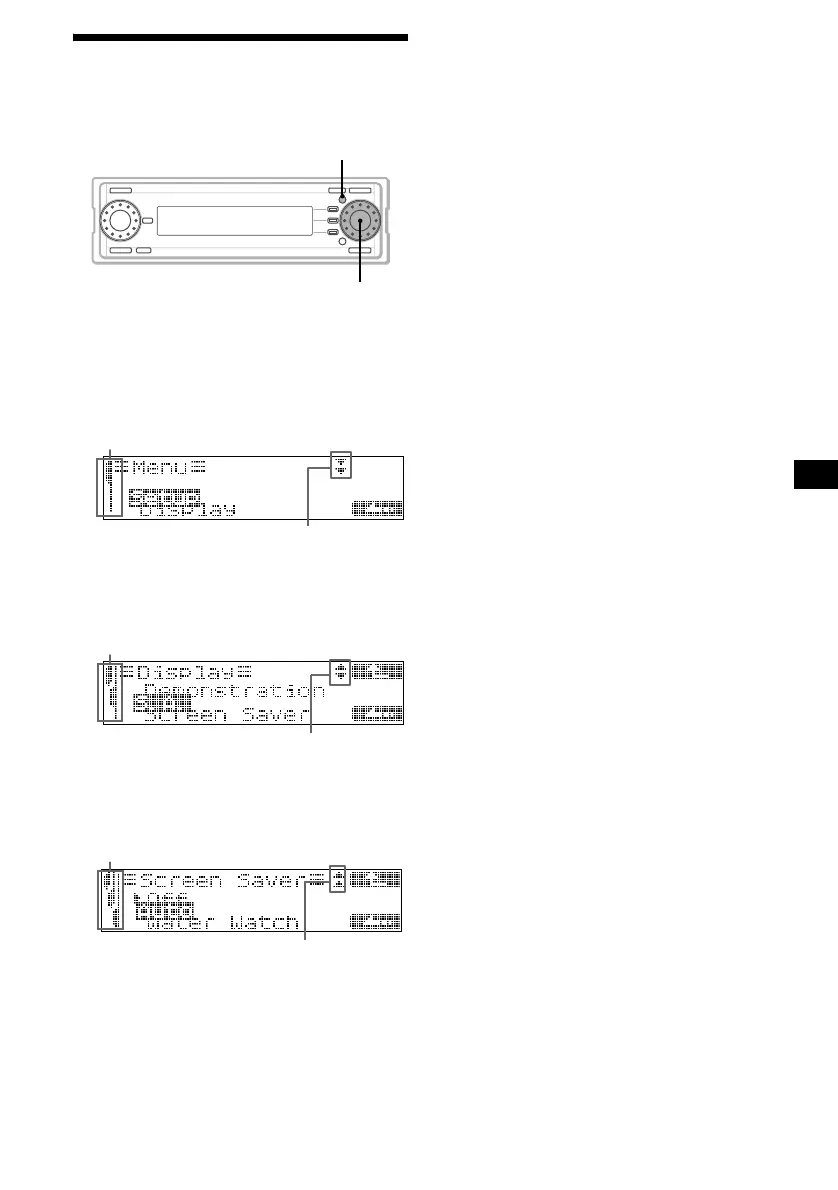
You can change the function modes or the
various settings of the unit accordingly.
To change the settings
Example: To set “Screen Saver” to “Auto”
1 Press (MENU).
2 Rotate the R dial to select “Display,”
then press the R dial.
3 Rotate the R dial to select “Screen
Saver,” then press the R dial.
4 Rotate the R dial to select “Auto,” then
press the R dial.
5 Press (MENU).
The normal display appears.
Tip
Menu items appear depending on the source selected.
For details, see “Changing the sound and display
settings” on page 56.
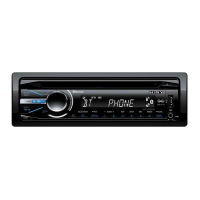
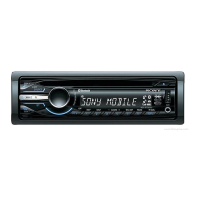
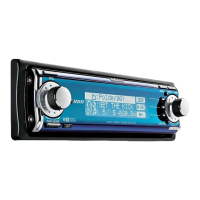
MENU
R dial
indicates you are in the first level
of the menu settings
indicates there are other levels
below the current level
indicates you are in the second
level of the menu settings
indicates there are other levels above
and below the current level
indicates you are in the third
level of the menu settings
indicates there are other
levels above the current level


 To Next Page