60
Editing the library
You can edit audio file information with your
personal computer by installing Mobile Library
Manager.*
This data can also be stored on this unit.
• You can edit audio file information (album
name, artist name, track name, Play List,
Recycle Bin, structure of folder/album).*
• You can get title information from the
Gracenote CDDB
®
Music Recognition
Service
SM
on-line.*
* For details, see the Help files and installation
manual of the Mobile Library Manager.
Exporting the audio file information
You can export the audio file information (album
name, artist name, track name, Play List, Recycle
Bin, structure of folder/album) recorded on the
HDD from this unit to a “Memory Stick.”
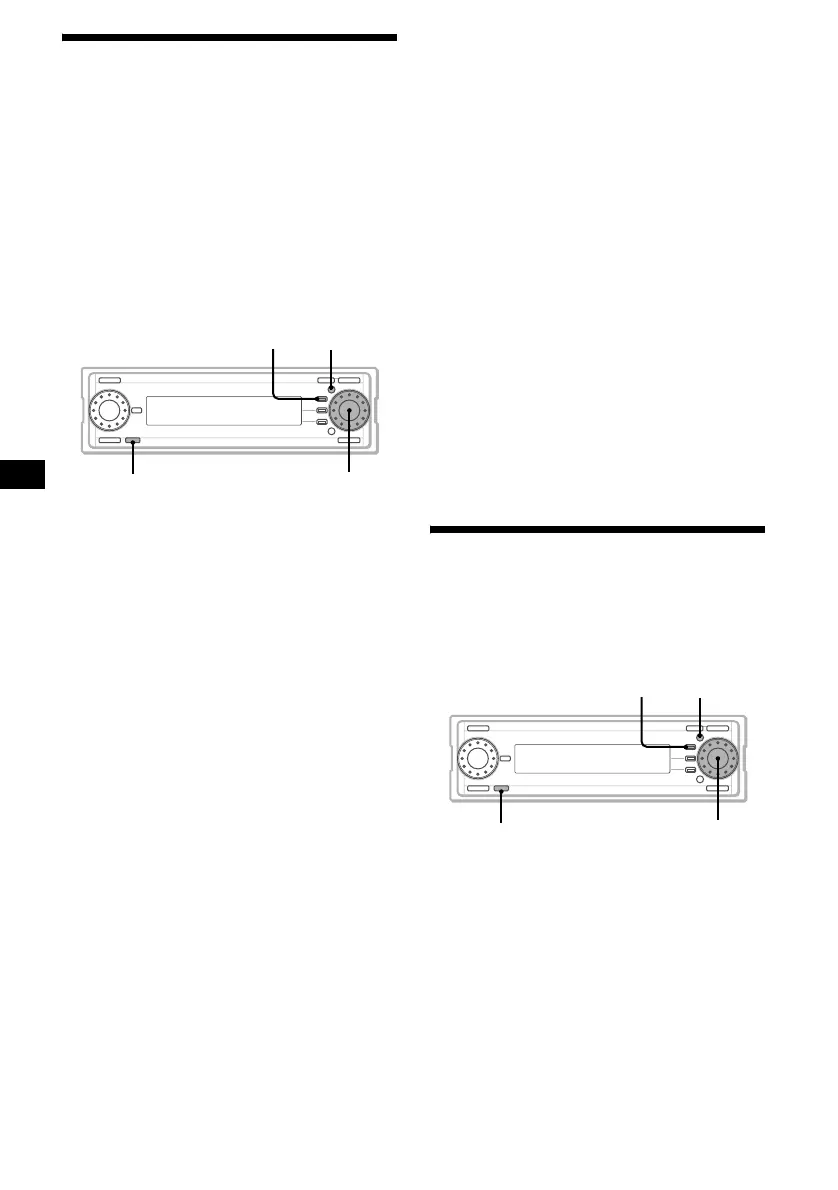
1 Insert a “Memory Stick” (page 14).
2 Press (OFF).
3 Press (MENU).
4 Rotate the R dial to select “Library,”
then press the R dial.
5 Rotate the R dial to select “Export,”
then press the R dial.
The normal display appears when Export is
completed.*
* If Export does not succeed, “CANNOT EXPORT”
appears.
To cancel Export
Press (F1) (CANCEL).
Importing edited data
You can import edited data from a “Memory
Stick” to this unit.
1 Insert a “Memory Stick” (page 14).
2 Press (OFF).
3 Press (MENU).
4 Rotate the R dial to select “Library,”
then press the R dial.
5 Rotate the R dial to select “Import,”
then press the R dial.
The normal display appears when Import is
completed.*
* If Import does not succeed, “CANNOT IMPORT”
appears.
To cancel Import
Press (F1) (CANCEL).
Note
After exporting, if you edit the data on the HDD, you
cannot import exported data onto the HDD. In this
case, “HDD LIBRARY MODIFIED” is displayed.
Installing/Uninstalling
Gracenote CDDB
®
You can delete Gracenote CDDB
®
(CD data
base) in this unit to effectively free up more than
200MB space on the HDD.
Uninstalling Gracenote CDDB
®
You can delete Gracenote CDDB
®
on the unit.
1 Press (OFF).
2 Press (MENU).
3 Rotate the R dial to select “Library,”
then press the R dial.
4 Rotate the R dial to select “CDDB
Uninstall,” then press the R dial.
The confirmation dialogue appears.
MENUF1
OFF
R dial
MENU
OFF
F1
R dial



 To Next Page