53
Adjusting the bass and treble
— BAS/TRE
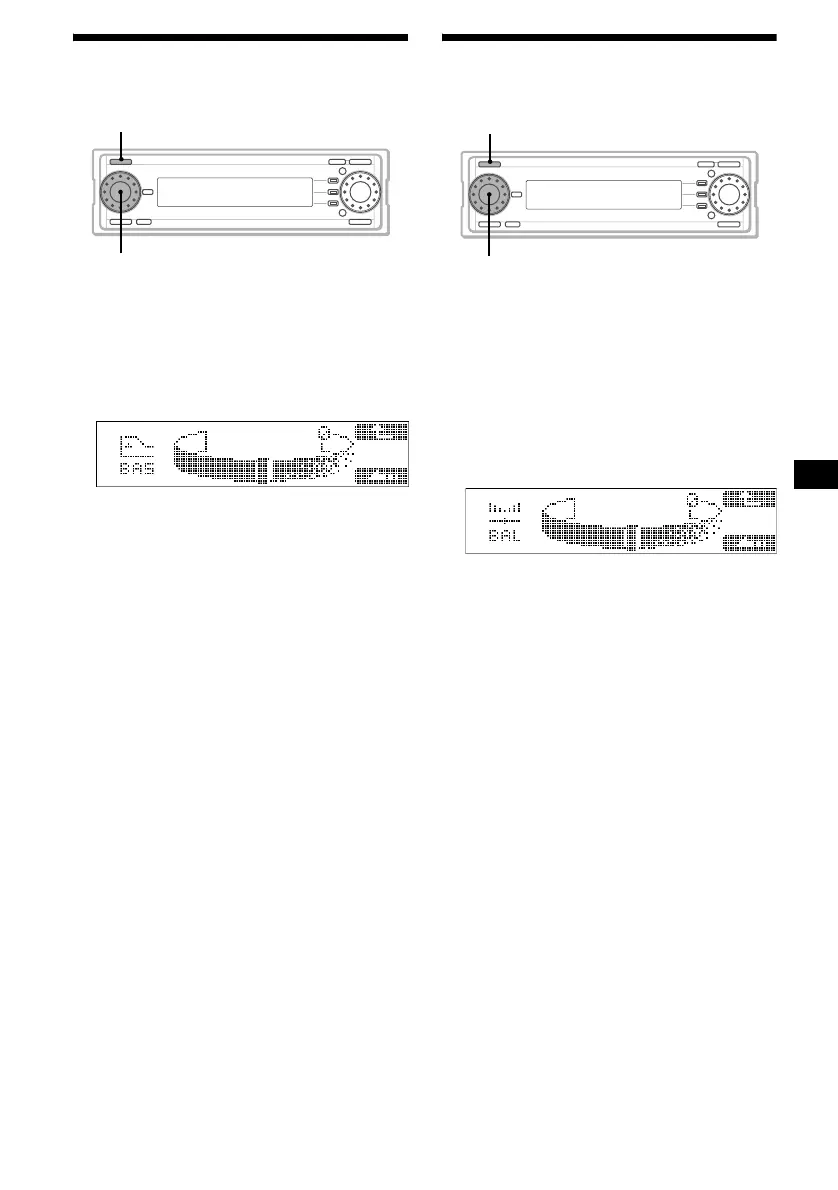
1 Press (SOURCE) to select a source.
2 Press the L dial.
The sound list display appears.
3 Rotate the L dial to select “BAS” or
“TRE,” then press the L dial.
4 Rotate the L dial to adjust the level.
The bass/treble level is adjustable between
–10 to +10 steps.
5 Press the L dial.
The normal display appears.
Note
If DSO is set to “On,” or EQ7 is selected, the effects of
BASS and LOUD may be hard to be recognised.
Adjusting the balance
— BAL
To adjust the balance of right and left
speakers
1 Press (SOURCE) to select a source.
2 Press the L dial.
The sound list display appears.
3 Rotate the L dial to select “BAL,” then
press the L dial.
4 Rotate the L dial to adjust the balance.
The balance is adjustable between L10-L1, 0,
R1-R10.
5 Press the L dial.
The normal display appears.
SOURCE
L dial
SOURCE
L dial



 To Next Page