49
Returning a track to the HDD
from a Network Walkman
— Check-In
Returning Checked-Out music data in a Network
Walkman to the HDD.
1 Display the source list (page 16).
2 Rotate the R dial to select “Digital I/O,”
then press the R dial.
3 Press (MENU).
The menu display appears.
4 Rotate the R dial to select “Check In,”
then press the R dial.
5 Rotate the R dial to select the track
you want to Check-In, then press the R
dial.
The selected item is displayed marked with
“.”
In the default setting, all tracks are selected in
the track name list.
To select specific tracks, press (F2) (ALL) to
cancel the selection first.
To cancel the item being selected, press the R
dial again.
6 Repeat step 5 to select all tracks you
want to Check-In.
7 Press (F1) (START).
Check-in starts.
The normal display appears when Check-In is
completed.
To cancel Check-In
Press (F1) (CANCEL).
Notes
• Only the tracks that can be Checked-in are displayed
in the list.
• A track that has been Checked-Out from other
devices cannot be Checked-In.
Changing order of audio files
in a Network Walkman
— Move function
You can change playback order of tracks in a
Network Walkman.
1 Display the source list (page 16).
2 Rotate the R dial to select “Digital I/O,”
then press the R dial.
3 Press the R dial to display the track
name list.
4 Rotate the R dial to select the track
you want to move, then press (MENU).
The menu display appears.
5 Rotate the R dial to select “Move,”
then press the R dial.
6 Rotate the R dial to select the position
to insert, then press (F2) (ENTER).
7 Press (F3) ().
The normal display appears.
To cancel moving
Press (MENU).
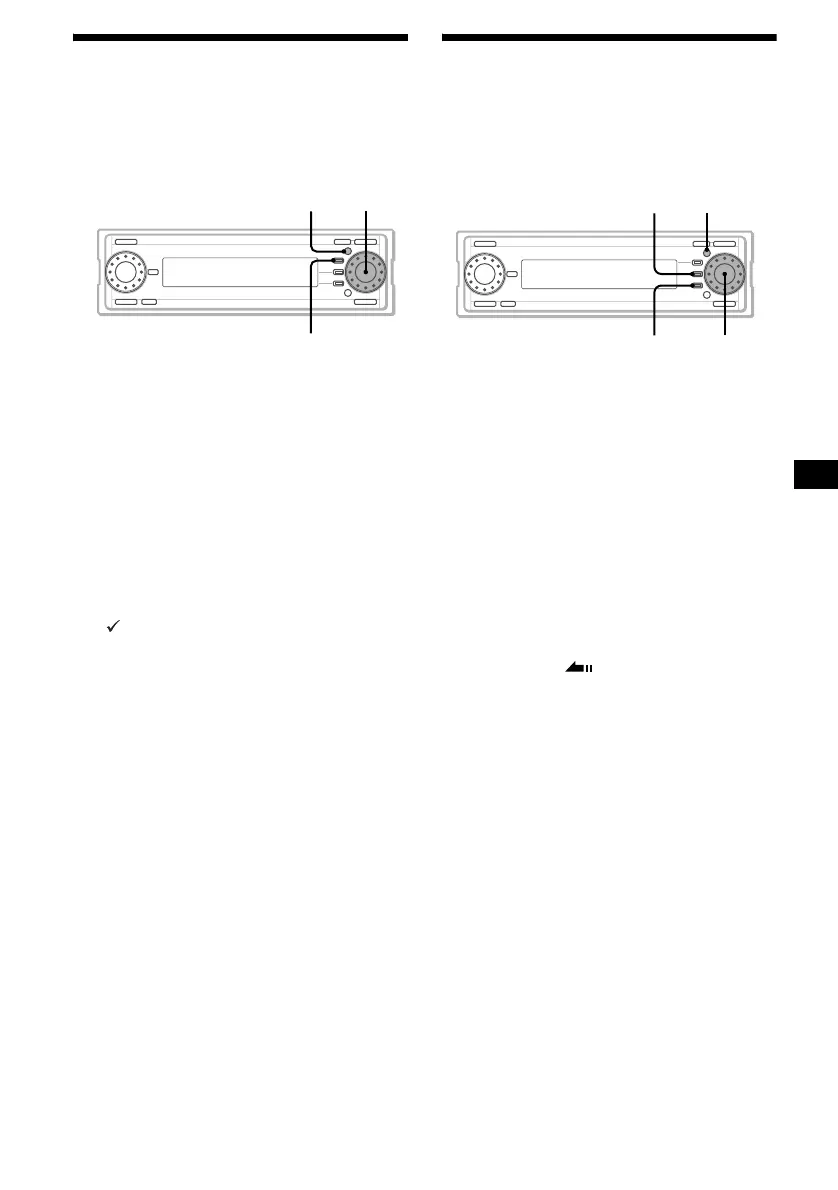
MENU
F1
R dial
MENU
F3
F2
R dial



 To Next Page