36
5 Enter characters.
1 Rotate the R dial to select the
desired character type, then press
the R dial.
As you rotate the R dial, the item changes
as follows:
2 Rotate the R dial to select the
desired character, then press the R
dial.
The proposed entries appear.
To change the character types, rotate the R
dial to select “ ,” then press the R dial.
Each time you press (DSPL), the alphabet
letter string displayed changes the type of
letters as follows:
All capital letters t the first letter in
capitals t all small letters
3 Rotate the L dial to select the
proposed entry you desired, then
press the L dial.
When there is no proposed entry, follow
steps 1 and 2 to finish entering the
name.
To move the cursor, rotate the R dial to
select “<” or “,,” then press the R dial.
To delete the entered character, rotate the
R dial to select “CLR,” then press the R
dial.
6 Rotate the R dial to select “OK,” then
press the R dial.
The normal display appears.
To cancel labelling
Rotate the R dial to select “NG” in step 6, then
press the R dial.
Notes
• You cannot use the Name-In function for imported
albums, Moved-In or imported tracks.
• If an album includes Moved-In or imported tracks,
changing the artist name of all tracks in the album at
one time cannot be carried out.
• You cannot use the Name-In function for a locked
folder.
Tip
The function menu is also available to select items
corresponding to “OK,” “
<,” “ ,,” “CLR” and “NG”
in step 5 and 6. For details, see “Function menu” on
page 17.
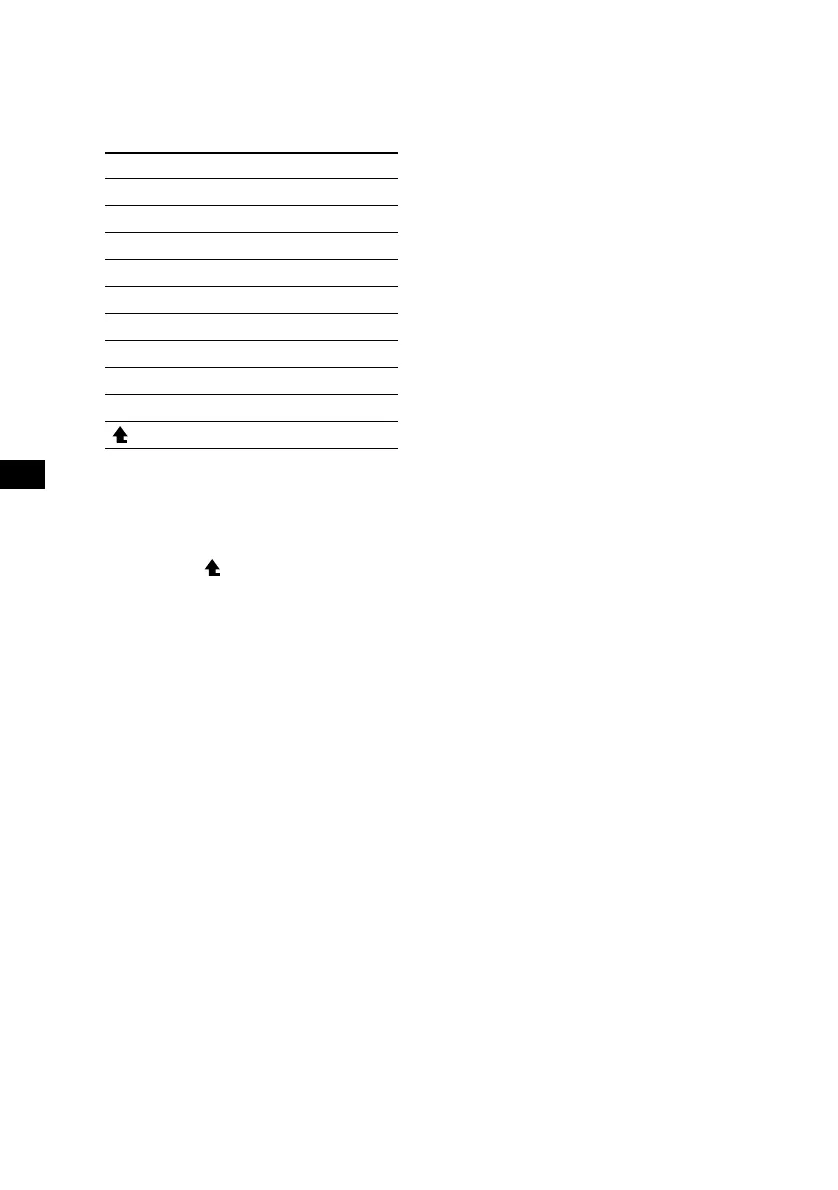
Item Explanation
ABC Alphabet (All caps)
abc Alphabet (Small caps)
1234 Numbers
! ? # Symbol
(OK) to store the characters entered
(<) to move the cursor to the left
(,) to move the cursor to the right
(CLR) to erase a character
(NG) to cancel name editing
( ) to return to the character menu



 To Next Page