HT-ST9
47
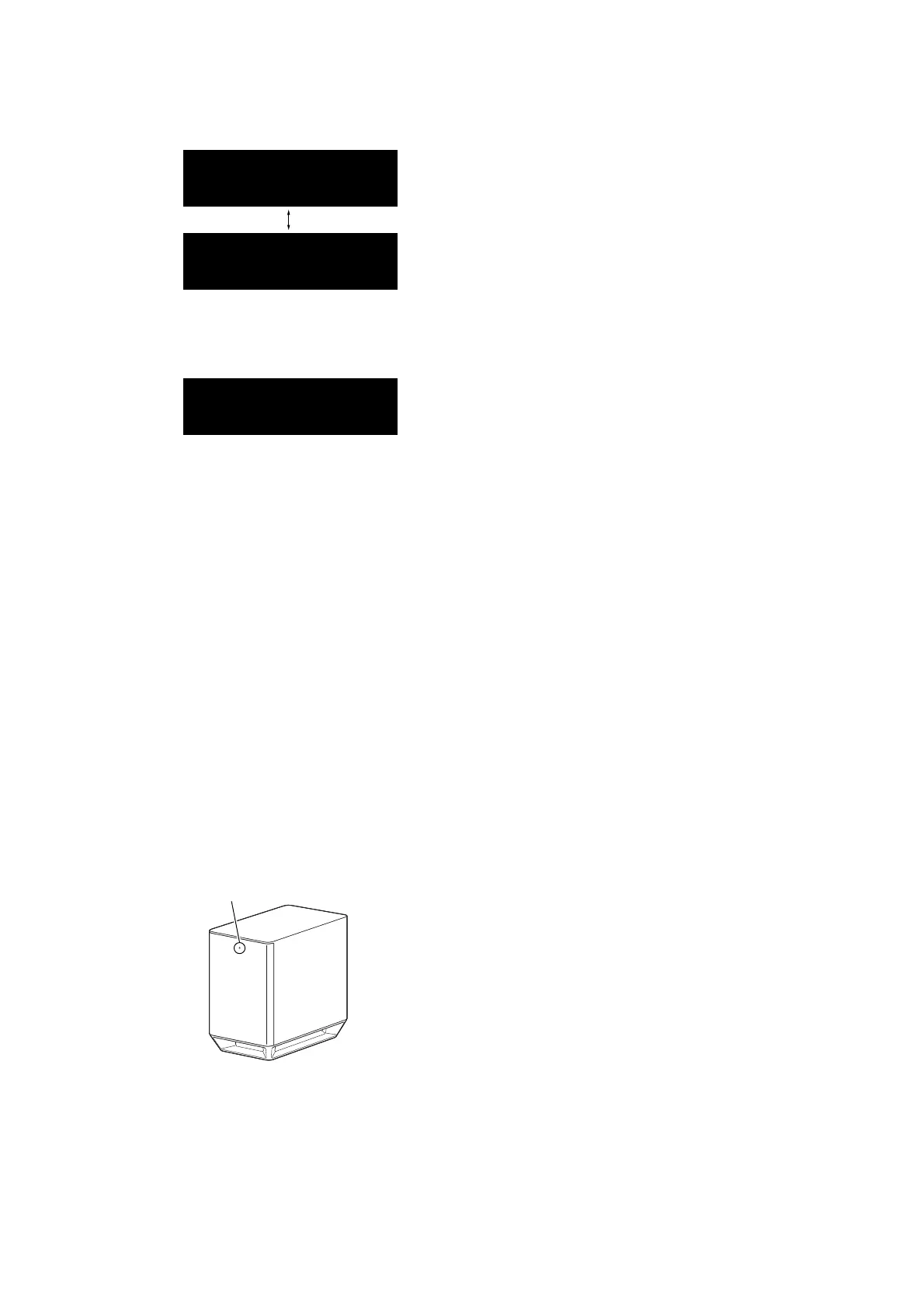
7. Each time the [CLEAR AUDIO+] button on the remote com-
mander is pressed, VACS on/off setting is changed.
VAON
VAOFF
8. Each time the [VOICE] button on the remote commander is
pressed, gain value increase. Each time the [NIGHT] button on
the remote commander is pressed, gain value decrease.
(Gain value is +3.0 to –3.0)
G+0. 3
(Displayed values in the above fi gure are example)
Releasing method:
Releasing method are two kinds.
• Press the [
@
/
1
] button, the message “WAIT” → “RESET” is
displayed on the OLED display and then turn the power off.
• Unplug the AC cord.
WIRELESS SOUND COLD RESET
It can initialize various backup information of Subwoofer (SA-
WST9).
Preparation:
Connect the Subwoofer (SA-WST9) and the Bar Speaker (SA-
ST9) by wireless.
Note: Refer to “NOTES ON THE WIRELESS CONNECTION (LINK)
AFTER REPAIRS ARE COMPLETE”on page 8 for details of
wireless connection.
Procedure:
1. Press the [
@
/
1
] button to turn the power on.
2. Press the buttons on the remote commander in the order of [
x
]
→ [DISPLAY] → [BACK] → [V].
3. The on/standby indicator on the Subwoofer (SA-WST9) turns
red and fl ashes, then turns on orange.
On/standby indicator
Red (flash)
t Orange (light up)
4. Unplug the AC cord on the Subwoofer (SA-WST9) from an
outlet and insert the AC cord again.
BD SERVICE MODE
Note: The operation in this mode must use a remote commander and TV
monitor.
Setting method of the BD service mode:
1. Connect this unit with TV monitor.
2. Press the [
?/1
] button to turn the power on.
3. Press button in order of the [
x
] → [DISPLAY] → [
X
] → [V]
on the remote commander.
(Make the interval when each button is pressed within one sec-
ond)
4. Enter the BD service mode. The OSD menu on TV monitor
can be operated by remote commander.
1. Main Functions
• Diag
Performs unit test of devices installed on the board.
• Log
Error log is displayed. Displayed contents can also be saved in
an USB memory device.
• Factory Initialize
Not used.
• Network
Not used.
• Version Up
Not used.
• System Information
Displays the system information of the unit.
Displays information such as the software version, drive infor-
mation, etc.
• EMC Test Mode
Not used.
• Drive
Not used.
• HDD mode
Not used.
• RF TEST MODE
Not used.
Releasing method:
Turn off the power by pressing the [
@
/
1
] button.



 To Next Page