1-22
92
Playing JPEG image files
Tip
• If you add numbers (01, 02, 03, etc.) to the front of the file names, the files will be played in
that order.
Notes
•The system can play the extension “.JPG” or “.JPEG”.
•Some CD-Rs or CD-RWs cannot be played on this system depending on file format.
• If you add the extension “.JPG” or “.JPEG” to data not in JPEG format, the display will be
blank.
•Depending on the disc or the size of image files, playback may take some time to start.
93
Playing VIDEO CDs with “MENU OUI/NON” functions
DVD Additional Operations
Playing VIDEO CDs with “MENU OUI/NON”
functions
The PBC (Playback control) function allows
you to search and perform other operations
interactively. PBC playback follows a
selection menu displayed on your TV screen.
The “MENU OUI” function is the PBC
function.
1
Start playing a VIDEO CD with “MENU OUI”.
The menu for your selection appears.
2
Press V/v to select the item number you want.
You can also use the number buttons to select the item number and track.
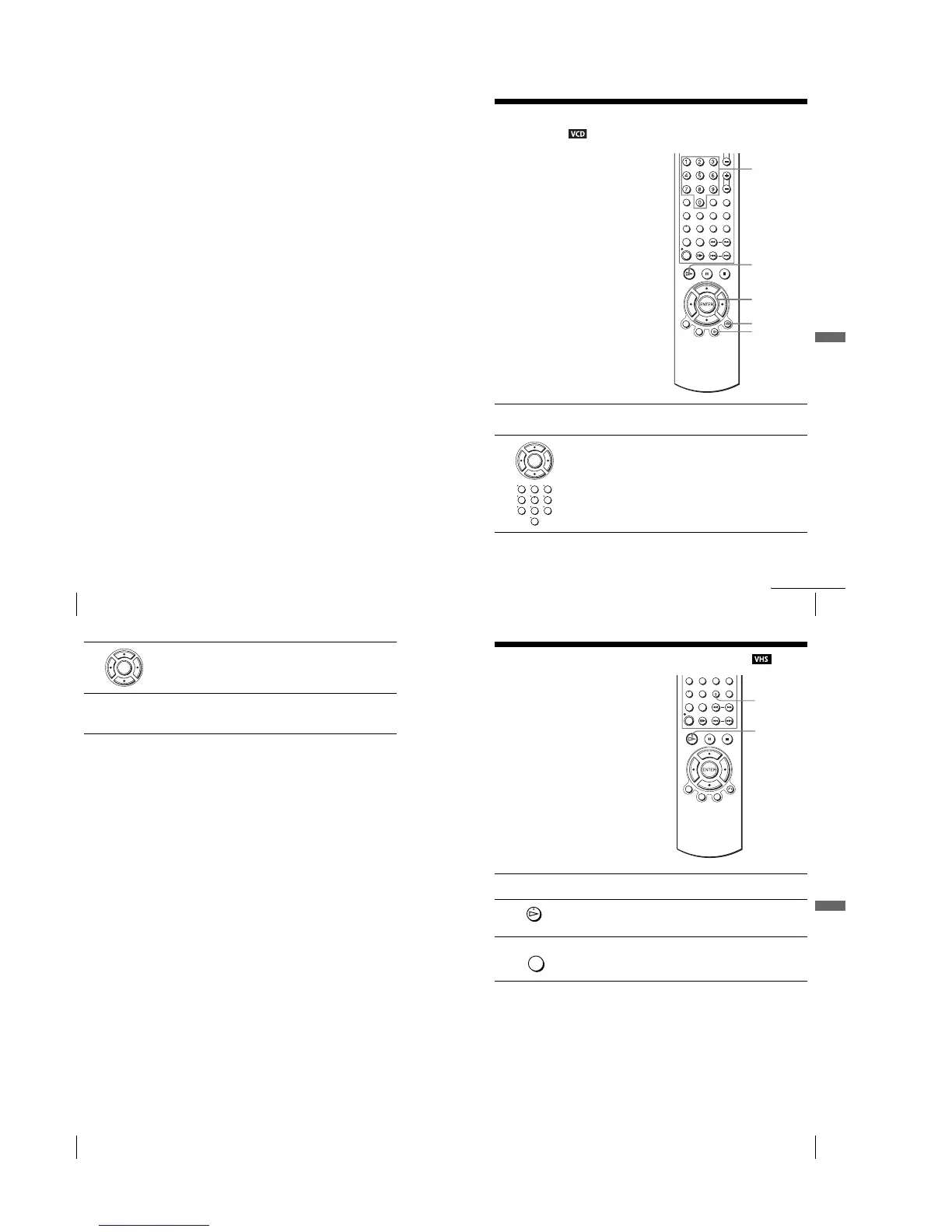
V/v
ENTER
Number
buttons
H
O RETURN
MENU
ENTER
123
456
789
0
continued
94
Playing VIDEO CDs with “MENU OUI/NON” functions
To return to the menu
Press O RETURN.
To play using “MENU NON”
Press MENU to select “MENU NON”.
When “MENU NON” is selected, the DVD player starts continuous play. You cannot
play still pictures such as a menu.
To return to “MENU OUI”, press MENU to select “MENU OUI”.
Tip
•Depending on the VIDEO CD, “Press ENTER” in step 3 may appear as “Press SELECT” in
the instructions supplied with the disc. In this case, press H.
3
Press ENTER.
4
Follow the instructions in the menu for interactive operations.
Refer to the instructions supplied with the disc, as the operating procedure
may differ depending on the VIDEO CD.
ENTER
95
Playing a tape with SQPB function
VCR Additional Operations
VCR Additional Operations
Playing a tape with SQPB function
Notes
•You cannot use the SQPB function for recording.
•The playback display will be distorted if you use the SQPB function with a normal VHS
format tape.
•When you eject the tape, the VCR automatically returns to normal mode.
•Playback of tapes recorded in EP (Extended Play) mode on an NTSC system is not
guaranteed.
The SQPB (Super VHS Quasi Playback)
function is only for playing a Super VHS
format tape.
1
Insert a Super VHS format tape.
2
Press H.
3
Press SQPB to start SQPB.
SQPB
H
ANGLE/
SQPB














 To Next Page