6-1
6. ALIGNMENT AND ADJUSTMENTS
6-1 VCR ADJUSTMENT
6-1-1 Reference
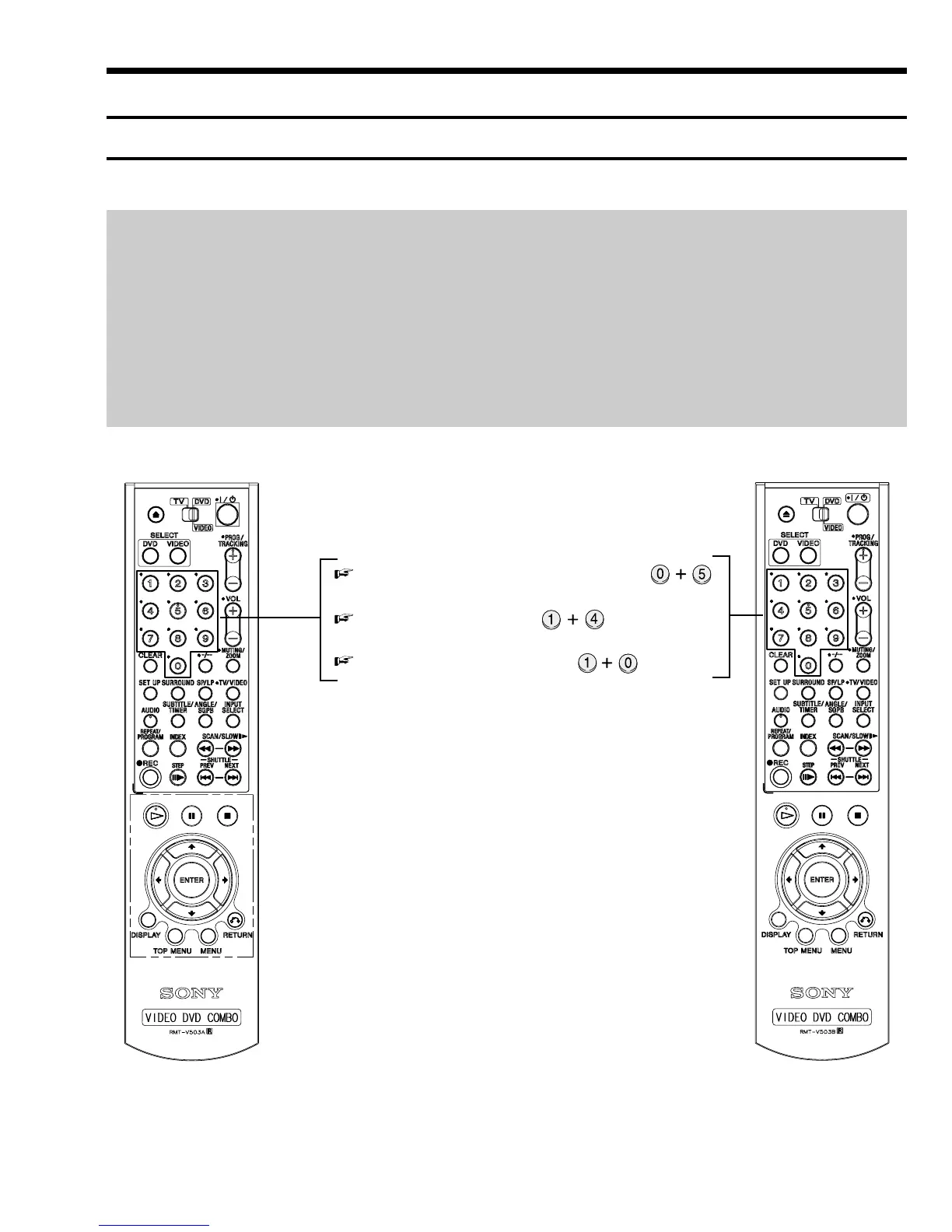
1) X-Point (Tracking center) adjustment, “Head switching adjustment” and “NVRAM option setting” can be adjusted with remote control.
2) When replacing the Main PCB Micom (IC601) and NVRAM (IC605; EEPROM) be sure to adjust the “Head switching adjustment” and
“NVRAM option setting”.
3) When replacing the cylinder ass’y, be sure to adjust the “X-Point” and “Head switching adjustment”.
4) How to adjustment.
- Intermittently short-circuit the Test Point on Main PCB with pincers to the adjustment mode.
- If the corresponding adjustment button is pressed, the adjustment is performed automatically.
- If the adjustment is completed, be sure to turn the power off.
6-1-1(a) Location of adjustment button of remote control
X-Point (Tracking Center) Adjustment ;
Head Switching Adjustment ;
NVRAM Option Setting ;
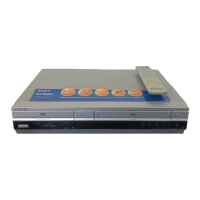
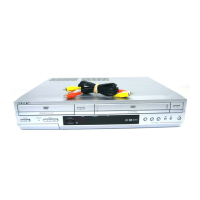
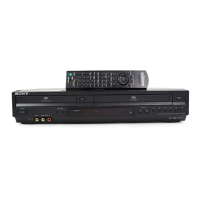
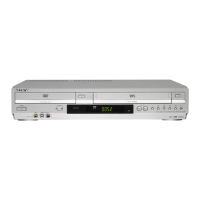
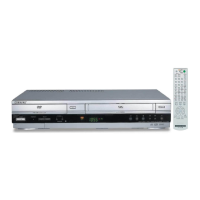
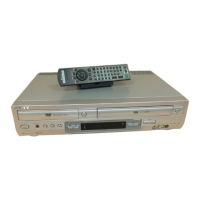
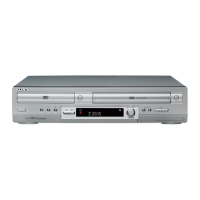
< SLV-D950 >< SLV-D910 >
Fig. 6-1
SLV-D910AZ/D910B/D910E/D910N/D910R/
D950B/D950E/D950GI



 To Next Page