108
GB
While receiving an RDS station,
press DISPLAY repeatedly.
Each time you press the button, RDS
information on the display changes cyclically
as follows:
PS (Program Service name)
a)
t PTY
(Program Type) indication
b)
t RT (Radio
Text) indication
c)
t CT (Time) indication (in
24-hour system mode) t Sound field type t
Vo l u m e
a)
This information also appears for non-RDS FM
stations.
b)
Type of program being broadcast.
c)
Text messages sent by the RDS station.
For details on how to connect a Sony digital
music player to this receiver, refer to
“Listening to the music of a USB device”
(page 86).
1 Press RECEIVER to enable
receiver operation.
You do not need to press RECEIVER if
the other input buttons do not light up.
2 Press USB repeatedly to select
the Sony digital music player.
Other operations
For details on the connections and settings of
zone 2/zone 3, see “Listening to the sound in
another zone (ZONE 2/ZONE 3 operations)”
(page 98). Use the RM-AAU009 remote for
this operation.
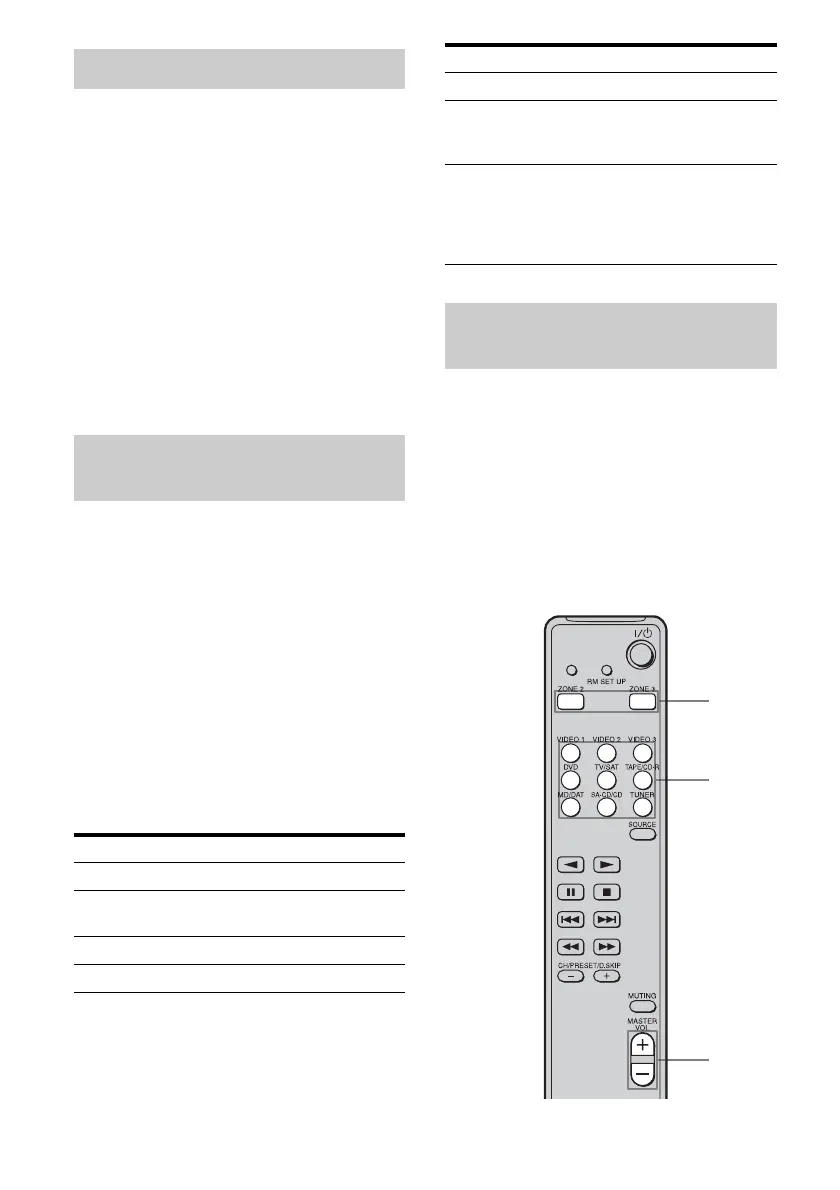
The following operations are described for
connecting an IR repeater and operating the
receiver in zone 2 or zone 3. When an IR
repeater is not connected, use this receiver in
the main zone.
Displaying RDS information
Listening to a Sony digital music
player
To Do the following
Play Press H.
Pause Press X. To resume play, press
the button again.
Stop Press x.
Select a folder Press ALBUM + or ALBUM –.
Select a track Press TRACK + or TRACK –.
Find a point in a
track
Hold down m or M during
playback, and release the button
at the desired point.
Change a display
text
Press DISPLAY repeatedly. The
display will change as follows.
Track title t Album title t
Artist title t Genre title t
Sound field type t Volume
…
Operating the output to zone 2/
zone 3
To Do the following
4
2
5















 To Next Page