56
GB
x HDMI Audio
(Setting HDMI audio input)
Lets you set the HDMI audio output from the
playback component connected to the receiver
via an HDMI connection.
• TV+AMP
The sound is output from TV’s speaker and
the speakers connected to the receiver.
Notes
• The sound quality of the playback component
depends on the TV’s sound quality, such as the
number of channels, and the sampling frequency,
etc. When the TV has stereo speakers, the sound
output from the receiver is also stereo as that of
the TV, even if you play multi-channel software.
• When you connect the receiver to a video
component (projector, etc.), sound may not be
output from the receiver. In this case, select
“AMP.”
•AMP
The HDMI audio signals from the playback
component is only output to speakers
connected to the receiver. Multi-channel
sound can be played back as it is.
Note
Audio signals are not output from the TV’s
speakers when HDMI Audio is set to “AMP.”
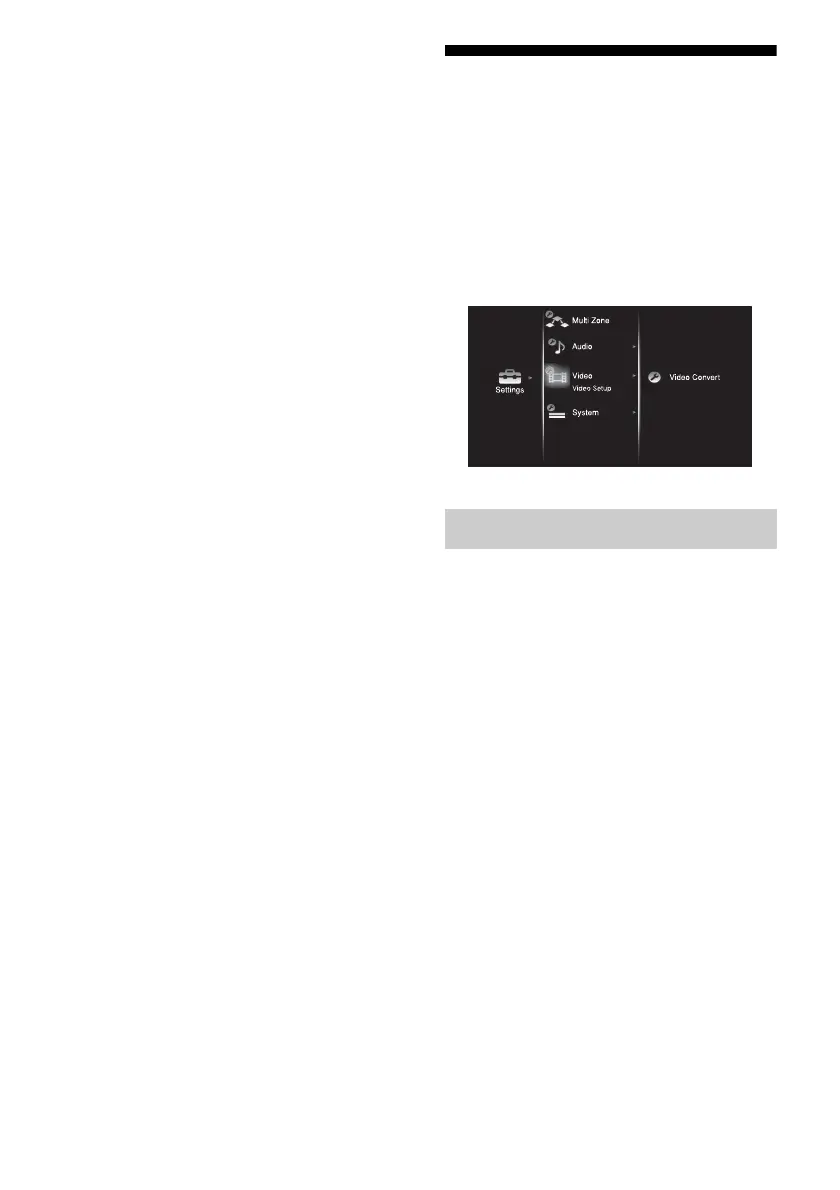
Settings for the video
(Video settings menu)
You can use the Video settings menu to
reassign the component video input to another
input and to name inputs. Select “Video” in the
Settings menus. For details on adjusting the
parameters, see “7: Navigating through
menus” (page 38).
x Video Convert
(Converting video signals)
Lets you convert the resolution of analog video
input signals.
•OFF
• 480i/576i
• 480p/576p
•720p
• 1080i
• 1080p
For details, see “Converting analog video
input signals” (page 84).
Video settings menu parameters















 To Next Page