88
GB
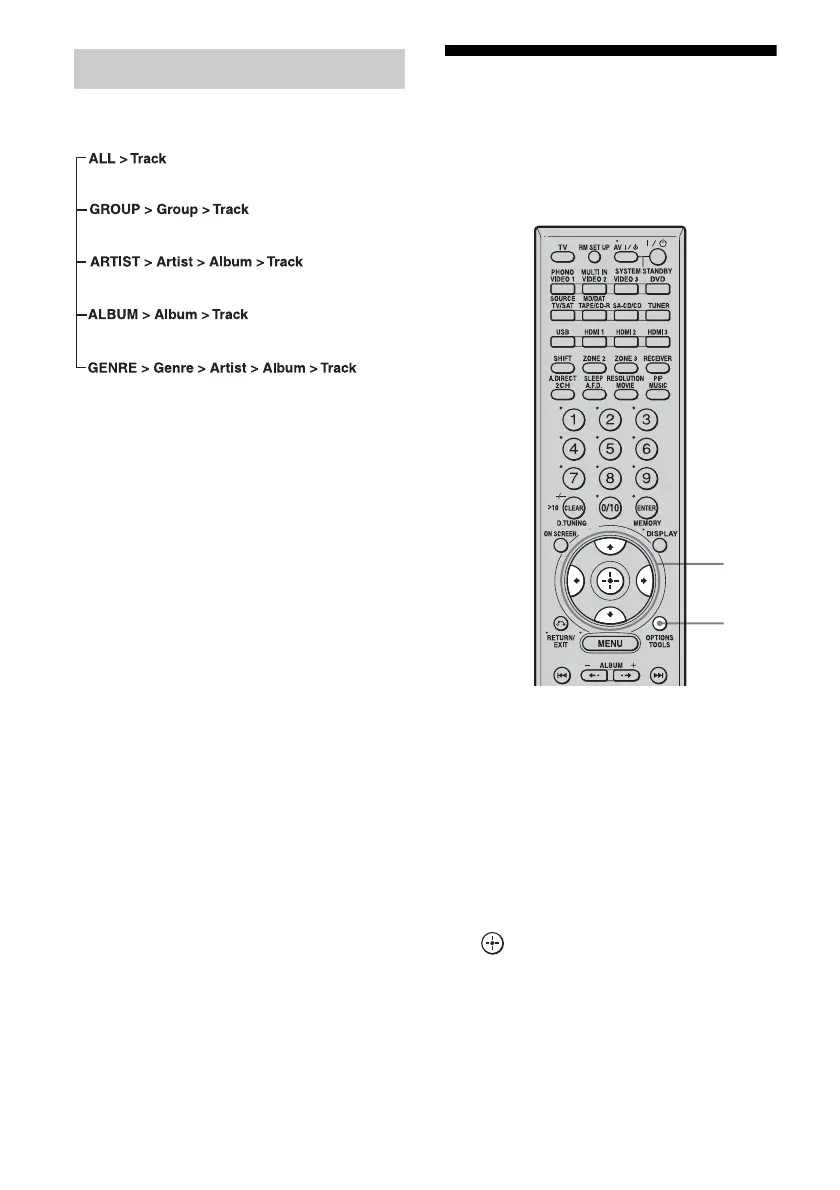
The menu tree displayed depends on the
connected portable audio product.
Note
Only “ALL” and “GROUP” are displayed when you
connect a USB device other than a Sony digital
music player. The data hierarchy may change,
depending on a USB device.
Naming inputs
You can enter a name of up to 8 characters for
inputs and display it.
This is convenient for labeling the jacks with
the names of the connected components.
1 Choose the item you want to
name.
You can name the following items.
• Auto calibration position (page 42)
• Inputs (page 48)
• Preset stations (page 80)
2 Press OPTIONS.
3 Select “Name Input,” then press
.
The soft keyboard appears on the screen.
The music menu tree
2
3-4















 To Next Page