115
GB
Using the Remote
Performing several
commands in sequence
automatically
(Macro Play)
The Macro Play function lets you link several
commands in a sequential order as a single
command.
The remote provides 2 macro lists (MACRO 1
and MACRO 2). You can specify up to 20
commands for each macro list.
Note
When setting up Macro Play, replace the batteries
with new ones.
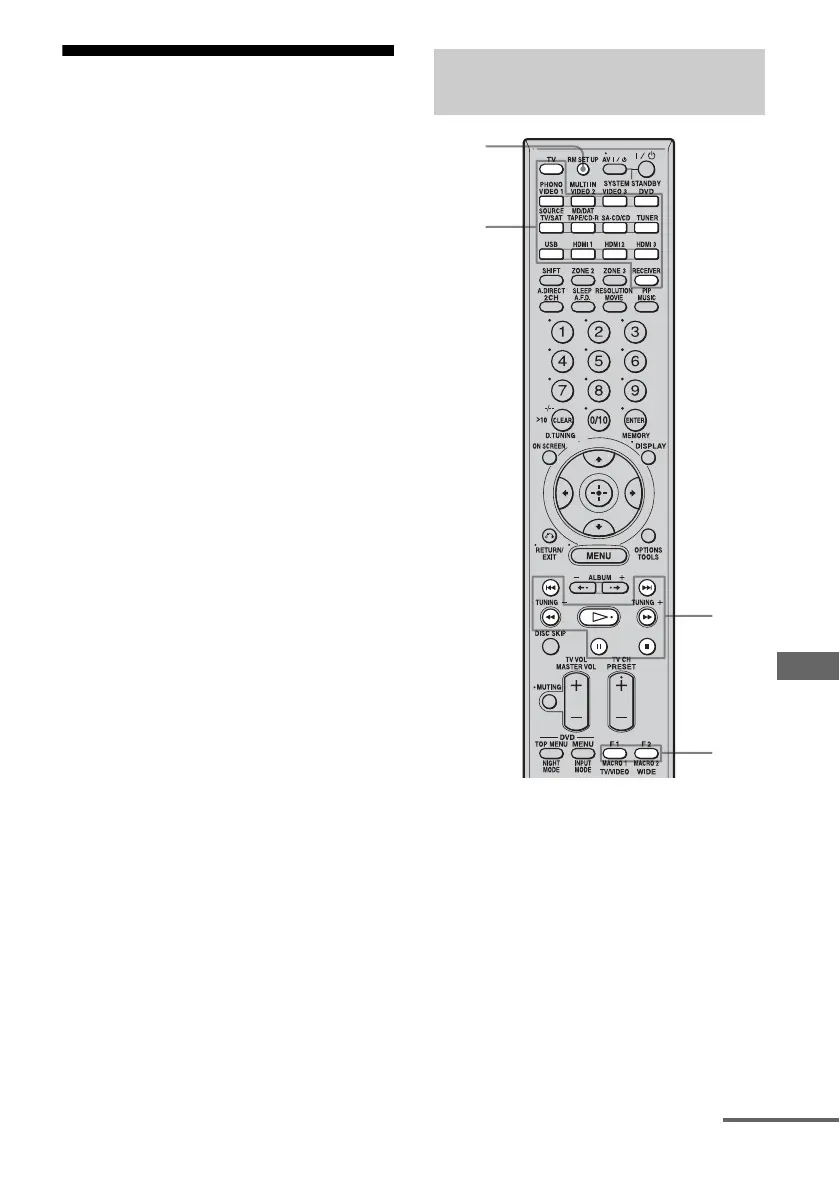
1 Press MACRO 1 or MACRO 2 for
more than 1 second while
pressing RM SET UP.
The RM SET UP button flashes.
2 Press the input button of the
component that you want to
assign one of the following
operations.
The selected input button lights up.
Program the sequence of the
operation
3
1,5
1,3
2,3
continued















 To Next Page