Playback
53
GB
Watching video
2
3
6
6
3
• Refer to the operating
instructions supplied with the
TV and VCR.
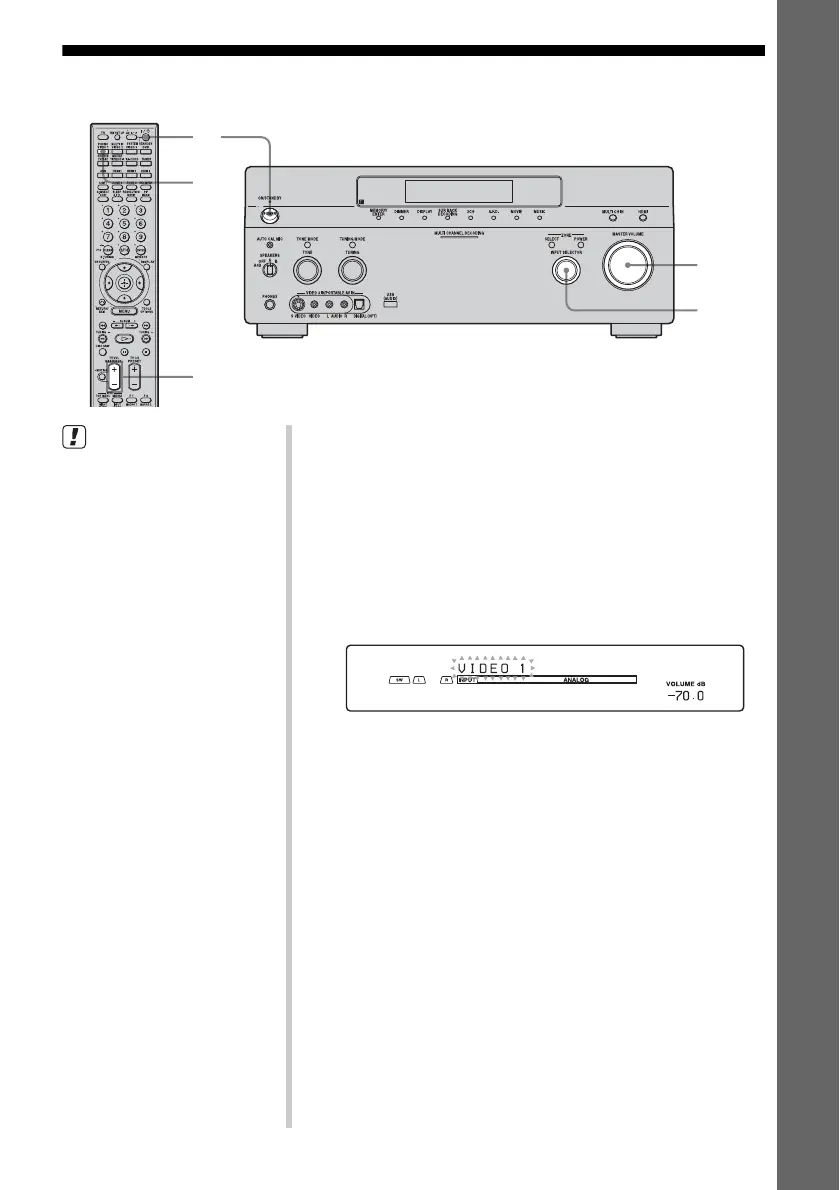
1 Turn on the VCR.
2 Turn on the receiver.
3 Press VIDEO 1*.
You can also use INPUT SELECTOR on this receiver to
select “VIDEO 1*.”
* When you connect VCR to the VIDEO 1 jack.
An example of the display
4 Switch the input of the TV so that an image
of the VCR is displayed.
5 Play back the tape on the VCR.
6 Adjust to a suitable volume.
7 After you have finished a watching video,
eject the tape and turn off the receiver, the
TV, and the VCR.















 To Next Page