76
GB
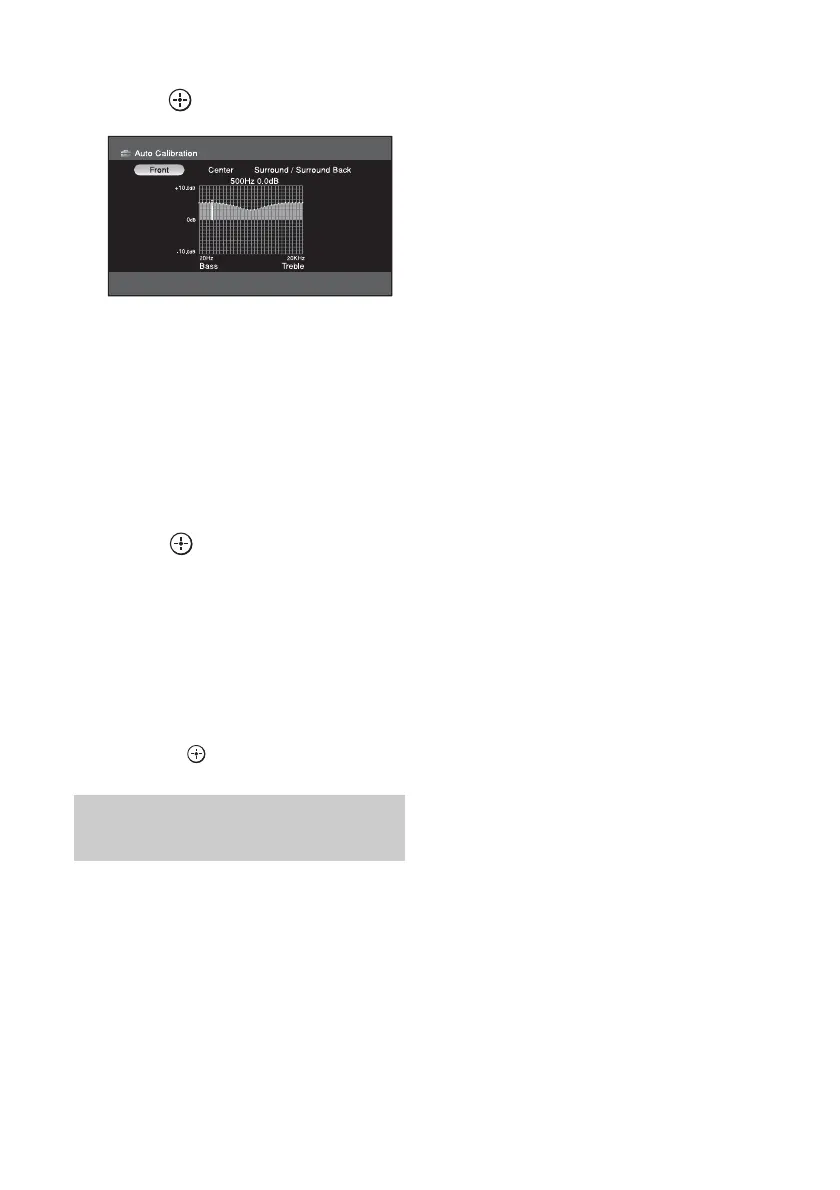
11Choose the speaker you want
to adjust using V/v/B /b, then
press .
12Press B/b repeatedly to select
“BASS” or “TREBLE”, then
press V/v to adjust the
parameter.
Tip
You can adjust the front speaker bass and treble
level with TONE MODE and TONE on the
receiver.
13Press to enter the
parameter.
Clearing stored equalizer
settings
1
Perform steps 1 to 9 in “Adjusting the
equalizer” (page 75).
2 Press V/v repeatedly to select “Clear,”
then press .
x Select
x Edit
x Clear
Option menu parameters of
equalizer settings















 To Next Page