57
GB
Amplifier Operations
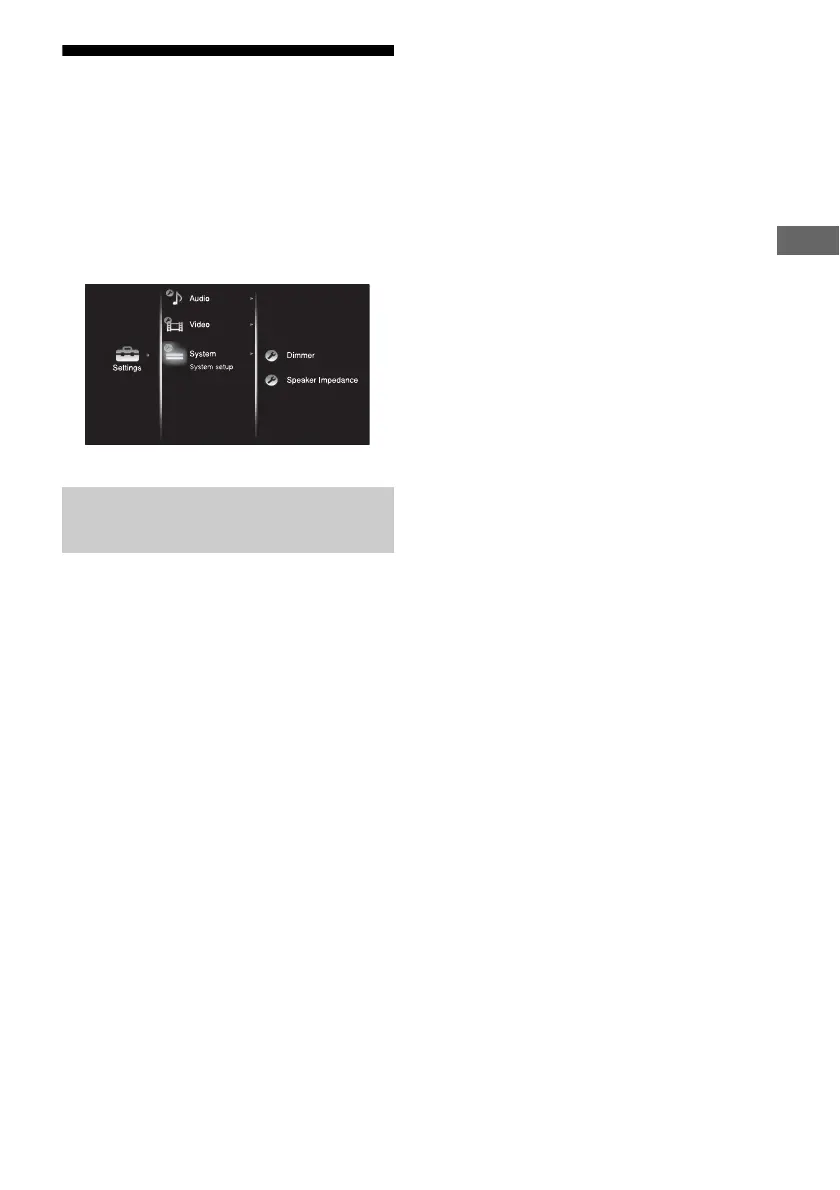
Settings for the system
(System settings menu)
You can use the System settings menu to
customize the settings of the receiver. Select
“System” in the Settings menus. For details on
adjusting the parameters, see “7: Navigating
through menus” (page 38).
x Dimmer
(Brightness of the display)
Lets you adjust the brightness of the display.
When you choose setting such that you turn off
the display completely, the MULTI
CHANNEL DECODING indicator is also
turned off.
• 100% (down)
•60% (down)
•0% (down)
x Speaker Impedance
(Speaker impedance)
•8 Ω
•4 Ω
For details, see “8: Setting the speakers”
(page 40).
System settings menu
parameters















 To Next Page