39
GB
Getting Started
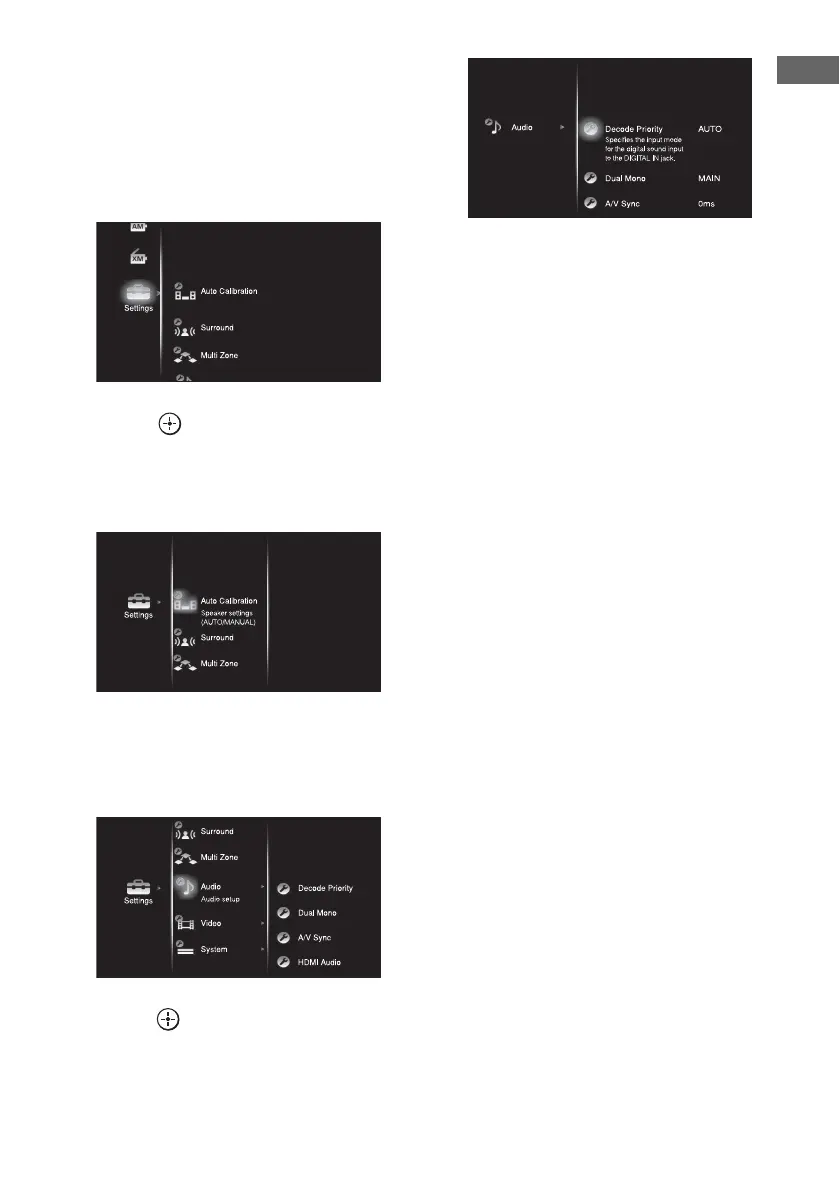
4 Press ON SCREEN.
The menu list of this receiver appears on
the TV screen. Press MENU if the menu
list does not appear on the TV screen.
5 Press V/v repeatedly to select a
menu you want.
6 Press or b to enter the
menu.
The menu item list appears on the TV
screen.
7 Press V/v repeatedly to select
the menu item you want to
adjust.
8 Press or b to enter the menu
item.
9 Repeat steps 7 to 8 to select the
parameter you want.
To return to the previous screen
Press RETURN/EXIT O.
To exit the menu
Press MENU.















 To Next Page