41
GB
Getting Started
– When you connect speakers with impedance of
16 ohms or higher in both “A” and “B”
configuration:
Set “Speaker Impedance” to “8 Ω” in the System
settings menu.
– For other types of speakers in other
configurations:
Set “Speaker Impedance” to “4 Ω” in the System
settings menu.
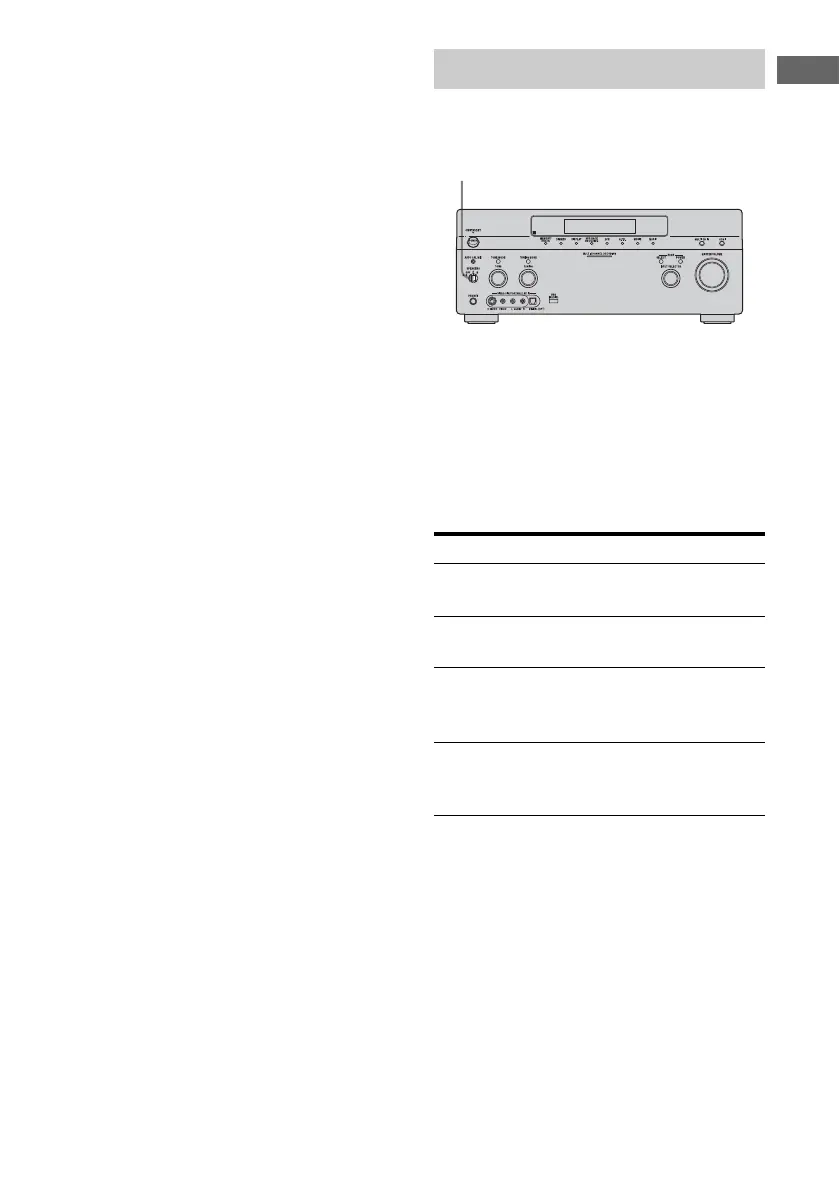
You can select the front speakers you want to
drive.
Set the SPEAKERS switch to select
the front speaker system you want
to drive.
Note
This setting is not available when headphones are
connected.
Selecting the front speaker
Set to To select
A The speakers connected to the
FRONT SPEAKERS A terminals.
B The speakers connected to the
FRONT SPEAKERS B terminals.
A+B The speakers connected to both the
FRONT SPEAKERS A and B
terminals (parallel connection).
OFF No audio signals are output from
any speaker terminals, or the PRE
OUT terminal.
SPEAKERS switch















 To Next Page