44
GB
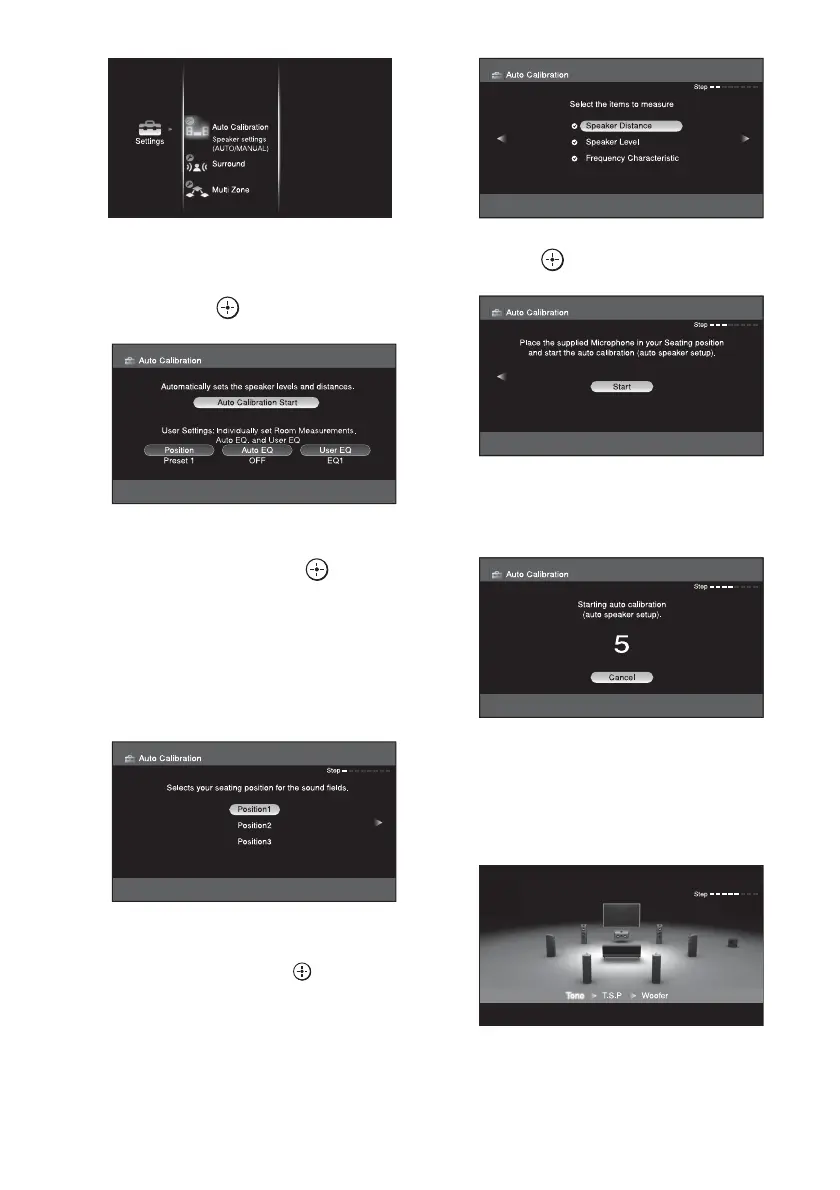
3 Press V/v/B/b repeatedly to
select “Auto Calibration Start,”
then press .
4 Press V/v repeatedly to select
Position, then press or b.
You can register three patterns as position
1,2, and 3, depending on the listening
position, listening environment and
measurement conditions.
You can rename the position number,
refer to “Naming inputs” (page 88).
5 Press b.
Press V/v repeatedly and to un-check
the items you do not want to measure.
• Speaker Distance
• Speaker Level
• Frequency Characteristic
6 Press to select “Start.”
7 The measurement starts in five
seconds.
8 Measurement starts.
The measurement process will take
approximately 30 seconds. Wait until the
measurement process completes.















 To Next Page