Using Your New TV (continued)
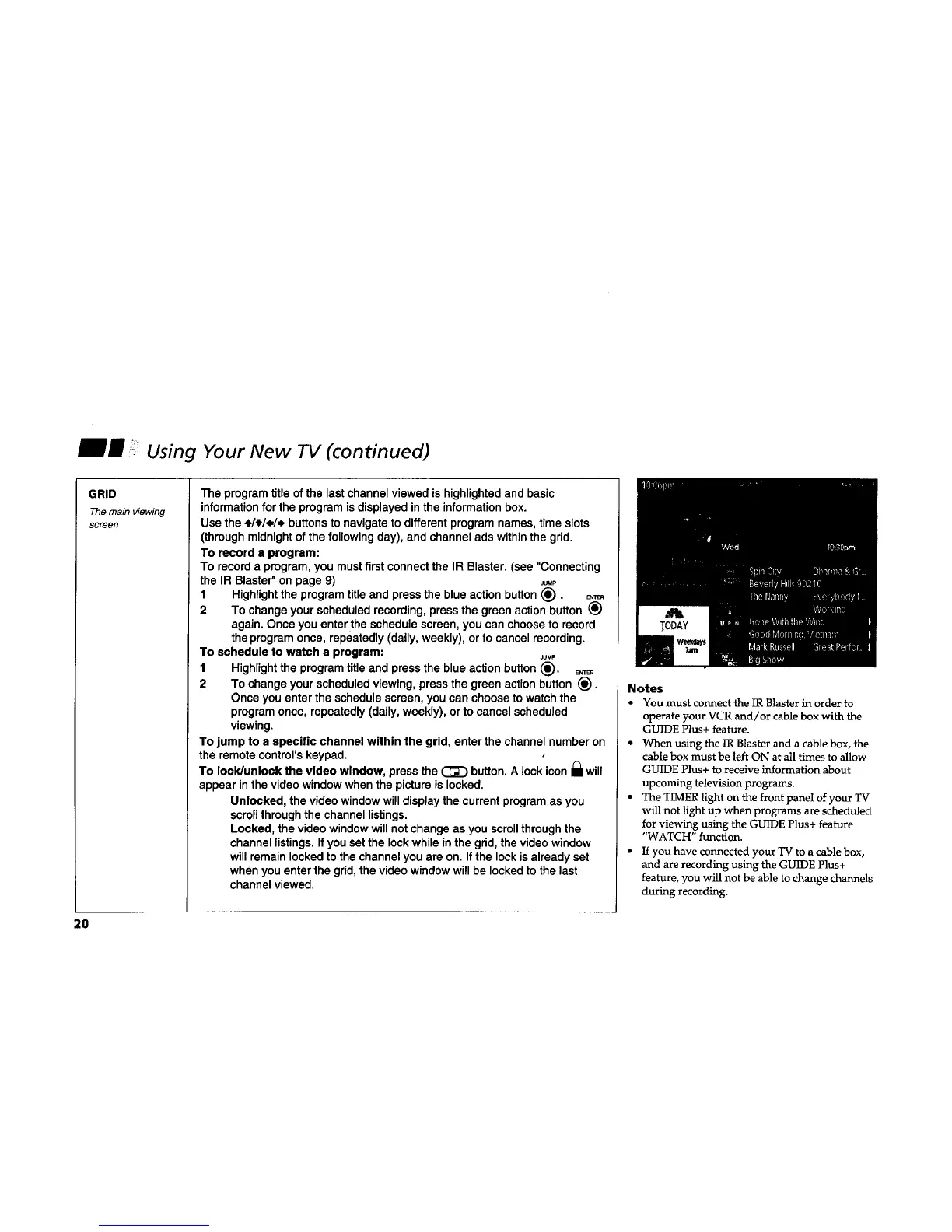
GRID
The main viewing
screen
The program title of the last channel viewed is highlighted and basic
information for the program is displayed in the information box.
Use the +/_/<./,_ buttons to navigate to different program names, time slots
(through midnight of the following day), and channel ads within the grid.
To record s program:
To record a program, you must first connect the IR Blaster. (see "Connecting
the IR Blaster" on page 9) JuMP
1 Highlight the program title and press the blue action button (_). E._.
2 To change your scheduled recording, press the green action button (_)
again. Once you enter the schedule screen, you can choose to record
the program once, repeatedly (daily, weekly), or to cancel recording.
To schedule to watch a program: Ju.P
1 Highlight the program title and press the blue action button (_). E,_.
2 To change your scheduled viewing, press the green action button _).
Once you enter the schedule screen, you can choose to watch the
program once, repeatedly (daily, weekly), or to cancel scheduled
viewing.
To jump to a specific channel within the grid, enter the channel number on
the remote control's keypad.
To lock/unlock the video window, press the _ button. A lock icon I_1will
appear in the video window when the picture is locked.
Unlocked, the video window will display the current program as you
scroll through the channel listings.
Locked, the video window will not change as you scroll through the
channel listings. If you set the lock while in the grid, the video window
will remain locked to the channel you are on. If the lock is already set
when you enter the grid, the video window will be locked to the last
channel viewed.
Notes
You must connect the IR Blaster in order to
operate your VCR and/or cable box with the
GUIDE Plus+ feature.
• When using the IR Blaster and a cable box, the
cable box must be left ON at all times to allow
GUIDE Plus+ to receive information about
upcoming television programs.
• The TIMER light on the front panel of your TV
will not light up when programs are scheduled
for viewing using the GUIDE Plus+ feature
"WATCH" function.
• If you have connected your TV to a cable box,
and are recording using the GUIDE Plus+
feature, you will not be able to change channels
during recording.
2O










 To Next Page