Using Your New 73/(continued)
MESSAGES
Toviewmessages
EDITOR
To tum channels
ON/OFF in the
SETUP
To use or program
the GUIDE Plus+
MESSAGES allows you to view system messages.
While in the Program Guide:
1 Press MENU.
2 Press ,_ to get to MESSAGES and press C_. Messages related to the system willbe displayed, if
none are available the GUIDE Plus+ ID number win be displayed. If messages remain unreadfor a
prolongedpedod, they willbe automaticallydeleted.
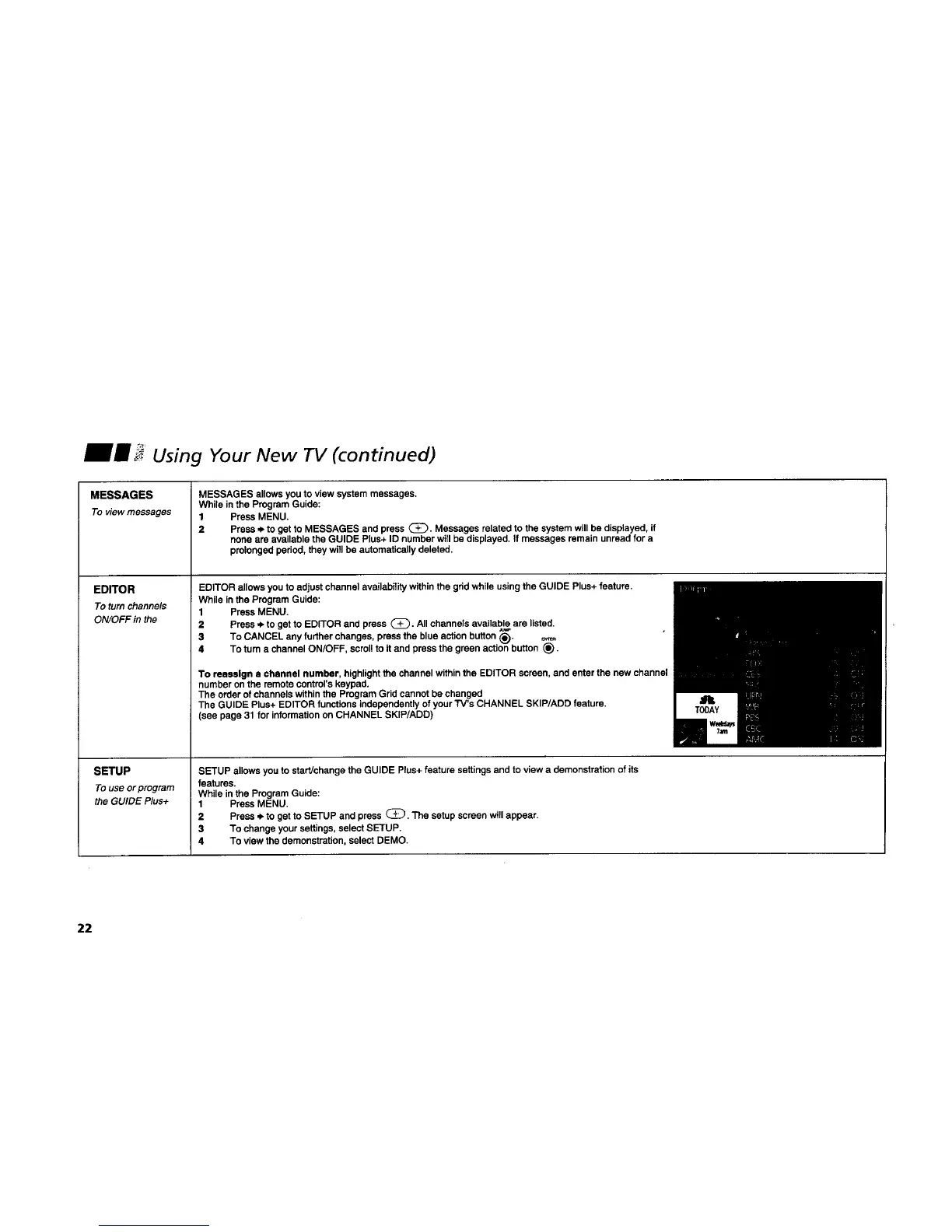
EDITOR allows you to adjust channel availability withinthe gdd while usingthe GUIDE Plus+ feature.
While in the Program Guide:
1 Press MENU.
2 Presse. to get to EDITOR and press (_). All channels available are listed.
3 To CANCEL any further changes, pressthe blue action button _). _._
4 To turn a channel ON/OFF, scrollto itand press the green actionbutton _).
To reassign a channel number, highlightthe channel withinthe EDITOR screen, and enter the new channel
number on the remotecontrol's keypad,
The order of channels withinthe ProgramGrid cannot be changed
The GUIDE Plus+ EDITOR functionsindependentlyof your TV's CHANNEL SKIP/ADD feature.
(see page 31 for informationon CHANNEL SKIP/ADD)
SETUP allows you to start/change the GUIDE Plus+feature settings and to view a demonstrationof its
features.
While inthe ProgramGuide:
1 Press MENU.
2 Press .ibto get to SETUP and press C_. The setup screen willappear.
3 To change your settings,select SETUP.
4 To view the demonstration,select DEMO.
22




 To Next Page