Operation
29
Operation
Switching on the centrifuge
Locate the main power switch on the right-hand side
of the front panel, and set it to the ON (I) position.
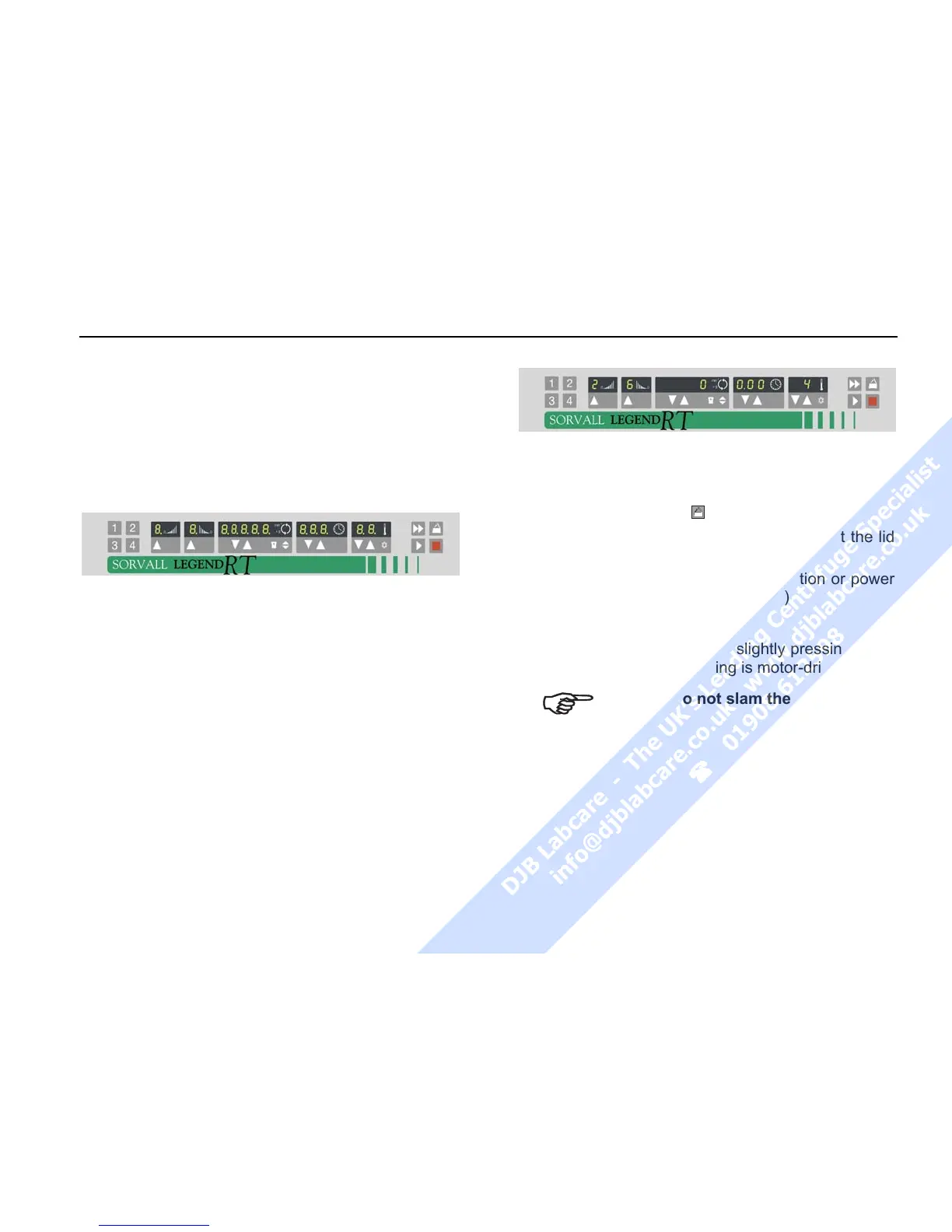
For a couple of seconds the following reading ap-
pears in the control panel:
The display shows that the instrument going through
an internal check of its software.
(see table on page 72).
After this check, the display shows to the actual
value mode. The remaining run time and speed
should both read 0. The display of the accelera-
tion/deceleration curve depends on the last set
value.
The following figure gives an example of possible
readings. A detailed description of possible settings
is given below in this chapter.
Actuating the lid
Opening the lid
Press the "open lid" key
.
If the message “Lift lid” appears, you must lift the lid
slightly.
(Emergency release in case of malfunction or power
failure: see chapter "Troubleshooting")
Closing the lid
The centrifuge lid is locked by slightly pressing down
the front part of the lid. Locking is motor-driven
Do not slam the lid!



 To Next Page