Operation
46
You can adjust the in 10 rpm increments. Proceed as
follows:
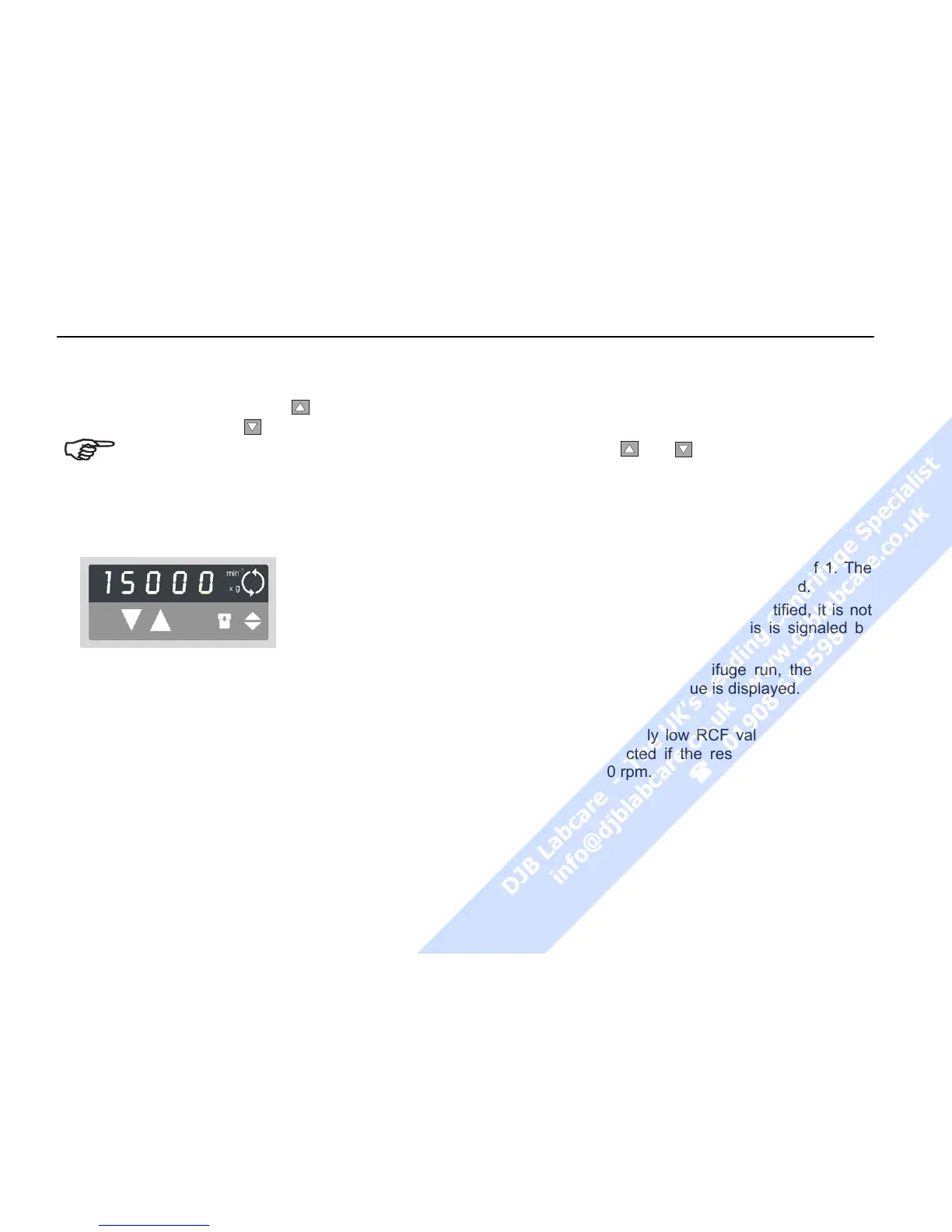
1. By pressing the "set" keys
once (for an in-
crease) or
(for a decrease) in the
"speed" section of the control panel,
you switch from actual to set point val-
ues. The value last stored is displayed,
with the digit entered flashing (if there is
no value stored in memory, this is indi-
cated by dashes -----).
2. By briefly
pressing the
input key you
can raise or
lower the speed
by one step (10
rpm) at a time.
3. If you hold down the key pressed, the display
changes at first slowly and after a few seconds at
an accelerated pace.
4. Release the key as soon as you have reached
the desired value, and adjust if necessary by re-
peatedly pressing the key. The decimal place
flashes for a number of seconds, then changes to
permanent display. The speed is now stored.
For faster operation, you may shift the flashing
cursor in the speed/RCF and the run time panels:
just press both
and
simultaneously. The cur-
sor moves by one digit to the left for each key
depression.
Entering the RCF value
You can adjust the RCF set point in steps of 1. The
set point is entered analogously to the speed.
As long as the rotor has not been identified, it is not
possible to display RCF values. This is signaled by
dashes ----- in the display.
Shortly after starting the centrifuge run, the rotor is
identified and the current value is displayed.
NOTE:
If you set an extremely low RCF value, this may be
automatically corrected if the resulting speed would
be lower than 300 rpm.



 To Next Page