Maintenance and care
45
Entering parameters
Deceleration curves
The Legend™ offers 9 acceleration and deceleration
profiles for optimal centrifuging samples and gradi-
ents. Please consult the diagrams in the Appendix
for more detail of the acceleration and deceleration
curves (for rotors not mentioned here you may ex-
trapolate the respective values).
After switching the centrifuge on, the centrifugation
profiles last entered are selected.
By pressing the “set“ key
you can scroll through
the profile settings until the desired profile is
reached.
Once the display stops flashing, the value is stored
in memory and remains unchanged until changed by
a new entry.
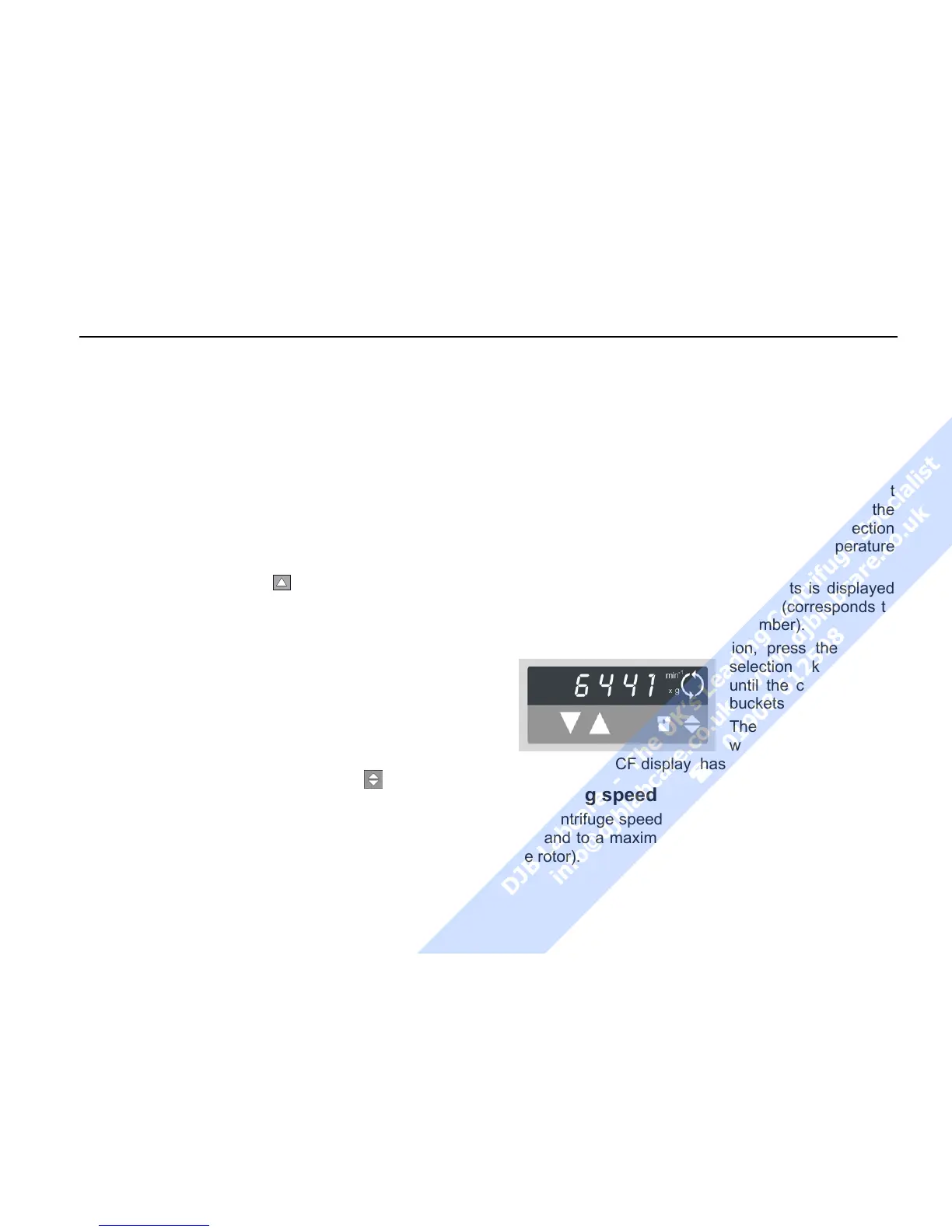
Switching from speed to RCF display
Upon turning the centrifuge on, the speed display is
set.
Use the speed mode selection key
to switch
speed entry and display between rpm and RCF.
Bucket selection for swinging bucket ro-
tors
When running a swinging bucket rotor, the automatic
rotor identification feature will recognize the rotor
body and not determine which bucket or carrier is
installed. If various buckets or carriers are installed in
the rotor cross, the corresponding type of bucket
must be selected. The bucket selection affects the
correct RCF values display and the correct selection
of the corresponding parameters of the temperature
regulation.
The current part number of the buckets is displayed
by pressing the bucket selection key (corresponds to
the last four 4 digits of the order number).
To change the bucket selection, press the bucket
selection key again
until the correct set of
buckets appears.
The value is accepted
when the change back
to the speed RCF display has occurred.
Selecting speed
The centrifuge speed can be set to a minimum of 300
rpm and to a maximum of 15 000 rpm (depending on
the rotor).



 To Next Page