Operation
48
3 If you keep the selected key pressed, the
display changes at first slowly and after a
few seconds at an accelerated pace.
4 Release the key as soon as you have
reached the desired value, and adjust if nec-
essary by repeatedly pressing the key.
The minute display flashes for a number of
seconds, then changes to permanent dis-
play. The run time is now stored.
You may shift the flashing cursor to set the value as
described under "Selecting speed".
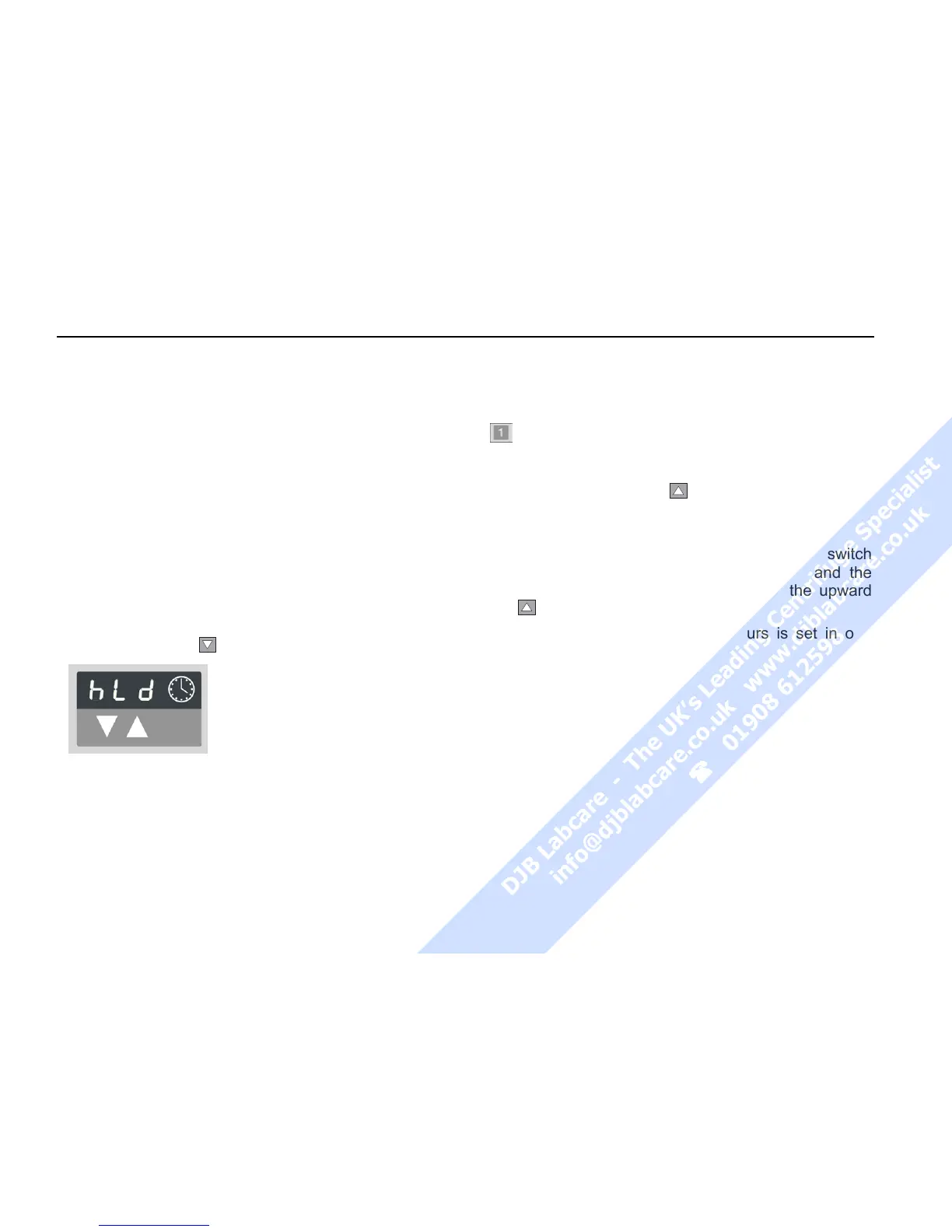
Continuous operation
To switch the Legend™ to the continuous mode, you
must press the key
until the display reads "hLd") .
With this setting, the centri-
fuge keeps run until stopped
manually.
Extended time mode
You can optionally switch to the extended time mode.
To switch it on or off press the program selection key
and start the centrifuge simultaneously. As far as
you keep the key pressed, the selective mode is ac-
tive.
Pressing the upward key
, you can switch back and
forth between the signal menu „beep“ and the time
menu “t-set“.
After selecting the time menu “t-set”, you can switch
between the standards time mode “00.0“ and the
extended time mode „00”.h by pressing the upward
key
.
The time input in excess of 10 hours is set in one
hour increments.



 To Next Page