Operation
52
Working with programs
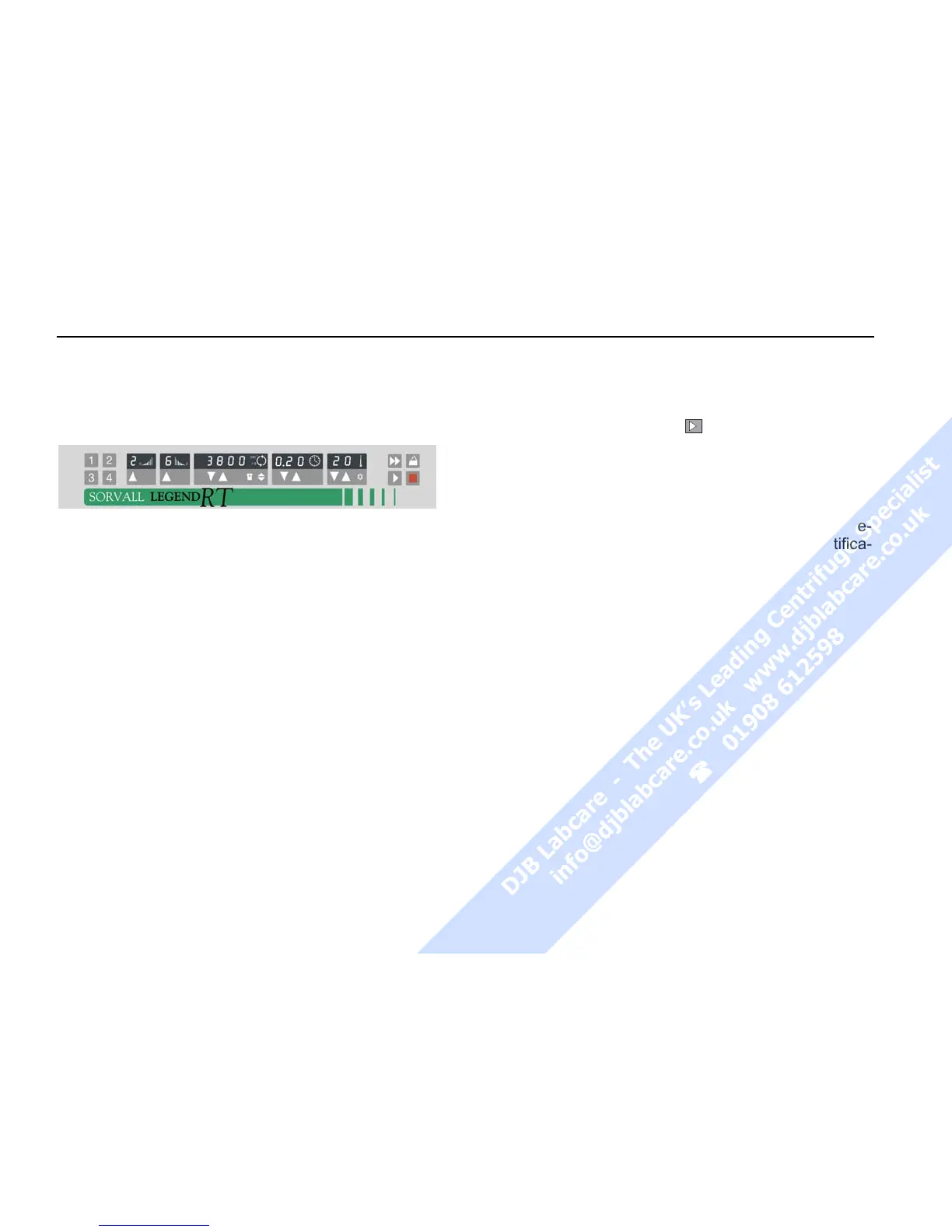
The 4 program selection keys offer the option of
storing and recalling the individual centrifugation
processes.
Program display
By actuating one of the program selection keys the
specific set point values stored are displayed.
Entering/changing a program
All program places have been factory-set at the
same values.
To change these values, proceed as follows:
− Entering the desired parameters
→ only the selection panel affected by the
changes is flashing.
− After entering all set point values the desired pro-
gram selection key has to be pressed for approx.
3 seconds:
→ the new program is being stored .
Repeat the process to set values to additional pro-
gram places.
Centrifuging with a program
After closing the centrifuge lid, call the desired pro-
gram memory number using the program selection
key and press the start key
.
If the rotor is started with a program the speed or
RCF set point value of which exceeds the permissible
one for the inserted rotor or the RCF/set point of
which is below the rotor-specific minimum, the pro-
gram selection keys LED of the program chosen be-
forehand will be switched off after the rotor identifica-
tion.



 To Next Page