Operation
50
Starting the centrifuge
Once the rotor is properly installed, the main switch
turned on and the lid is closed, you can start the
centrifuge.
Press the “start“ key
in the control panel. The
centrifuge accelerates to the selected value. Simul-
taneously time display starts counting down from the
set time selected, at first giving the remaining run
time in minutes and upon reaching the last minute in
seconds (during continuous operation the time dis-
play goes forward).
If a value exceeding the maximum permissible speed
or RCF of the respective rotor was entered, this is
indicated after the start of the centrifuge by the alter-
nately flashing messages "rotor" and the maximum
permissible value for the inserted rotor.
Within 15 seconds you may adopt this value by
again pressing the "start" key; the centrifugation is
then continued. Otherwise the centrifuge stops, and
you must enter a permissible value.
You cannot open the lid during the run.
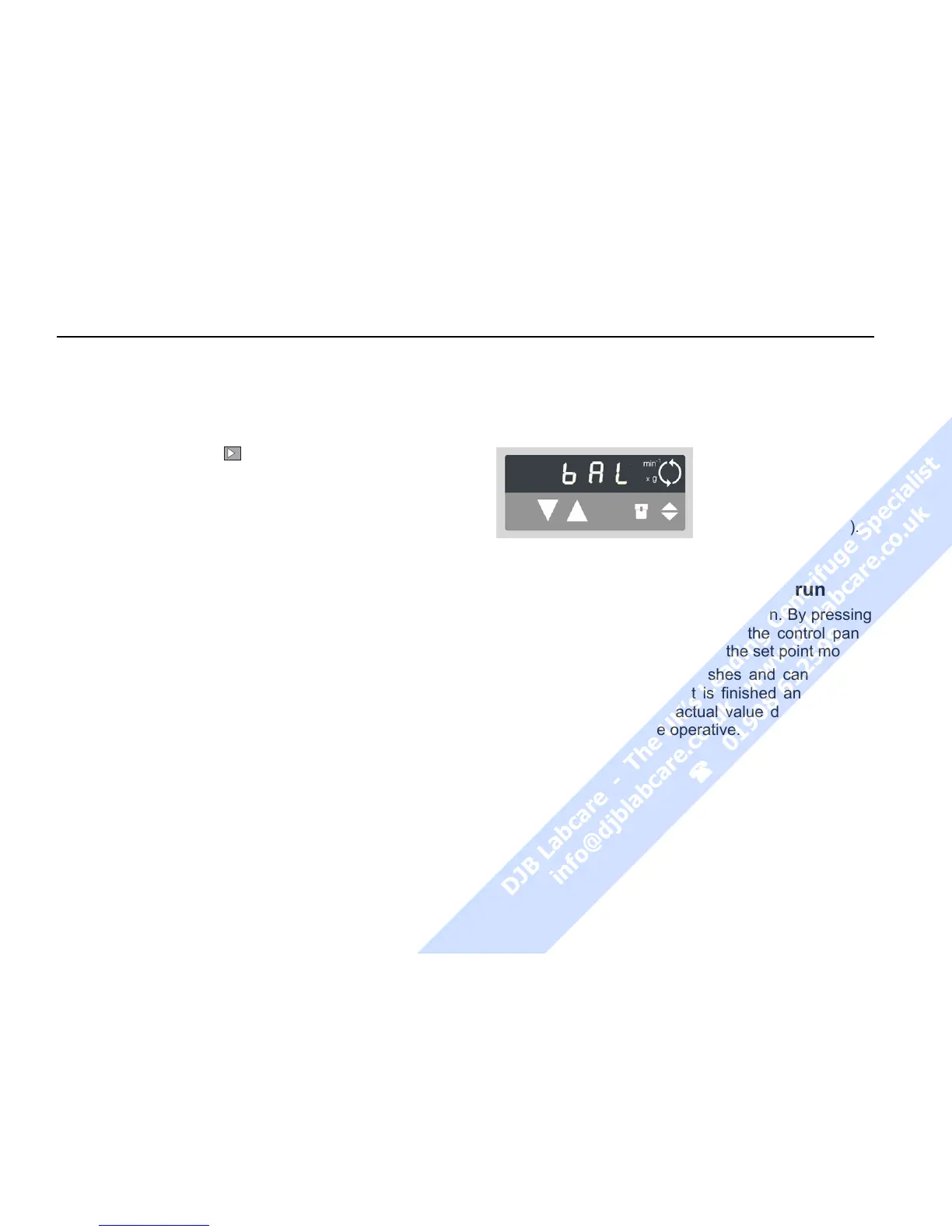
Imbalance display
If rotor imbalance is detected, shortly after the rotor
reaches 300 rpm, the message "bAL
" will appear in the
speed display.
The run is terminated,
and you may restart
the centrifuge after
correcting the imbal-
ance (check loading).
Changing the settings during the run
You can change all settings during a run. By pressing
once any one of the "set" keys in the control panel
you can switch from the actual to the set point mode.
The setting to be adjusted flashes and can then be
altered. Once the data input is finished and the dis-
play has changed to the actual value display mode,
the new settings become operative.



 To Next Page